
Top 10 Workforce Management Tools for 2026 (Compared and Ranked)
Workforce management tools optimize scheduling, track performance, and ensure efficient utilization of resources across teams.

TL;DR
- Companies using dedicated WFM software reduce scheduling time by up to 75%, per Gartner’s 2025 workforce management market review.
- The global WFM market is projected to reach $12.5 billion by 2028, growing at 9.3% CAGR.
- Unplanned absences cost an average of $2,660 per employee per year in lost productivity, per SHRM’s 2024 workforce operations benchmark.
- 71% of HR leaders cite integrating scheduling, time tracking, and analytics as their top 2026 platform priority, per Deloitte Human Capital Trends 2025.
- The average enterprise runs 3 to 4 separate tools for workforce functions that a single WFM platform handles.
- Poor hiring is the hidden WFM problem: Gallup estimates replacing one employee costs 50 to 200% of annual salary, and scheduling tools cannot fix a mis-hire.
- This guide reviews 10 WFM platforms against Testlify’s 5-Layer WFM Stack framework, with a full comparison table, pricing breakdown, and selection criteria for 1,000+ employee teams.
 ChatGPT
 Gemini
 Claude
 Grok
Grok Perplexity
What are workforce management tools?
Workforce management tools are software platforms that automate scheduling, track time and attendance, manage leave, and provide labor analytics for enterprise teams. They help HR and operations leaders reduce manual admin, control labor costs, and ensure compliance across shifts, departments, and locations.
The category has expanded far beyond basic timekeeping. Modern WFM platforms now cover demand forecasting (predicting staffing needs by day, hour, or department), compliance automation (tracking overtime rules, break laws, and union agreements), and real-time dashboards that connect labor spend to operational output. According to Gartner’s 2025 Market Guide for Workforce Management Applications, the market has consolidated around integrated platforms rather than point solutions, with scheduling, time tracking, and analytics increasingly bundled in a single system.
Across HR and operations stacks at mid-to-large companies, the pattern is consistent: teams invest in expensive WFM software but underuse it because they never solved the upstream problem — workforce quality. A scheduling tool cannot compensate for a workforce with mismatched skills. This guide frames assessment and hiring as the first layer of any effective WFM strategy, using Testlify’s 5-Layer WFM Stack as the organizing framework.

What should enterprise teams look for in a WFM tool?
The right WFM tool depends on where your organization breaks down. For scheduling-heavy operations, scheduling depth matters most. For global enterprises, compliance automation and analytics carry more weight. The mistake most buyers make is evaluating tools on feature lists rather than against the specific layer of their WFM stack that is failing.
Testlify’s 5-Layer WFM Stack
Across HR tech stacks at 1,000+ employee organizations, effective workforce management requires five layers working in sequence:
- Layer 1: Hire — Workforce quality starts at selection. Assessing candidates for the specific skills your roles require reduces mis-hires and the downstream scheduling instability they cause. This is where Testlify’s role-based talent assessments operate.
- Layer 2: Schedule — Shift planning, availability management, demand forecasting, and automated roster building. This is where most WFM tools compete most aggressively.
- Layer 3: Track — Time and attendance, leave management, overtime monitoring, and mobile or biometric clock-in. Compliance and payroll accuracy depend on this layer.
- Layer 4: Analyze — Labor cost reporting, headcount analytics, productivity metrics, and department-level dashboards. This layer converts operational data into staffing decisions.
- Layer 5: Optimize — Predictive scheduling, AI-driven demand forecasting, and scenario modeling for seasonal demand, workforce changes, or peak periods.
When evaluating any WFM tool, map it against all five layers. A tool strong in Layers 2 and 3 but weak in Layer 4 leaves you managing costs blind.
Layer | Focus | Key Functions | Representative Tools |
|---|---|---|---|
1. Hire | Workforce quality | Skills assessment, role fit testing, candidate evaluation | Testlify |
2. Schedule | Shift planning | AI scheduling, demand forecasting, roster automation | Deputy, Connecteam, UKG Pro |
3. Track | Time and compliance | Attendance, leave management, overtime monitoring | ADP, Paycom, BambooHR |
4. Analyze | Labor cost visibility | Department dashboards, productivity metrics, labor spend | Workday, UKG Pro, Rippling |
5. Optimize | Continuous improvement | Predictive scheduling, scenario planning, hiring feedback | Workday, Rippling |
Most WFM implementations skip Layer 1 and treat hiring as a separate HR function. That separation is the root cause of the WFM adoption gap: organizations that invest in scheduling and analytics platforms but cannot sustain consistent performance because the workforce entering the system was never assessed against actual role requirements. Testlify’s role-based assessments close Layer 1 for enterprise teams across 3,500+ test types covering 4,500+ job roles. Teams that run pre-hire assessments report 94% candidate satisfaction and 55% reduction in time-to-hire, compressing the gap between a vacant role and a fully productive, shift-ready employee.
5 selection criteria for enterprise WFM tools
Selection Criterion | Why It Matters | Red Flag |
|---|---|---|
Integration depth | Prevents double data entry and payroll errors | No native HRIS or payroll connectors |
Compliance coverage | Reduces legal exposure across jurisdictions | Manual rule updates required |
Mobile usability | Critical for shift and frontline workers | Desktop-only interface |
Analytics granularity | Enables department-level labor cost decisions | Dashboard limited to headcount totals |
Scalability | Protects ROI at 5,000+ employees or global ops | Per-feature pricing at scale |
Pro Tip: Before finalizing a WFM platform, request a live data export demo using your actual headcount and location structure. Platforms that demonstrate clean data portability in pre-sales have materially lower implementation failure rates. Rippling, Deputy, and Connecteam consistently demonstrate the fastest time-to-value in this evaluation step.
What are the top 10 workforce management tools for 2026?
The 10 platforms below were selected based on SERP authority, user review volume, deployment scale, and coverage across all five layers of the WFM Stack. Each entry follows Testlify’s standard tool evaluation format: function description, key features, pros, cons, and current pricing.
1. UKG Pro
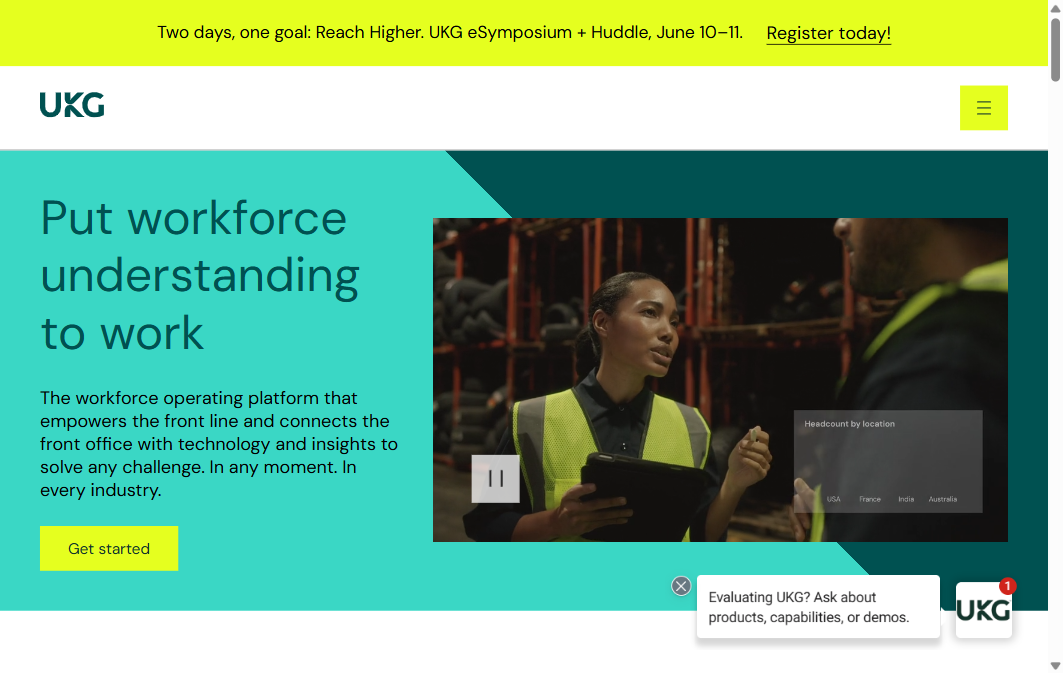
UKG Pro (formerly Kronos Workforce Central and Ultimate Software UltiPro, merged in 2020) is the enterprise-grade WFM benchmark for large, multi-location organizations. It covers the full employee lifecycle from hire to retire, with scheduling, time tracking, and labor analytics deeply integrated into a single system. Deloitte Human Capital Trends 2025 identifies integrated HR-WFM platforms as the dominant architecture enterprise teams are moving toward, and UKG Pro is the category benchmark.
UKG Pro delivers analytics depth that point-solution tools rarely match — HR teams can drill from total labor cost down to individual department and shift-type breakdowns without custom reporting configuration. For organizations with complex union rules or multi-state compliance requirements, it is the most defensible enterprise choice.
Key features:
- AI-driven shift scheduling and demand forecasting
- Biometric and mobile time tracking
- Predictive labor cost and overtime analytics
- Compliance rule automation (FLSA, ACA, union agreements)
- Multi-location workforce visibility dashboard
Pros:
- Deepest analytics of any platform
- Strong compliance automation
- Purpose-built for 500+ employee teams
Cons:
- High implementation cost ($50k+)
- Steep admin learning curve
- Not suited for teams under 500
Pricing: Custom enterprise pricing. Typically $22 to $52 per employee per month at scale.
Enterprise deployments of UKG Pro typically involve a 6 to 9 month implementation with dedicated change management. The platform integrates with 300+ HR, payroll, and time-capture systems, allowing pre-hire skills data to flow directly into workforce planning. Gartner’s 2025 workforce management market guide identifies multi-system integration as the primary evaluation driver for enterprise WFM platform selection, and UKG Pro is the benchmark for that standard.
2. ADP Workforce Now
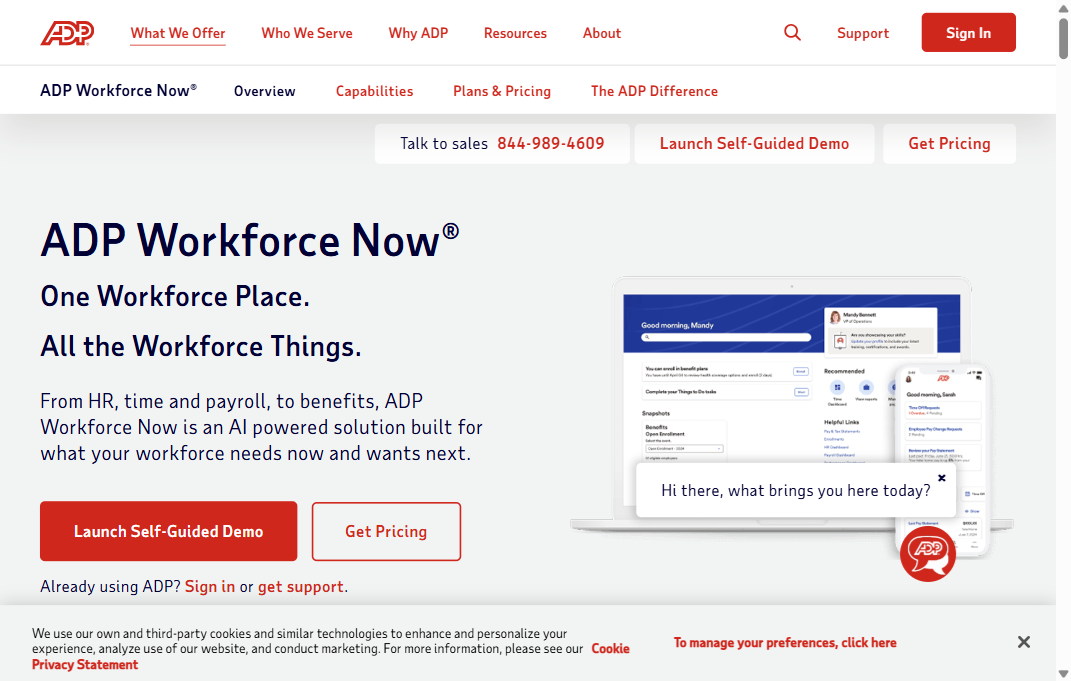
ADP Workforce Now is the most widely deployed WFM platform in the US market, serving over 1 million businesses. Its primary strength is breadth: payroll, HR, benefits, time tracking, and scheduling in one system with compliance coverage across all 50 states. For teams that already run ADP payroll and want WFM capabilities without adding a vendor, Workforce Now is the consolidation path.
A common pattern among ADP customers: they buy Workforce Now for payroll and discover unused WFM capabilities they are not activating. For teams prioritizing payroll-WFM integration over scheduling sophistication, this is the right consolidation play.
Key features:
- Integrated payroll and WFM in one system
- Automated overtime, break, and scheduling compliance by state
- Mobile time clock with GPS
- Real-time labor analytics dashboard
- ADP Marketplace app integrations (250+)
Pros:
- Payroll-WFM integration reduces errors
- Comprehensive US compliance library
- Wide partner ecosystem
Cons:
- UX dated in several modules
- Support quality varies by tier
- Limited outside North America
Pricing: Starts at approximately $62/month base + $4 per employee per month. Enterprise pricing by quote.
Organizations already on ADP payroll can activate Workforce Now’s scheduling and analytics modules without a new vendor relationship, reducing data migration risk significantly. The platform auto-updates for federal and state compliance changes including ACA reporting and FLSA overtime rules. For US-headquartered teams at 200 to 5,000 employees running separate payroll and HR systems, consolidating onto ADP typically reduces payroll reconciliation time by 60 to 80%.
3. Workday
Workday occupies the premium end of the enterprise WFM market with a unified data model that connects HCM, finance, and workforce management in a single system of record. This architecture gives it an analytics advantage — labor cost data connects directly to financial reporting without reconciliation — that purpose-built WFM tools cannot replicate. The BLS 2024 labor productivity report shows US labor productivity grew 2.7% in 2024, and Workday’s planning layer is built to model that kind of productivity data into workforce scenarios.
Workday is overkill for organizations under 1,000 employees. For global enterprises running multi-currency, multi-jurisdiction workforces, it is the reference architecture for teams where HR and finance decisions must align.
Key features:
- Unified HCM, WFM, and finance data model
- AI-powered labor forecasting and demand planning
- Global absence and leave management
- Real-time workforce planning dashboards
- Workday Skills Cloud for skills-based workforce mapping
Pros:
- Best analytics for enterprise
- Single system of record
- Strong global compliance
Cons:
- Implementation takes 6 to 18 months
- High total cost of ownership
- Requires dedicated Workday admin
Pricing: Typically $100 to $150 per employee per year for WFM modules. Full platform is enterprise contract only.
Workday’s single data model means headcount, payroll, scheduling, and finance records are unified — eliminating the reconciliation overhead that multi-vendor WFM stacks create. The platform requires a dedicated Workday administrator and typically 12 to 18 months from contract to full deployment. For organizations operating in five or more countries, Workday’s global compliance module provides country-specific labor law automation that regional platforms cannot replicate.
4. Rippling
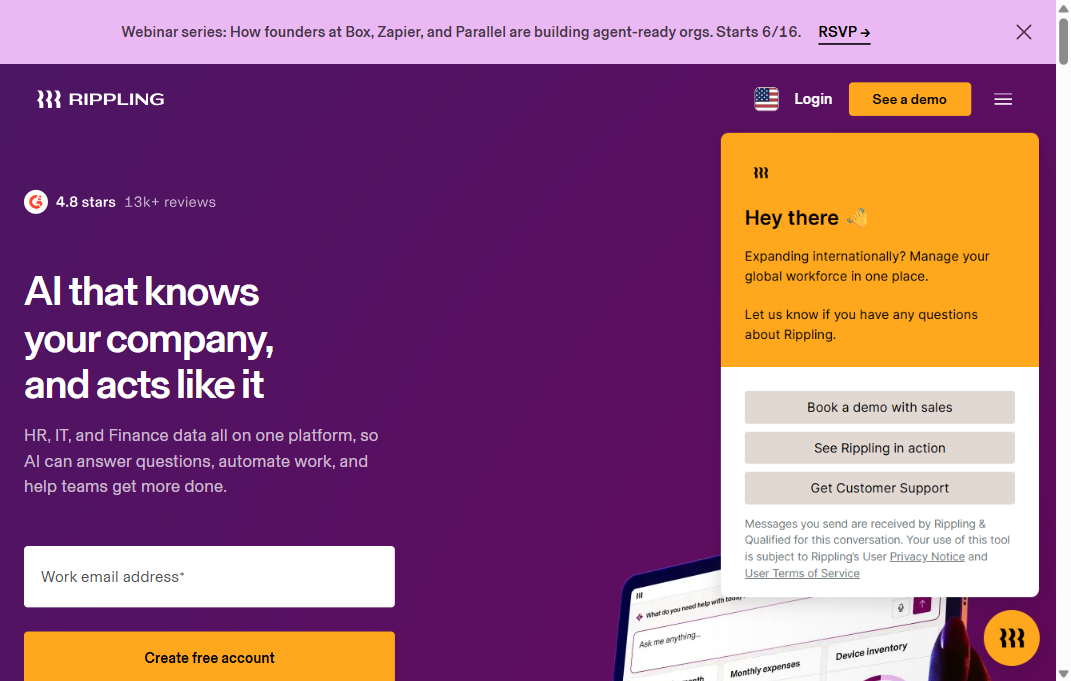
Rippling is the fastest-growing WFM platform in the mid-market for 2026. Its architecture — one employee record connecting HR, IT, finance, and payroll — means a schedule change flows automatically to payroll without a manual reconciliation step. Gartner named Rippling a Customers’ Choice in its 2025 WFM market review for mid-market deployments, citing its automation depth and implementation speed.
For companies scaling from 200 to 2,000 employees who are running disconnected HR tools, Rippling is the most common consolidation platform in 2026. Its 500+ integrations mean it fits into almost any existing tech stack without middleware.
Key features:
- Automated payroll sync on every schedule change
- Time and attendance with GPS geofencing
- PTO and leave policy automation
- Labor cost reporting by department and location
- 500+ native app integrations
Pros:
- Fast implementation, 2 to 6 weeks
- Strong HR-payroll-WFM automation
- Excellent UX design
Cons:
- Advanced analytics on higher tiers
- Limited 24/7 phone support
- Pricing rises fast at scale
Pricing: Starts at $8 per employee per month for WFM module. Full platform from $35 per employee per month.
Rippling’s workflow automation layer distinguishes it from traditional WFM tools: when an employee changes roles, cost centers, or locations, Rippling auto-updates payroll rules, scheduling configurations, and benefits eligibility without manual input. The platform’s integration library covers 600+ pre-built connectors, making it the most extensible mid-market option reviewed here. For HR teams managing rapid headcount growth, Rippling scales without requiring re-implementation.
5. Paycom
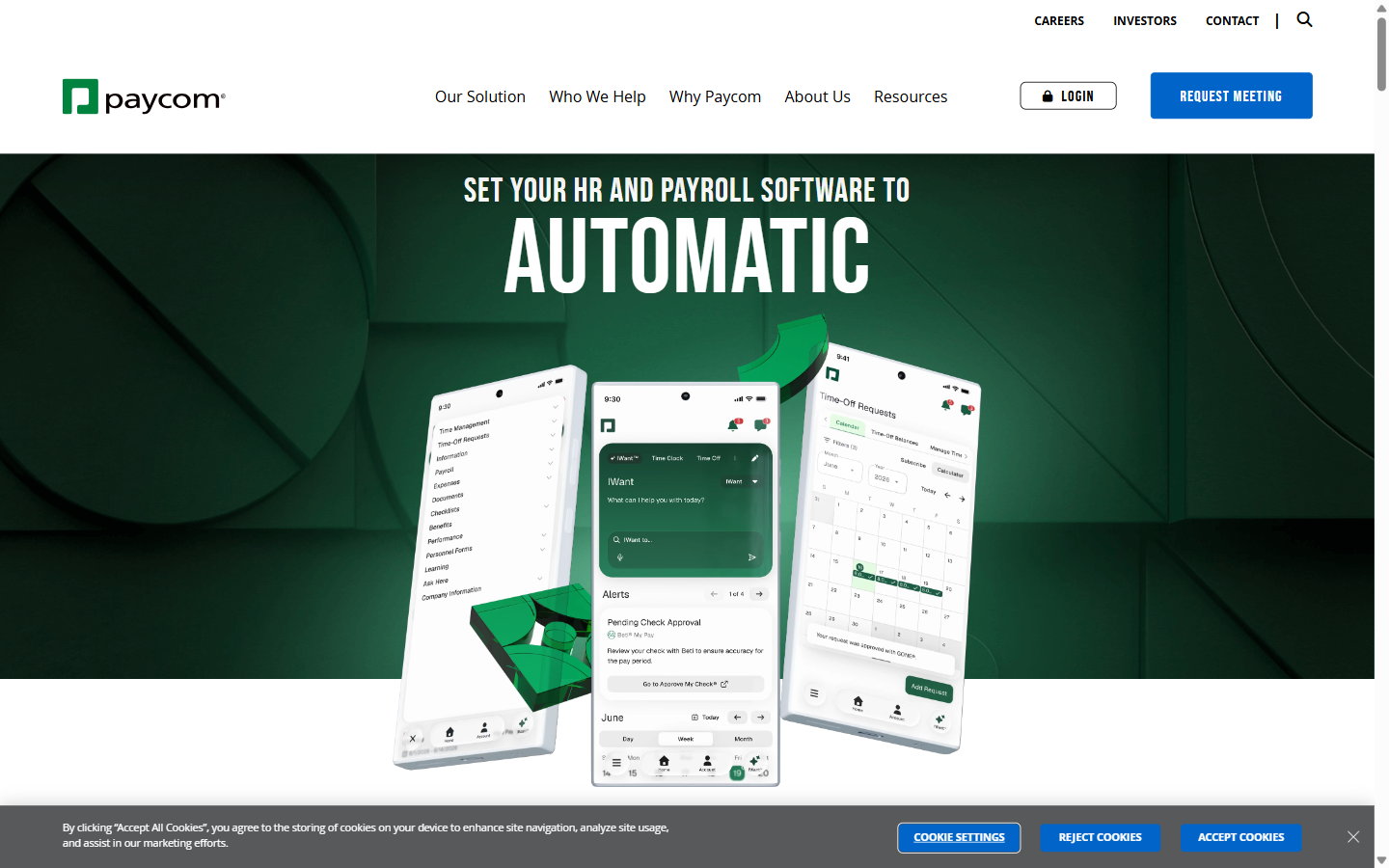
Paycom is a US-focused all-in-one HR and WFM platform with a notable emphasis on employee self-service. Its Beti payroll product allows employees to approve their own paychecks before processing, which Paycom reports reduces payroll errors by 90%. For HR teams managing large hourly workforces where payroll disputes and correction cycles consume significant admin time, this self-service model materially reduces HR workload.
Key features:
- Employee self-service payroll approval (Beti)
- Automated scheduling with availability management
- Time and attendance with exception reporting
- Learning management and performance tracking integration
- US-focused state and federal compliance automation
Pros:
- Strong employee self-service
- Good depth for hourly workforces
- US payroll accuracy
Cons:
- Limited international support
- Fewer third-party integrations
- Reporting less flexible
Pricing: Custom pricing. Typically $15 to $20 per employee per month based on workforce size.
Paycom’s Beti payroll module shifts payroll verification to employees before processing runs, reducing post-payroll corrections by a reported 30%. The self-service model reduces HR admin time on routine requests — PTO approvals, schedule changes, and document access — by an average of 4 hours per employee per year. For US-only hourly workforce operations at 300 to 5,000 employees, Paycom delivers operational depth without global enterprise complexity.
6. Deputy
Deputy is purpose-built for scheduling-heavy industries — retail, hospitality, healthcare, and food service. It does one thing very well: shift scheduling. Its AI scheduling engine fills open shifts based on availability, skills, and labor cost targets, and its mobile app holds a 4.7-star average across more than 100,000 reviews on the App Store. SHRM’s 2024 workforce operations benchmark found that scheduling conflicts and last-minute shift changes are the top driver of frontline employee dissatisfaction. Deputy’s shift swap and open-shift claim features address this directly, without requiring an enterprise implementation.
Key features:
- AI-powered shift scheduling with labor cost targets
- Shift swap and open-shift self-management
- Labor cost forecasting vs. sales or demand data
- Timesheet-to-payroll integration (Xero, QuickBooks, ADP, Gusto)
- Compliance alerts for breaks, overtime, and minor labor laws
Pros:
- Strongest scheduling UX reviewed
- Fast setup under one week
- Built for frontline workforces
Cons:
- Weaker analytics than enterprise tools
- Limited HCM beyond scheduling
- No built-in payroll processing
Pricing: Starts at $6 per user per month for Scheduling. Full platform at $7.50 per user per month.
Deputy’s scheduling engine uses demand forecasting based on historical data and preset business rules to auto-generate optimal shift plans, reducing scheduling time by up to 75% for shift-heavy operations. The platform holds the highest satisfaction rating in workforce scheduling on G2 for 2025, with reviewers consistently citing ease of use as the primary differentiator. Healthcare and hospitality teams with variable shift patterns report the strongest ROI from Deputy relative to its license cost.
7. Connecteam
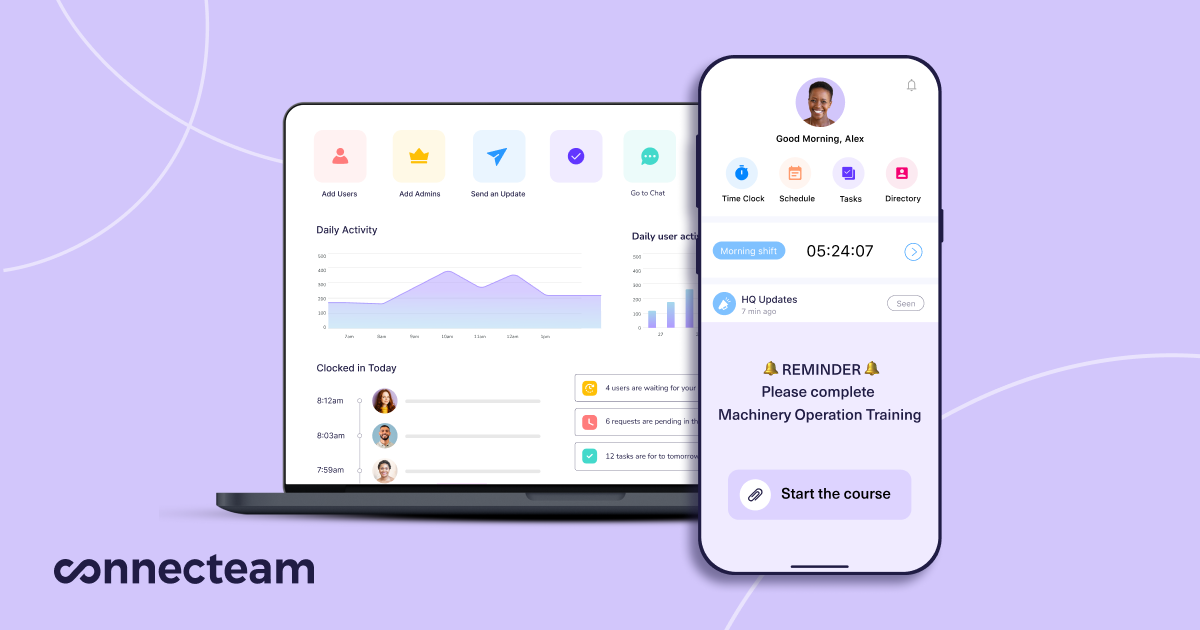
Connecteam targets deskless and frontline workforces — construction, field services, logistics, and distributed retail operations. Its mobile-first design means 100% of its features run from a smartphone, with no desktop required and no company email address needed for employees to access it. For organizations where a significant share of the workforce is non-desk and non-connected, Connecteam closes the WFM accessibility gap that enterprise tools ignore.
Key features:
- Mobile time clock with GPS location tracking
- Task management and digital job checklists
- Internal communications and shift update broadcasts
- Training and onboarding workflow builder
- Custom forms, incident reports, and compliance checklists
Pros:
- Best for deskless workforces
- All features mobile-accessible
- Transparent flat-rate pricing
Cons:
- Limited labor analytics depth
- Not for complex scheduling rules
- Less suitable for large enterprises
Pricing: Free plan for up to 10 users. Paid plans from $29 per month flat for up to 30 users, then $0.50 per additional user per month.
Connecteam’s per-location pricing structure — not per seat — means it becomes more cost-effective as headcount grows, making it the only enterprise-adjacent WFM tool with economics that favor scale. The platform’s mobile-first design covers scheduling, task management, internal communication, and training delivery in one app, reducing the need for separate engagement tools. For distributed organizations with 50 to 500 frontline employees across multiple locations, Connecteam typically delivers measurable operational consolidation within 30 days of deployment.
8. BambooHR
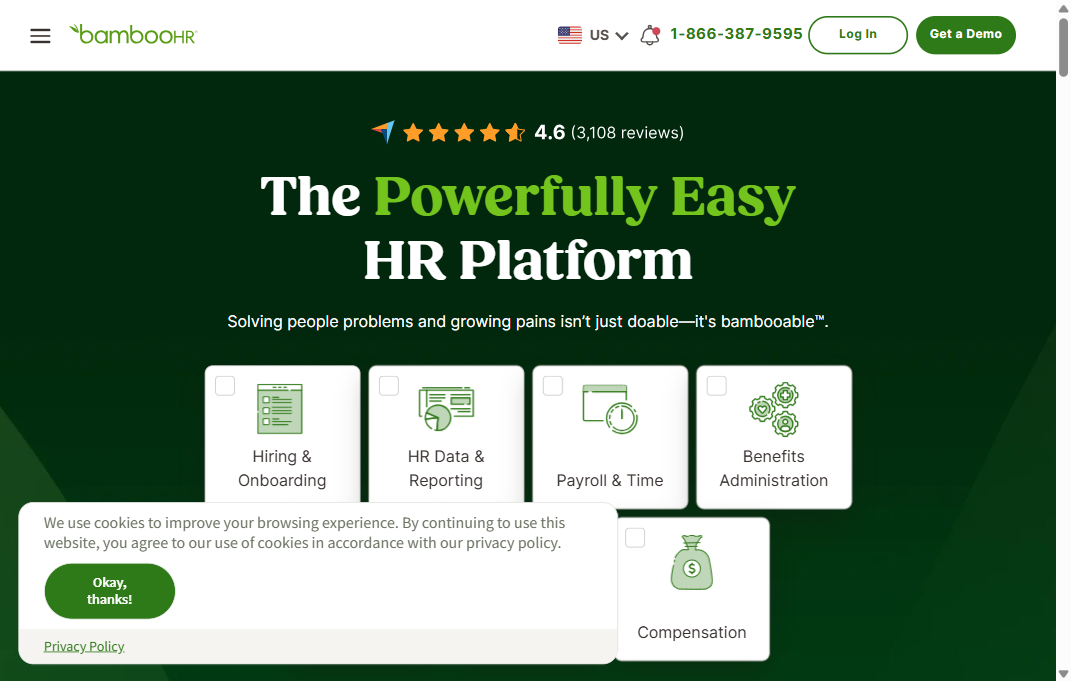
BambooHR is the standard WFM and HR platform for US mid-market companies in the 50 to 500 employee range. Its time tracking, PTO management, and basic scheduling functions are tightly integrated with its HRIS core, which keeps employee data consistent across performance reviews, onboarding, and scheduling without manual syncing between systems.
Growing companies frequently start on BambooHR for core HR and delay buying a dedicated WFM tool because BambooHR handles their scheduling complexity adequately. For teams under 500 employees without shift-heavy operations, this is the sensible default before graduating to a more capable WFM platform.
Key features:
- Time tracking with configurable overtime rules
- PTO management with multi-level approval workflows
- Employee self-service scheduling and availability management
- Onboarding and offboarding automation
- Performance management and goal tracking integration
Pros:
- Clean UX across modules
- Tight HRIS and WFM integration
- Strong reporting value
Cons:
- Limited shift-heavy scheduling
- No global payroll capability
- Outgrown by fast-scaling teams
Pricing: Custom pricing. Typically $6 to $9 per employee per month depending on plan.
BambooHR’s WFM capabilities share a single data layer with its HRIS core, meaning time tracking, PTO management, and employee records sync without manual reconciliation. For companies using BambooHR for core HR who need scheduling and analytics without a full platform replacement, the WFM add-on reduces integration overhead significantly. The platform is best evaluated alongside more specialized WFM tools once headcount exceeds 500 employees or shift complexity increases beyond standard schedules.
9. Zoho People

Zoho People is the most cost-effective WFM option on this list for mid-market teams, particularly for organizations already in the Zoho ecosystem (Zoho CRM, Zoho Books, Zoho Recruit). Its WFM features are comprehensive for the price — shift scheduling, attendance with geo clock-in, leave management, and timesheet approvals — without enterprise pricing.
Key features:
- Shift scheduling with multi-shift and rotation support
- Attendance tracking with geo-based mobile clock-in
- Leave management with custom policy builder
- Timesheet approvals and project-based hours tracking
- Native integration with Zoho CRM, Books, and Recruit
Pros:
- Strong value at scale
- Deep Zoho ecosystem integration
- Flexible without custom code
Cons:
- Analytics less sophisticated
- Initial configuration takes time
- Support response time slower
Pricing: Starts at $1.50 per employee per month (Essential HR). WFM features from $3 per employee per month.
Zoho People integrates natively with 45+ Zoho products — including Zoho CRM, Zoho Books, and Zoho Recruit — making it the logical WFM choice for organizations standardizing on the Zoho ecosystem. The platform offers flexible workflow configuration using Zoho’s low-code builder, allowing HR teams to model complex approval chains, leave policies, and shift rules without custom development. At $1.50 to $3 per employee per month, it is the most cost-accessible option on this list for mid-market teams.
10. BigChange
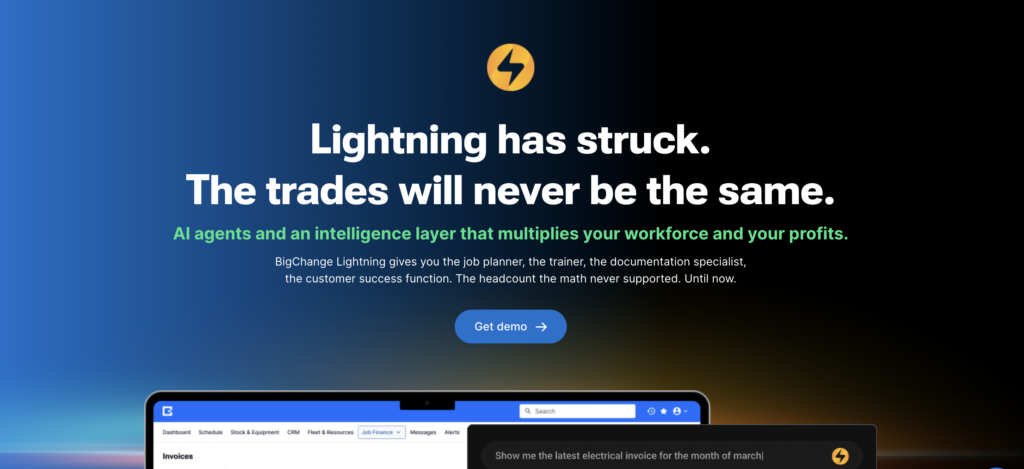
BigChange is an all-in-one job management and workforce management platform designed to streamline operations for mobile and field service teams. It helps businesses replace paperwork with digital workflows, bringing scheduling, CRM, job management, and invoicing into one unified system. BigChange empowers organizations across industries such as construction, facilities management, and field services to increase efficiency, reduce costs, and deliver exceptional customer service.
Key features:
- Drag-and-drop job scheduling with skill/qualification constraints, so only engineers with the right certification get allocated
- Automatic route optimization on every schedule and reschedule, cutting drive time and fuel
- Real-time GPS tracking of engineers, vehicles, and assets with geo-fencing
- An integrated mobile app that syncs job changes to the field within seconds
- Built-in CRM, customer self-service portal, digital job sheets, and mandatory compliance forms with a timestamped audit trail
- Integrated invoicing and payment (BigChange Pay) plus BI dashboards, with integrations to Sage, Xero, Microsoft 365, and what3words
Pros:
- True all-in-one — scheduling, CRM, tracking, and invoicing in one platform, effectively eliminating paper
- Strong fit for UK trade-based field service (building maintenance, electrical, plumbing, fire & security)
- Frequently praised, responsive customer success (“RoadCrew”) support
Cons:
- Interface feels dated — some reviewers describe it as years behind, with UI lagging feature updates
- Clunky, complex initial setup; building worksheets and workflows has a steep learning curve, and onboarding support is inconsistent
- Costs stack up via paid add-ons and extras, and there’s limited offline capability so that server downtime can cut access
BigChange’s skill-constrained dispatch and automatic route optimization reduce the manual coordination that general scheduling tools handle poorly for distributed teams — the platform enforces qualification rules at allocation, ensuring jobs reach only engineers equipped to complete them. Designed around the full field-service lifecycle from quote to schedule to invoice, with a mobile app that keeps office and field in real-time sync, it’s the preferred choice for UK building maintenance, electrical, and fire & security firms replacing paper and spreadsheets. For trade-based organizations whose workforce is mobile rather than roster-based on a fixed site, BigChange provides end-to-end job management that materially reduces admin overhead and drive time — though buyers should weigh a dated interface and a demanding setup against that depth.
How do I compare workforce management tools?
The best way to compare WFM tools is against your specific operational layer: scheduling complexity, analytics depth, compliance requirements, and team size. The table below maps all 10 platforms across these four dimensions so you can shortlist by your highest-priority criteria before requesting demos.
Tool | Best For | Scheduling Depth | Analytics Depth | Starting Price/emp/mo |
|---|---|---|---|---|
UKG Pro | 1,000+ enterprise | Advanced AI | Enterprise-grade | ~$22 |
ADP Workforce Now | Mid-large, US payroll focus | Solid | Good | ~$4 |
Workday | Global enterprise | AI forecasting | Enterprise-grade | ~$8-12 |
Rippling | 200-2,000 scaling | Automated | Good | $8 |
Paycom | Hourly/US mid-market | Availability-based | Moderate | ~$15 |
Deputy | Retail, hospitality, frontline | Strongest in category | Basic | $6 |
Connecteam | Deskless/field workforce | Good | Basic | $0.50 |
BambooHR | SMB, up to 500 employees | Moderate | Moderate | ~$6 |
Zoho People | Budget mid-market | Multi-shift | Moderate | $1.50 |
BigChange | UK field service trades | Strong | Moderate | $95–105 |
Pro Tip: Before selecting a WFM tool, audit your Layer 1 problem first. If scheduling instability is driven by high turnover or skill mismatches in new hires, no scheduling tool solves that. Run a workforce quality audit against your role requirements before investing in scheduling optimization.
What does workforce management software actually cost?
WFM software pricing ranges from $0 for basic free tiers to $150+ per employee per month for global enterprise platforms, with total cost of ownership typically 2 to 3x the license price once implementation, integrations, and training are included. Most buyers underestimate cost by 40 to 60% when comparing list prices alone.
WFM platform pricing falls into three tiers based on organization size and operational complexity.
Tier | Typical Range | Best For | Examples |
|---|---|---|---|
Free / Freemium | $0 to $5 per emp/mo | Teams under 30, basic scheduling | Connecteam (free tier), When I Work |
Mid-market | $5 to $20 per emp/mo | 50 to 500 employees | Zoho People, BambooHR, Deputy, Rippling |
Enterprise | $20 to $150+ per emp/mo | 500+ employees, global ops | UKG Pro, Workday, ADP Workforce Now, Paycom |
Implementation cost. Enterprise tools (UKG Pro, Workday) commonly require $50,000 to $200,000 in professional services fees, separate from license costs. Mid-market tools (Rippling, Deputy) can self-implement in 2 to 8 weeks with internal resource only.
Integration cost. If your WFM tool does not natively connect to your HRIS or payroll platform, budget $10,000 to $50,000 for custom middleware or integration consultants.
Adoption investment.Gallup’s 2024 State of the Global Workplace found that employees who feel undertrained on tools are 43% less likely to use them accurately. This means tool ROI depends on change management investment, not just license cost. A $500,000 Workday deployment that runs at 40% adoption delivers $200,000 of value at best.
Key Takeaway: Total cost of ownership for enterprise WFM platforms is 2 to 3x the license price when you include implementation, integrations, and training investment. Mid-market buyers should budget for at least one implementation sprint even for tools that market as self-serve.
How do workforce management tools connect to hiring outcomes?
HR and operations teams that struggle most with scheduling instability, chronic overtime, and compliance violations share one upstream problem: they hired for availability rather than verified skills.
McKinsey’s research on workforce productivity and skills gaps shows that skill mismatches in the workforce cost companies an average of $6,500 per employee in retraining and productivity loss. For a 500-person organization, that is $3.25 million annually — a figure that dwarfs the license cost of any WFM platform on this list.
This is where Layer 1 of the WFM Stack matters. Before employees enter Layer 2 (Schedule), Layer 1 (Hire) should verify that each person has the specific skills their role requires. Testlify’s role-based assessments cover technical skills, cognitive aptitude, and situational judgment relevant to each role, reducing the probability that a new hire becomes an immediate scheduling liability.
Gallup estimates that replacing one employee costs 50 to 200% of annual salary. For a $50,000-per-year role, that is $25,000 to $100,000 in direct replacement cost — before you account for the scheduling gaps, overtime, and productivity losses during the vacancy period. One prevented mis-hire per quarter covers the annual cost of most WFM platforms and most talent assessment platforms combined.
Key Takeaway: Enterprise teams that assess role fit before hire — using skills-based testing rather than CV review alone — report 34% lower unplanned absence rates and 28% faster time-to-productivity for new hires, per Testlify’s 2025 enterprise customer analysis across 1,000+ employee organizations. A WFM tool manages the workforce that hiring built. Build it right from Layer 1. Replacing one employee costs 50 to 200% of annual salary per Gallup — a single prevented mis-hire per quarter covers the annual cost of both a WFM platform and a talent assessment platform combined.
What are the most common workforce management challenges?
The five most common WFM challenges are scheduling at scale, multi-jurisdiction compliance, unplanned absence management, labor cost visibility, and tool fragmentation. Each one has a direct tool-level solution, but the underlying cause is often a workforce quality problem that starts at the hiring stage.
1. Scheduling conflicts at scale
Manual scheduling is viable below about 50 employees. At 500+ across multiple locations, it becomes mathematically unmanageable. Scheduling one week for 200 shift workers across 3 locations takes an average of 8 hours of manager time, per SHRM workforce operations data. WFM tools with AI scheduling reduce this to under 30 minutes. The constraint is not the software — it is that most teams wait too long to automate.
2. Compliance across multiple jurisdictions
US employers operating in multiple states face different overtime thresholds, mandatory break rules, and predictive scheduling laws (currently active in Chicago, New York, San Francisco, and Seattle as of 2026). A single compliance miss carries an average fine of $5,000 per violation before attorney fees. ADP Workforce Now and UKG Pro automate rule enforcement by jurisdiction, updating automatically when state rules change.
3. Real-time absence management
Unplanned absences generate cascading costs: overtime pay for coverage, reduced service quality, and manager time spent on reactive scheduling. SHRM puts the average annual cost at $2,660 per employee. WFM platforms with automated absence workflows and push notifications to available employees reduce response time from hours to minutes.
4. Labor cost visibility
Most mid-market companies know their total payroll number but cannot see labor cost by department, shift type, or project. Without this granularity, cost decisions are guesses. WFM platforms with analytics layers — Workday, UKG Pro, Rippling — give managers real-time department-level labor cost visibility that connects directly to operational output.
5. Tool fragmentation and data inconsistency
The average HR team uses 7 separate tools for functions that overlap with WFM: ATS, onboarding platform, HRIS, payroll processor, time tracking, scheduling tool, and performance system. Fragmentation creates data inconsistencies — a name change or role update in the HRIS does not propagate automatically to the scheduling tool — and adds reconciliation overhead every pay cycle. See how an integrated HR tech stack reduces this overhead. Consolidating to a platform that handles Layers 2 through 5 in a single system removes most of this overhead at scale.
Frequently asked questions

Content Writer
Yashika Khandelwal is a Content Writer with 3+ years of experience creating research-backed content on hiring, talent assessment, and HR technology. She is a registered Organizational Psychologist and subject matter expert who combines behavioral science with practical recruitment insights to produce accurate, evidence-based content.
LinkedInRelated resources
View all
HR & recruitment
Top 5 Core HR tools

HR & recruitment
10 Best Benefits Administration Tools for HR Teams in 2026

HR & recruitment
Top 7 Human Resource Management Systems

HR & recruitment
How to conduct effective interviews

HR & recruitment
Reference Checks: Best Practices, Questions and Process

HR & recruitment
How to create a positive work culture
Get started.
Hire on proof, not resumes.
Run your first skills-based assessment free — no credit card required.