
Skills gap analysis tools: What HR teams should look for
A practical guide to skills gap analysis tools, key features, tool types, and how HR teams can choose the right fit.
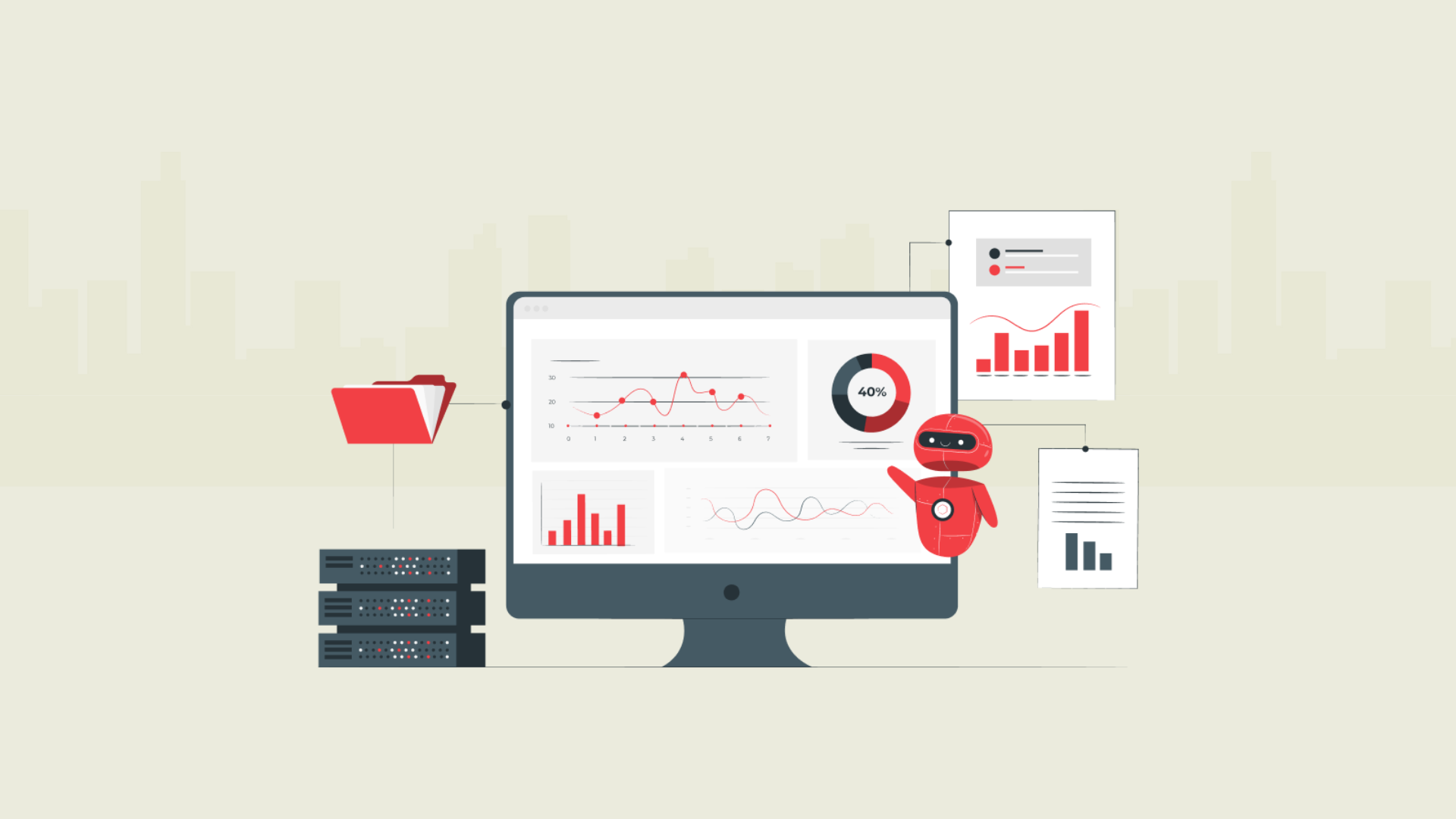
Hiring teams cannot fix a skills gap if they cannot see it clearly.
That is where skills gap analysis tools help. They give HR teams a structured way to compare the skills people have today with the skills required for a role, team, or business goal. Instead of relying only on gut feeling, manager opinions, or scattered performance notes, teams can use clearer data to decide what to train, what to hire for, and where development support is needed.
A good gap analysis tool does not just show missing skills. It helps connect skill levels to real action, such as better hiring criteria, focused training programs, stronger development plans, and more useful conversations with managers.
If you are still new to the topic, you can first read our guide on skills gap analysis. This blog focuses on the tools side: what they do, when you need one, which types are available, and how to compare them without overbuying.
 ChatGPT
 Gemini
 Claude
 Grok
Grok Perplexity
What are skills gap analysis tools?
Skills gap analysis tools are platforms, templates, or systems that help compare current skills with the skills required for a role, team, project, or business goal. In simple terms, they answer three questions:
- What skills do we need?
- What skills do our people or candidates already have?
- Where are the gaps we need to address?
These tools can be basic, like a spreadsheet or skills matrix. They can also be more advanced, like assessment platforms, learning systems, performance management tools, or talent intelligence platforms.
The purpose is the same: help an HR team make better decisions with cleaner skills data. A skills gap analysis tool can help you:
- Define the critical skills required for a role or team
- Measure current skill levels across individual employees or candidates
- Identify gaps in technical skills, soft skills, or role-specific knowledge
- Prioritize the gaps that matter most to business outcomes
- Build training programs or development plans
- Track whether skill development is improving over time
For example, a customer support team may need stronger written communication, product knowledge, and problem-solving skills. A gap analysis tool can help HR compare the skills required for the role with each employee’s current skill set. From there, the team can decide whether to train, coach, hire, or adjust role expectations.
This is also where assessment platforms can be useful. In platforms like Testlify, teams can use role-specific assessments to measure skills more consistently during hiring or screening. That gives recruiters and hiring managers clearer evidence before moving candidates forward.
The key is not to collect skills data for the sake of it. The goal is to identify and address skills gaps in a way that improves hiring, performance, employee development, and workforce planning.

When do you need a skills gap analysis tool instead of a spreadsheet?
A spreadsheet can work well for a small team or a one-time review. If you are tracking a few skills across a few people, you may not need software right away.
But spreadsheets become hard to manage when the work gets bigger. Data gets outdated. Managers use different rating styles. Skill names become inconsistent. Reports take time to build. And it becomes harder to connect gaps with training programs, hiring decisions, or performance reviews.
A dedicated gap analysis tool is more useful when your HR team needs repeatable, data driven insight across roles, teams, or locations.
Situation | A spreadsheet may be enough | A tool is usually better |
|---|---|---|
Team size | Small team or single department | Multiple teams, roles, or locations |
Skills tracked | A few basic skills | Many technical, soft, or role-specific skills |
Data source | Manual updates | Assessments, reviews, manager input, HRIS, LMS, or ATS data |
Reporting needs | One-time snapshot | Ongoing dashboards and trend reports |
Action planning | Simple notes | Training programs, development plans, and hiring decisions |
Accuracy needs | Low-risk planning | Hiring, compliance, workforce planning, or leadership decisions |
You may need a skills gap analysis tool if:
- Managers are rating skills differently across teams
- You do not have a clear view of employees skills across roles
- Training decisions are based on assumptions, not data
- Hiring teams are unsure which skills are truly missing
- Performance reviews mention gaps but do not lead to action
- You need to compare skill levels over time
- Your team wants to connect skill gaps with business outcomes
A simple way to decide is this: if the analysis is small, manual, and low-risk, a spreadsheet can work. If the analysis affects hiring, training budgets, employee development, or workforce planning, a dedicated tool is usually safer and easier to scale.
What types of skills gap analysis tools are available?
Not every skills gap analysis tool solves the same problem. Some help you measure skills. Some help you map skills across teams. Others connect gaps to learning, performance reviews, or workforce planning. Before choosing a tool, get clear on the job you need it to do.
Tool type | What it helps with | Best for | Watch out for |
|---|---|---|---|
Skills assessment platform | Measures current skills through tests, tasks, or interviews | Hiring, screening, role readiness, technical skills, and soft skills | Tests should match the role, not just look impressive |
Skills matrix tool | Maps skill sets across employees, teams, or departments | Team planning and internal capability reviews | Data can go stale if managers do not update it |
Learning management system | Connects gaps to training programs | Upskilling and employee development | It may track learning activity better than actual skill levels |
Performance management tool | Uses goals, reviews, and manager feedback to spot gaps | Development plans and manager-led coaching | Reviews can be subjective without assessment data |
Talent intelligence platform | Maps skills, roles, career paths, and internal mobility | Larger teams and workforce planning | Can be too complex for smaller HR teams |
HR analytics tool | Connects skills data with workforce and business data | Strategic planning and reporting | It needs clean data from other systems |
A small company may only need a spreadsheet, a skills matrix, or a role-based assessment tool. A larger company may need a mix of tools, especially if skills data is used for hiring, training, internal mobility, and long-term workforce planning.
The mistake is assuming one platform must do everything. A better question is: what decision are we trying to improve?
If the goal is to hire people with the right skills, a skills assessment platform may be the best fit. If the goal is to build learning plans for existing employees, an LMS or performance tool may be more useful. If the goal is to understand skills across the whole business, a talent intelligence or analytics platform may make more sense.
For a broader view of why this matters, link this section to your guide on benefits of skills gap analysis
What features should a good skills gap analysis tool include?
A good tool should make skill gaps easier to identify, discuss, and act on. It should not create more admin work for HR, managers, or employees.
The right feature set depends on your use case, but these are the features most HR teams should check first.
Feature | Why it matters | Question to ask |
|---|---|---|
Role-based skill mapping | Connects skills to real job needs | Can we define skills by role, level, and team? |
Skills assessments | Gives a clearer view of current skill levels | Are the assessments relevant to the role? |
Soft skills support | Captures skills like communication, judgment, and problem-solving | Can it measure more than technical ability? |
Manager and employee input | Adds work context to the data | Can managers and individual employees share feedback? |
Dashboards and reports | Makes gaps easier to review | Can HR see gaps by person, role, team, or department? |
Development planning | Turns findings into action | Can it support training programs or development plans? |
Integration support | Reduces manual data handling | Can it connect with ATS, HRIS, LMS, or performance tools? |
Data privacy and access control | Protects candidate and employee data | Can we control who sees what? |
One feature that deserves extra attention is measurement quality. A tool may look useful on the surface, but if the skills data is weak, the output will be weak too.
For example, self-ratings can help employees reflect on their skills. But they should not be the only data source for high-stakes decisions. Manager feedback, assessments, work samples, performance reviews, and training data can create a more balanced view.
A good gap analysis tool should also help you separate nice-to-have skills from critical skills. Not every gap needs urgent action. The most useful tools help teams focus on gaps that affect hiring quality, employee performance, customer experience, compliance, or business outcomes.
How should HR teams compare skills gap analysis tools?
Start with the problem, not the product.
Many tools will mention dashboards, AI, skills data, and development plans. That does not mean they solve the same problem. Your comparison should begin with the decision you need to make.
Are you trying to hire better candidates? Build training plans? Identify role readiness? Improve internal mobility? Support workforce planning? Each goal needs a different type of tool.
Use this scorecard before shortlisting vendors.
Evaluation area | What to check | Why it matters |
|---|---|---|
Use case fit | Hiring, upskilling, role readiness, compliance, or planning | Prevents buying a tool that solves the wrong problem |
Skills coverage | Technical skills, soft skills, cognitive ability, language, or role knowledge | Helps you match the tool to your workforce needs |
Measurement quality | Assessments, structured ratings, clear scoring, and useful reports | Builds trust in the results |
Reporting depth | Individual, team, department, and trend-level views | Helps HR and managers act faster |
Ease of use | Simple workflows for HR, managers, and employees | Improves adoption |
Integrations | ATS, HRIS, LMS, and performance tools | Reduces duplicate work |
Action planning | Training suggestions, development plans, or hiring recommendations | Turns gaps into practical next steps |
Security | Privacy, access controls, and compliance support | Protects sensitive skills and assessment data |
A useful tool should also fit your team’s maturity level. If you are running your first skills gap analysis, do not start with the most complex platform. Start with clear skills, simple scoring, and a tool that helps you make better decisions quickly.
If you already have structured skills data, an LMS, performance reviews, and workforce planning goals, then a more advanced platform may be worth considering.
For hiring teams, one practical test is this: can the tool show whether a candidate has the skills required for the role before the final interview? If yes, it can reduce guesswork and give hiring managers a clearer reason to move forward or pause.
For employee development, ask a different question: can the tool help managers turn skill gaps into specific learning plans, coaching actions, or internal mobility paths?
That difference matters. A tool that is great for candidate assessment may not replace an LMS. A learning platform may not measure current skill levels deeply. A performance review tool may show development needs, but it may not give enough evidence on its own.
Where does Testlify fit in skills gap analysis?
Testlify fits best when your skills gap analysis depends on measuring skills through assessments, especially in hiring, screening, and role-readiness checks.
For example, if you are hiring for a sales, customer support, engineering, finance, marketing, or operations role, your team needs more than a resume review. You need to know whether the person has the skills required to do the job.
This is where assessment platforms can help.
With Testlify, teams can assess candidates across areas such as role-specific skills, technical skills, soft skills, cognitive ability, language ability, coding skills, and job-related knowledge. The goal is to bring more structure to hiring decisions, so recruiters and hiring managers are not relying only on resumes, interviews, or instinct.
Testlify can support skills gap analysis in a few practical ways:
- Measure current skill levels before moving candidates forward
- Compare candidates against the skills required for a role
- Identify strengths and gaps across a hiring pipeline
- Use reports to discuss candidate fit with hiring managers
- Add structured assessments before interviews
- Support high-volume screening where manual review becomes slow
For employee-focused skills gap analysis, Testlify may help when the goal is to check role readiness or identify skill development needs through assessments. But it should not be positioned as a full LMS, HRIS, or performance management platform.
That distinction is important. Testlify is strongest when the problem is skills measurement. If your team wants to connect skill gaps directly to learning paths, you may still need an LMS or development platform alongside assessment data.
Used the right way, assessment data can make skills gap discussions more practical. Instead of saying, “This candidate seems strong,” a hiring team can say, “This candidate meets the required skill level in these areas, but may need support in these others.”
Final takeaway
Skills gap analysis tools should make decisions clearer, not more complicated.
Start with the skills your roles actually need. Then choose a tool that helps you measure current skill levels, identify the most important gaps, and turn those gaps into action. For some teams, that action will be training. For others, it will be hiring, coaching, or better development planning.
If your team wants to assess role-specific skills before hiring, Testlify can help you bring structured, skills-first data into the process.
Book a demo to see how Testlify can support smarter skills-based hiring.
Frequently asked questions (FAQs)

B2B SaaS Content Writer
Rishav Kumar is a B2B SaaS content writer with 4 years of experience. He loves crafting engaging content. Always exploring fresh ideas, he's passionate about helping businesses grow through impactful writing.
LinkedInRelated resources
View all
HR & recruitment
Benefits of conducting a skills gap analysis
HR & recruitment
10 top social media recruiting tools
HR & recruitment
Social media recruiting: Benefits, steps and best practices
HR & recruitment
Top tools for large-scale campus hiring assessments

HR & recruitment
Why a strategic recruitment plan is critical for business success

HR & recruitment
Different types of selection tests for HRM in large organizations
Get started.
Hire on proof, not resumes.
Run your first skills-based assessment free — no credit card required.