
What are the top talent acquisition solutions available today?
Explore the top 5 talent acquisition platforms in 2026, including key features, pros and cons, and pricing to streamline your hiring process.
A talent acquisition solution is the software you use to find, screen and decide on candidates. In practice that means four jobs: posting roles and collecting applications, sourcing people who are not applying, assessing whether they can actually do the work, and reporting on whether any of it worked.
Almost nobody buys all four in one box, and that is usually the right call. The question worth answering is narrower than "which platform is best": which part of your hiring is broken, and what is the smallest thing that fixes it.
TL;DR
- "Solution" hides three products: an applicant tracking system that holds the record, a screening layer that produces evidence, and a sourcing tool that fills the funnel. Buy for the gap you have.
- Most teams already own an ATS. Adding a screening layer on top beats replacing the system everyone has learned, and it is cheaper to reverse.
- Compare platforms on the evidence they produce per candidate, not on feature counts. Only 31% of recruiting functions use labour market data at all, so the bar for "data driven" is low.
- High volume hiring and candidate experience are separate buying problems with different winners. Do not expect one product to be strong at both.
- Pricing models differ more than prices do: per candidate, per seat, per employee. Model twelve months of real hiring before comparing numbers.
 ChatGPT
 Gemini
 Claude
 Grok
Grok Perplexity
What is a talent acquisition solution?
A talent acquisition solution is a platform that runs one or more stages of hiring: requisitions and applications, sourcing, screening and assessment, interviewing, and reporting. A few cover the whole path. Most cover one stage well and integrate for the rest.
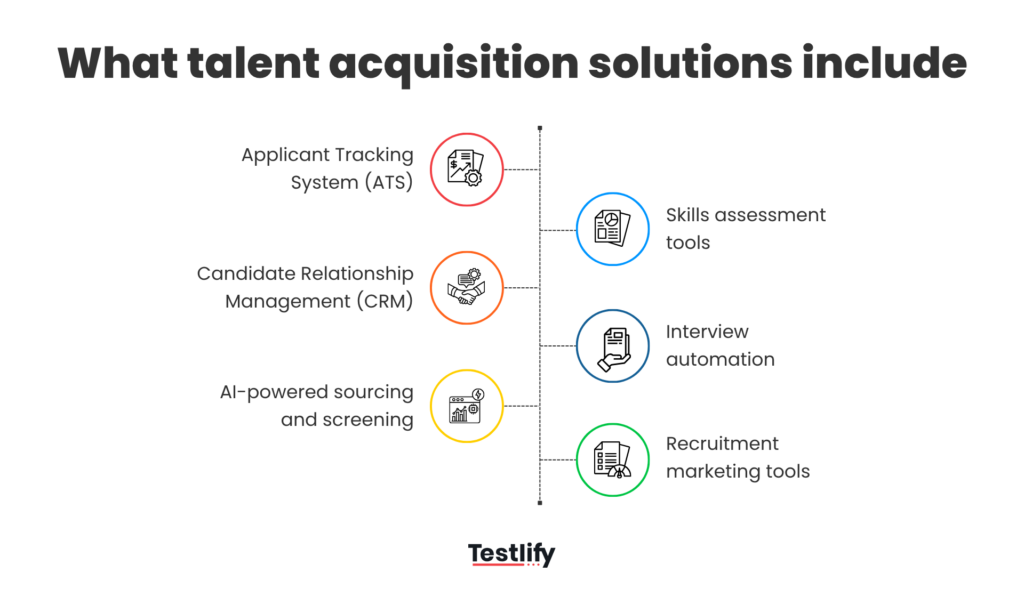
Three categories get sold under that one label, and mixing them up is the most expensive mistake in this purchase:
- Applicant tracking systems. The system of record. Requisitions, pipeline stages, compliance records, offer workflow. Greenhouse, iCIMS and Workday Recruiting live here.
- Screening and interviewing layers. Skills assessments, coding tests, cognitive and personality measures, AI interviews, proctoring. These produce the evidence a hiring decision rests on.
- Sourcing and talent CRM. Finding and nurturing people who have not applied. A different job from tracking the ones who have.
Talent acquisition management solution, defined
A talent acquisition management solution is the broader version: it manages the whole hiring operation rather than one stage, so it adds capacity planning, requisition approvals, recruiter workload and cost reporting on top of the pipeline. Workday Recruiting is the clearest example, because it sits inside an HCM system that already knows your headcount and budget. Smaller teams rarely need that layer. If you have three recruiters and forty hires a year, approvals happen in a conversation, not a workflow engine.

How do you evaluate a talent acquisition platform?
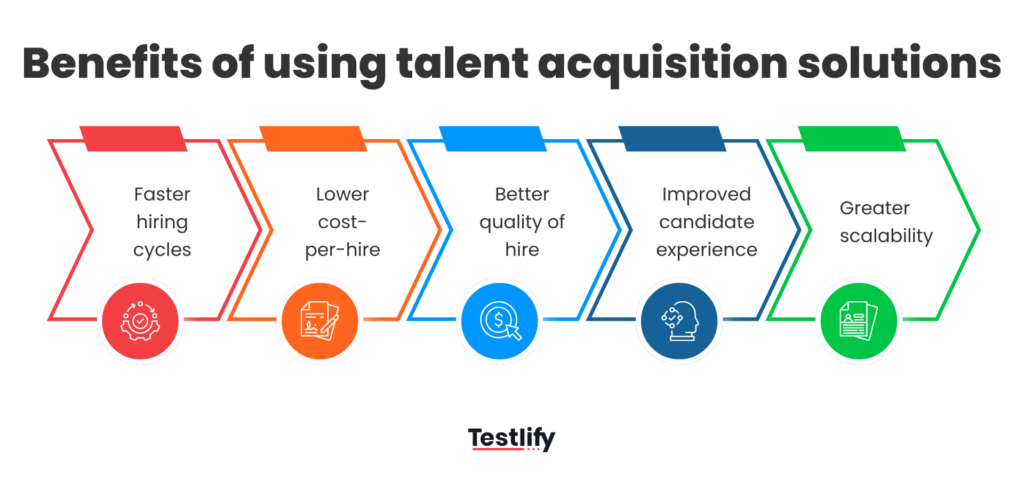
Evaluate a talent acquisition platform on four things: the evidence it produces on each candidate, how cleanly it writes back to the system you already run, what it costs at your real volume, and how long it takes to work. Feature lists are the least useful comparison available.
Start with evidence, because that is what a hiring decision is made of. Structured interviews rank among the strongest predictors of job performance, and that ranking survives every reanalysis of the selection literature (Sackett and colleagues, 2022). Unstructured conversations do not. So the question for a vendor is not "do you have interviews" but "what comparable scored record do I hold on every candidate at the end".
Then the write-back. A tool that scores candidates and leaves you copying results into a spreadsheet has added a step, not removed one. Ask what syncs, in which direction, and what happens on a rejection.
Cost is where comparisons go wrong. Gartner found that only 31% of recruiting functions use labour market data to shape talent strategy, which says how many teams buy on intuition. Model twelve months first: candidates assessed, seats needed, cost of a spike.
Time to value is the one buyers skip and later regret. For a screening layer the honest answer is days, because you are adding a stage. For an ATS migration it is months.
Pro tip: before you book a single demo, write down the one number you want to move and the date you want it moved by. "Cut engineer screening from three weeks to ten days by March." Vendors will happily sell you a platform against a vague goal, and you will have no way to tell in six months whether it worked.
How do the top 5 platforms compare?
Four of these five are systems of record or suites. One is the screening layer that sits on top. They are not interchangeable, so the table compares what each is for rather than scoring them out of ten.
Platform | What it actually is | Best for | Pricing model |
|---|---|---|---|
Testlify | Skills assessment and AI interviewing layer, plus a simple built-in hiring pipeline | Teams that need evidence on candidates, with or without an ATS | Per candidate assessed (credits), published list prices |
Greenhouse | Structured applicant tracking system | Growing companies building hiring discipline from scratch | Quote based, by company size and tier |
iCIMS Talent Cloud | Enterprise recruiting suite | Large, multi entity, compliance heavy hiring | Quote based, enterprise contracts |
Workday Recruiting | Recruiting module inside a wider HCM system | Companies already running Workday for HR and payroll | Quote based, typically per employee |
SmartRecruiters | Recruiting suite with sourcing and CRM | Mid market and enterprise teams hiring across regions | Quote based, by hiring volume |
Best talent acquisition software: top 5 for 2026
Each section below says what the product is for, where it falls down, and who should not buy it. The order is not a quality ranking.
1. Testlify
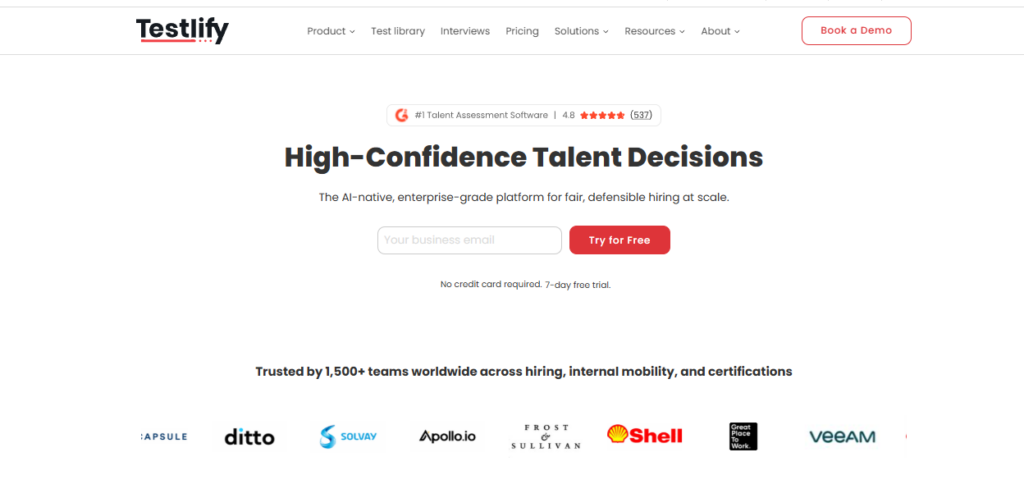
Testlify is a pre hire assessment and interviewing platform, built to answer one question: can this candidate do the work. The library runs to 3,500+ tests on 180,000+ validated questions across 4,500+ roles, and AI interviewing ships in one way, two way conversational video, voice and outbound phone formats.
Key features
- Role based skills tests, coding assessments across 45+ programming languages, cognitive ability and personality and psychometric measures.
- AI interviews with selectable avatars and voices, custom prompts, attempt and recording limits, multilingual transcripts, and auto scoring a human can override.
- Proctoring and integrity controls, including dual device monitoring and disclosed disqualification reasons.
- Item level psychometrics for recruiters: difficulty index, discrimination index and a quality risk flag per question.
- 100+ ATS integrations plus a simple built-in pipeline for teams that do not run an ATS at all.
Pros
- Produces a comparable scored record on every candidate, the thing most stacks are missing.
- Published per candidate pricing, so you can model a year without a sales call.
- Works as a layer on the ATS you already trust, and also stands alone if you have none.
Cons
- It does not schedule live human interview panels. Calendar coordination stays where it is.
- Assessments run on Chromium desktop browsers. The mobile app is a capture fallback for video and audio, not a way to sit a full assessment.
- The built-in pipeline is deliberately basic. If you already run a mature ATS, keep it as the system of record.
Best for
Teams under a few hundred people who need defensible candidate evidence fast, and larger teams adding a screening layer to an existing ATS.
Pricing
Published and billed annually, one credit per started assessment:
Plan | Price (annual billing) | Credits per year | Seats |
|---|---|---|---|
Starter | $139 per month | 100 | 3 |
Basic | $279 per month | 300 | 5 |
Business | $699 per month | 1,000 | 10 |
Premium and above | Quoted | 3,000+ | 20+ |
Extra seats are $15 per seat per month. There is a 7 day free trial with no card and a 30 day money back guarantee. ATS integrations, white labelling and SSO are paid add ons on the self serve tiers at $2,388 a year, included on Custom. Check the Testlify pricing page for current numbers.
2. Greenhouse
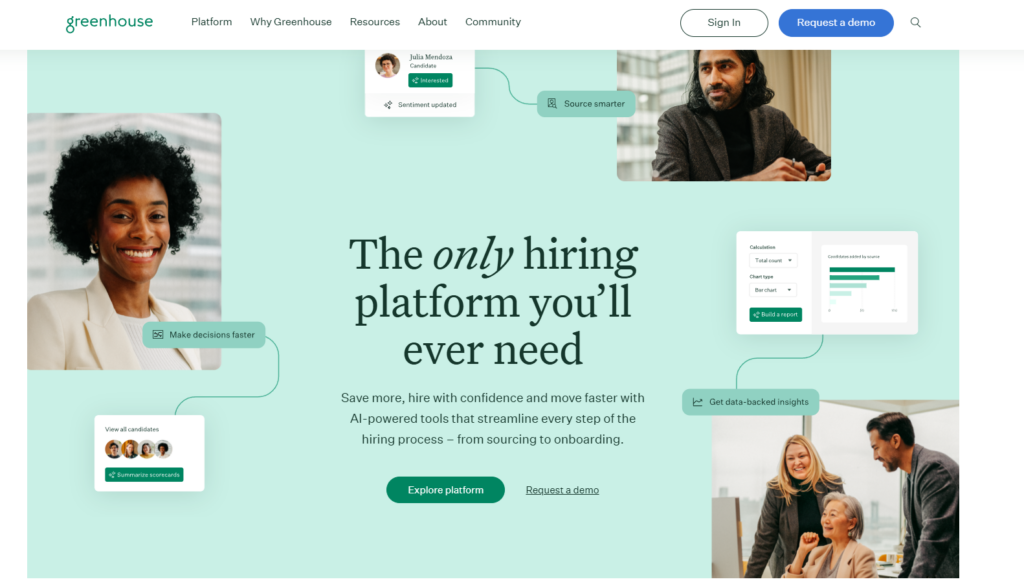
Greenhouse is an applicant tracking system with opinions. It pushes teams towards structured hiring: defined scorecards, consistent interview kits, named decision makers. For a company hiring out of email threads, that structure is the product.
Key features
- Requisitions, approvals, pipeline stages, offer workflow.
- Interview kits and scorecards that force the same questions across candidates.
- Reporting on funnel conversion, source quality, time in stage.
- A large integration marketplace, including assessment and interviewing tools.
Pros
- Strong at making a messy process repeatable.
- Hiring managers pick it up quickly, which matters more than any feature.
Cons
- It tracks evidence, it does not generate it. Skills testing still comes from elsewhere.
- Pricing is quote based, so budgeting takes a sales conversation.
Best for
Companies between roughly 50 and 500 people putting real hiring discipline in place for the first time.
Pricing
Quote based, tiered by company size and feature set. Greenhouse does not publish list prices.
3. iCIMS Talent Cloud
iCIMS is built for enterprise scale and complexity: many entities, many countries, audit trails that survive a regulator. It is genuinely good at that, which is also why it feels heavy to a forty person company.
Key features
- Applicant tracking configurable per business unit and region.
- Career site building, candidate CRM and internal mobility.
- Compliance reporting built for regulated and government adjacent hiring.
- A wide partner ecosystem for assessment, background checks, onboarding.
Pros
- Handles organisational complexity that lighter systems cannot model.
- Configurable enough to match an existing process rather than forcing a new one.
Cons
- Implementation is a project with a timeline, not a signup.
- Configurability cuts both ways. It needs an owner.
Best for
Enterprises above roughly 1,000 employees with multi entity or heavily regulated hiring.
Pricing
Quote based enterprise contracts. Expect a procurement cycle.
4. Workday Recruiting
Workday Recruiting is not really a standalone purchase. It is the recruiting module of Workday HCM, and its case rests on one fact: the employee data, org structure and budget already live there. If they do, headcount reporting stops being a reconciliation exercise.
Key features
- Requisitions tied directly to approved headcount and budget.
- Pipelines feeding the same records used for onboarding and payroll.
- Workforce planning and internal mobility on shared data.
- Security, audit and reporting inherited from the wider platform.
Pros
- One record from requisition through to the employee, with no handoff.
- Planning and hiring numbers reconcile by default.
Cons
- It makes little sense unless you already run Workday for core HR.
- Recruiter facing usability rates below dedicated recruiting tools.
Best for
Large companies already standardised on Workday for HR and payroll.
Pricing
Quote based, normally priced per employee as part of a wider Workday agreement.
5. SmartRecruiters
SmartRecruiters pairs applicant tracking with sourcing and candidate CRM, which suits teams whose problem is the top of the funnel. If you have enough applicants but cannot tell the good ones apart, this is the wrong shape of fix.
Key features
- Applicant tracking plus a talent CRM for people who have not applied.
- Job distribution and career sites across regions and languages.
- Hiring manager review and feedback built in.
- A marketplace of assessment and sourcing partners.
Pros
- Sourcing and tracking in one place, so pipeline history is not split.
- Built for multi country hiring, including localised career sites.
Cons
- Breadth means paying for modules you may not use.
- Like the other suites, candidate evidence comes from partner tools.
Best for
Mid market and enterprise teams hiring across several countries at once.
Pricing
Quote based, scaled by hiring volume and modules.
Which high volume hiring software fits peak demand?
High volume hiring software has to do one thing the rest of the category does not: score thousands of candidates without a human reading every application. Look for screening that ranks rather than filters, bulk invitations, and per candidate pricing that does not punish a spike.
The volume is real. The Bureau of Labor Statistics counted 5.1 million hires and 7.3 million job openings in July 2026, a hires rate of 3.2%. Retail, hospitality, construction and field services do much of that in bursts, and a system priced per recruiter seat handles a burst badly.
Three things to check before a peak season:
- Does screening rank or just reject? Knockout questions throw away the borderline candidates you will need in week three. A scored assessment orders the whole pool, so you work down a list.
- What does one more candidate cost? Credit based models make a spike a line item you can forecast. Seat based models make it a renegotiation.
- Can candidates finish on their own time? Asynchronous assessment and one way video remove the scheduling bottleneck that caps a small team.
Take a 150 person field services company hiring 80 technicians for a summer peak. Send a role specific skills test to every applicant on day one and the shortlist is ranked before the first phone call. Screening stops scaling with headcount, which is the only way two recruiters survive a peak. Scaling hiring without losing quality covers the operating side.
What does a candidate experience platform change?
A candidate experience platform changes what candidates actually notice: how long the process takes, whether they know where they stand, how much unpaid effort you ask for, and whether they get a result at all. It matters commercially because candidates can simply stop replying.
The clearest signal: Gartner found that 48% of candidates accepted their most recent job offer in the fourth quarter of 2025, down from 85% two years earlier. Offers are no longer a formality, and a slow, opaque process is where acceptance dies. Median time to fill sat at roughly a month and a half in SHRM's 2025 recruiting benchmarking, for executive and non executive roles alike.
What to look for, in the order candidates care about it:
- Effort that matches the stage. A 20 minute assessment early is fine. A three hour take home before anyone has spoken to them is not.
- Visible status. Candidates who know they are in week two of four will wait. Candidates who hear nothing take the other offer.
- Accommodation that is easy to ask for. A structured request reviewed by a person, not an email address nobody answers.
- A result, and a reason. Letting candidates see their own outcome, and disclosing a disqualification rather than going silent, turns a rejection into something they do not resent.
The tradeoff is real: every extra signal costs a candidate time, and each step loses people. The fix is not fewer signals, it is collecting them earlier and once, instead of across five sequential rounds.
How should you roll this out in 30 days?
Run the Testlify Hiring Workflow Method on one role before changing anything else. The method runs evidence based hiring across the whole journey: define the competencies that matter, build an assessment plan, invite candidates automatically, verify integrity, review AI assisted insights, collect structured reviewer feedback, then sync the result into your ATS and decide with a named human accountable. AI supports the process. People make the call.
A workable 30 day version for a team that already runs an ATS:
- Week 1. Pick the role you hire most. Write down the three competencies that separate a good hire from a bad one, and the metric you want to move.
- Week 2. Build the assessment for those three competencies only. Resist a fourth. Connect it to the ATS so results land where recruiters already look.
- Week 3. Run every new applicant for that role through it. Keep the old process in parallel so you can compare shortlists honestly.
- Week 4. Compare. Did the scored shortlist hold the people your hiring manager wanted to interview? If yes, roll it to the next role. If no, the competencies were wrong, not the tool.
That last step is the one teams skip, and skipping it is why tool purchases quietly stall. You do not need a business case to start. You need one role, four weeks and a number.
The fastest way to find out whether evidence based screening changes your shortlist is to run it on a live role. Start a role specific assessment on your current opening, or book a demo and bring the role you cannot fill. If the bottleneck is resume volume rather than evaluation, the AI resume screener is the cheaper place to start.
Frequently asked questions

Related resources
View all
Global Recruitment
Employer of Record in the Netherlands: 5 Best EOR Services for 2026

Global Recruitment
How Testlify helps in skills assessment for global recruitment?

Global Recruitment
How to improve global recruitment ROI?
Global Recruitment
Global recruitment: Advantages and disadvantages

Global Recruitment
How to create fair and objective hiring assessments for diverse candidates?

HR & recruitment
How Do Employee Benefits Affect Total Employment Compensation?
Get started.
Hire on proof, not resumes.
Run your first skills-based assessment free — no credit card required.