
24 best talent assessment tools for hiring in 2026
A grouped list of 24 talent assessment tools for 2026, with a comparison table, 7 buying checks, pricing models and a 2-week pilot plan.

Talent assessment tools are software that test candidates on the skills, abilities, and traits a job needs, then score and rank them so hiring teams can shortlist on evidence instead of resumes. The right tool depends on what slows your hiring down: volume, technical depth, behavior and fit, interview scheduling, or language.
 ChatGPT
 Gemini
 Claude
 Grok
 Perplexity
TL;DR
- Pick the tool that fits your biggest bottleneck. Testlify suits teams hiring across many roles, at a volume or in several languages.
- For technical hiring, Testlify, HackerRank, Codility, and Glider AI lead. For cognitive and personality data, look at Criteria, SHL, Wonderlic, or the Predictive Index.
- Cognitive and personality tools do not test hands-on job skills in depth. Pair them with a skills test.
- Judge every vendor on seven checks: role fit, library and custom tests, ATS integration, integrity, candidate experience, reporting, and security and compliance.
- Run a two-week pilot on a live role with at least 30 real candidates. Set success metrics like completion rate before you start.
- Pricing runs on credits, subscriptions, or enterprise contracts. Add-ons for integrations, white label, or proctoring can push the total cost above the headline price.

What is a talent assessment tool?
A talent assessment tool is a platform that sends candidates standardized tests, scores every response against the same criteria, and gives recruiters a ranked, comparable shortlist. Most tools combine several test types, such as job skills, cognitive ability, and personality, in one link so candidates take a single assessment.
For the wider concept, see what talent assessments are. The main test types, and the roles each one suits, are below.
Assessment type | What it measures | Best for |
|---|---|---|
Tasks the job involves every day | Any role with clear daily tasks | |
Reasoning, problem-solving, learning speed | Analytical and fast-changing roles | |
Writing, debugging and improving code | Engineering, data, DevOps | |
Personality, motivation, work style | Client-facing and leadership roles | |
Decisions in realistic work scenarios | Customer service, managers | |
Reading, writing, listening, speaking | Support, sales, global teams | |
Excel, PowerPoint, CRM and other tools | Admin, finance, operations | |
Speed and accuracy | Data entry, admin | |
Applied engineering principles | Mechanical, civil, electrical roles | |
Knowledge of a business workflow | Supply chain, compliance, service |
Why do hiring teams use talent assessment tools?
Hiring teams use talent assessment tools because resumes and unstructured interviews do not show whether a person can do the job, and screening by hand does not scale. The pressure is real: SHRM's 2025 Talent Trends report found that 69% of organizations are still struggling to fill roles, and AI use in HR tasks rose to 43% in 2025 from 26% in 2024.
The main gains teams report:
- Better quality of hire: A coding task for engineers or a communication test for support roles measures the skills that drive performance, so new hires ramp up faster and stay longer.
- Fairer decisions: Every candidate takes the same test under the same conditions and is scored on the same criteria, which limits the pull of unconscious bias.
- Faster shortlists: Automated scoring filters a large applicant pool in hours, which matters most in volume hiring.
- Lower cost per hire: Fewer mis-hires and less rehiring, retraining, and lost productivity.
- A better candidate experience: A clear, relevant test lets candidates show what they can do, which helps your employer brand and completion rates.
- Retention and engagement: People placed in roles that fit their skills and work style tend to be more engaged and less likely to leave.
Which talent assessment tools are best in 2026?
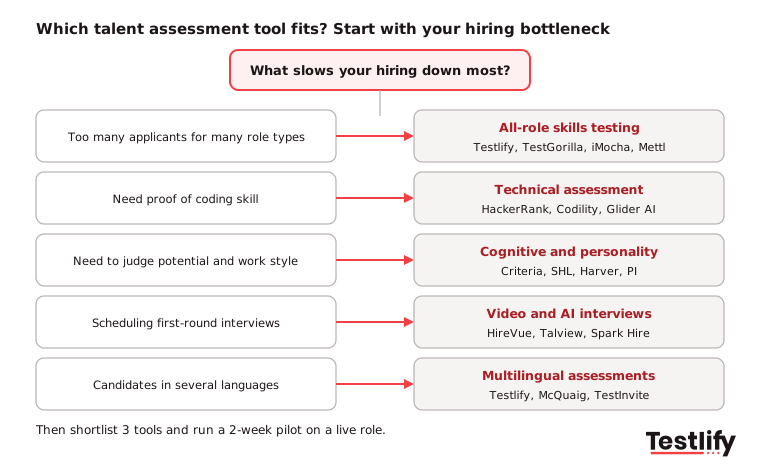
The best talent assessment tools in 2026 fall into five groups: platforms that test every role type, technical assessment tools, cognitive and personality tools, tools built around video interviews, and tools that assess candidates in Spanish and other languages. The table maps all 24 to their group and the job they do best.
# | Tool | Group | Best for |
|---|---|---|---|
1 | Testlify | All roles | AI-built skills tests, AI interviews and multilingual hiring at scale |
2 | TestGorilla | All roles | Skills-first screening for small and mid-sized teams |
3 | iMocha | All roles | Tech-heavy skills verification and skills gap analysis |
4 | Mercer Mettl | All roles | Large enterprises in regulated sectors |
5 | Vervoe | All roles | Work sample simulations with AI grading |
6 | eSkill | All roles | Building custom tests for niche roles |
7 | Toggl Hire | All roles | Fast, resume-free first screens |
8 | TestTrick | All roles | Skills tests plus structured interviews and proctoring |
9 | HackerRank | Technical | Developer screening and live coding interviews |
10 | Codility | Technical | Real-world coding tasks with integrity controls |
11 | Glider AI | Technical | Staffing firms and remote technical hiring |
12 | Criteria Corp | Cognitive and personality | Cognitive and personality tests for structured hiring |
13 | SHL | Cognitive and personality | Senior and high-stakes enterprise hiring |
14 | Harver | Cognitive and personality | High-volume hiring with games and situational tests |
15 | The Predictive Index | Cognitive and personality | Behavioral fit and team building |
16 | Wonderlic | Cognitive and personality | Fast cognitive screening |
17 | Bryq | Cognitive and personality | Hiring for potential and culture fit |
18 | Plum | Cognitive and personality | Potential-based hiring and internal mobility |
19 | HireSuccess | Cognitive and personality | Team fit for small and mid-sized businesses |
20 | HireVue | Video interviews | Large-scale on-demand video interviewing |
21 | Talview | Video interviews | Remote hiring with proctoring |
22 | Spark Hire | Video interviews | One-way video screens for mid-sized teams |
23 | McQuaig | Multilingual | Personality testing in several languages |
24 | TestInvite | Multilingual | Custom tests and language tests |
Key takeaway: No single tool wins every row. Pick the group that matches your biggest hiring bottleneck first, then compare two or three tools inside that group.
Which talent assessment tools cover every role type?
Talent assessment tools that cover every role type combine a large test library, custom questions and reporting in one place, so one platform serves engineering, sales, support and operations hiring. These eight are the strongest all-round options.
1. Testlify
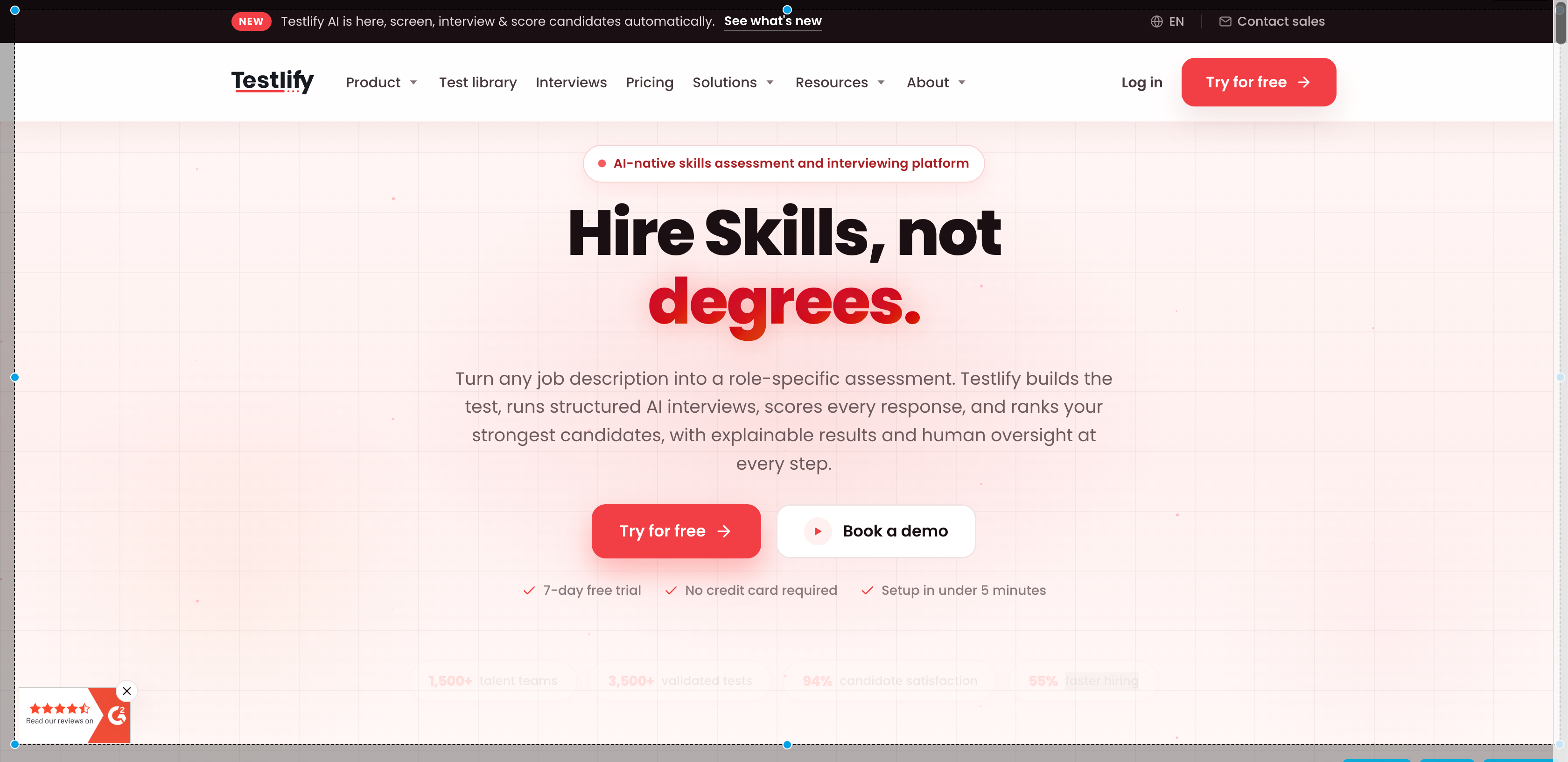
Testlify is an AI-native skills assessment and interviewing platform. It turns a job description into a role-specific assessment in under a minute, runs structured AI interviews by chat, voice or video, and scores and ranks every candidate with explainable results. The library holds 3,500+ tests across technical and non-technical roles, with 25+ question types and 150+ interview templates. Testlify is rated 4.7 on G2 and named a Leader in Talent Assessment.
- Best for: mid-sized and enterprise teams that hire across many role types, at volume, or in several languages.
- Strengths: 15+ languages for candidates; 20+ proctoring checks including AI-assistance detection; 100+ ATS and HRIS integrations such as Workday, Greenhouse, Lever and SAP SuccessFactors; ISO 27001 and SOC 2 Type II; a third-party NYC Local Law 144 bias audit.
- Watch for: ATS integrations and white labeling are paid add-ons on the Standard plan; the brand is younger than legacy enterprise vendors.
See every module of the talent assessment platform.
2. TestGorilla
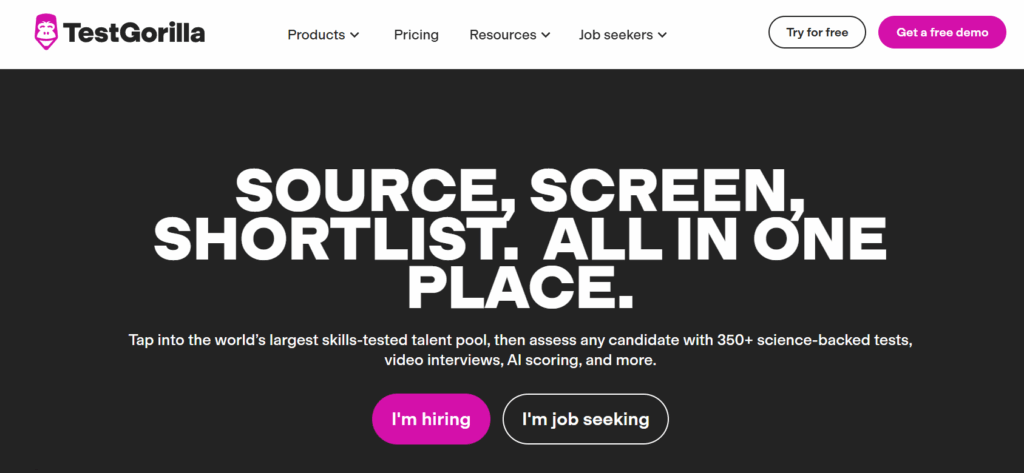
TestGorilla is a skills-based screening tool with ready-made tests across cognitive ability, job skills, personality and soft skills. Recruiters like how easily it ranks candidates early in the funnel, and small and mid-sized HR teams adopt it quickly.
- Best for: small and mid-sized teams starting a skills-first hiring program.
- Strengths: simple setup, a clean candidate experience, anti-cheating controls.
- Watch for: less depth for advanced technical roles; some tests feel generic without custom questions. Compare: Testlify vs TestGorilla.
3. iMocha
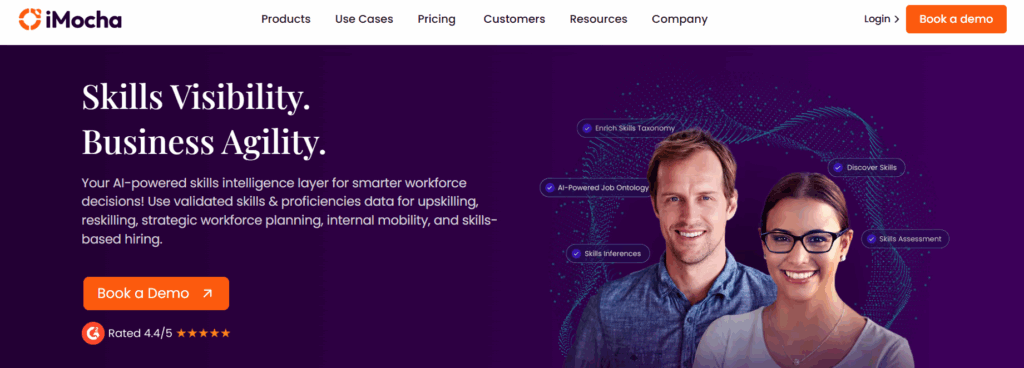
iMocha is a skills intelligence and assessment tool for technical and non-technical roles. It covers coding challenges, domain skills, language tests and cognitive tests, and adds skills benchmarking for learning and development as well as hiring.
- Best for: IT services, tech companies and staffing firms that want one tool for hiring and skills gap analysis.
- Strengths: a very wide skills catalog; strong analytics on skill gaps.
- Watch for: the large library can feel overwhelming; pricing is not published. Compare: Testlify vs iMocha.
4. Mercer Mettl
Mercer Mettl covers cognitive, behavioral, coding and job-specific tests, with AI and live remote proctoring and governance controls. Banks, insurers and professional services firms use it for compliance-heavy hiring and workforce development.
- Best for: large enterprises in regulated sectors.
- Strengths: strong proctoring and governance; psychometric tests for leadership roles; global reach.
- Watch for: a longer setup and a less intuitive interface than newer tools. Compare: Testlify vs Mercer Mettl.
5. Vervoe
Vervoe focuses on job simulations: candidates show how they would do real tasks, and AI grades their answers, including open-ended ones. Startups and fast-growing teams use it for roles where output quality matters most, such as writing, design and support.
- Best for: output-based roles and work sample hiring.
- Strengths: realistic tasks; easy for non-technical teams to adopt.
- Watch for: AI scoring needs calibration; fewer integrations than enterprise tools. Compare: Testlify vs Vervoe.
6. eSkill
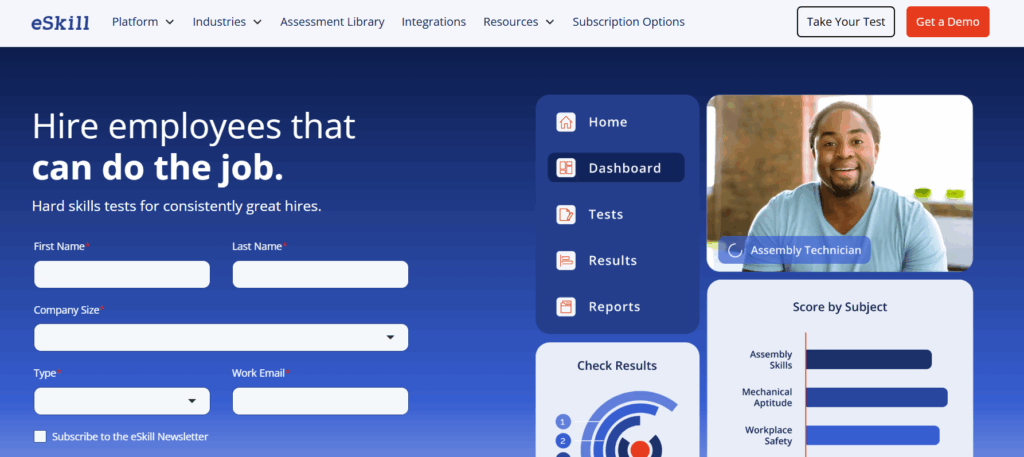
eSkill lets HR teams build tests that match a specific role by combining questions, simulations and video responses in a single assessment. Customer support, healthcare, admin and operations teams use it for niche roles.
- Best for: teams with unusual roles that need custom tests.
- Strengths: flexible test builder; works across many job types.
- Watch for: good tests take time to configure; the interface feels dated. Compare: Testlify vs eSkill.
7. Toggl Hire
Toggl Hire removes resumes from the first screen and replaces them with short, job-relevant skills tests. Startups and remote-first teams value its speed and simple candidate experience.
- Best for: quick first screens for small teams.
- Strengths: fast to set up; engaging for candidates.
- Watch for: less depth for senior roles; limited analytics. Compare: Testlify vs Toggl Hire.
8. TestTrick
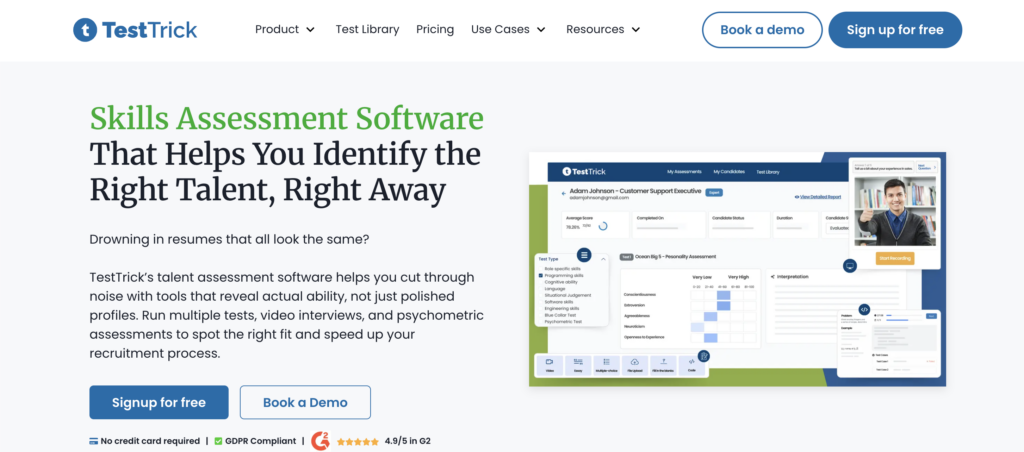
TestTrick combines skills tests, structured interviews and proctoring with camera, screen, tab-switch and dual-screen monitoring. It supports technical and non-technical screening, internships and graduate hiring.
- Best for: growing teams that want tests and interviews in one tool.
- Strengths: a strong proctoring suite; AI-assisted review of open-ended and interview answers.
- Watch for: fewer native integrations than legacy vendors. Compare: Testlify vs TestTrick.
Which talent assessment tools are best for technical hiring?
Technical talent assessment tools test real coding ability with tasks, live coding interviews and plagiarism checks, so engineering teams screen on code rather than resumes. HackerRank, Codility and Glider AI lead this group.
9. HackerRank
HackerRank is one of the most widely used tools for developer hiring. It offers coding tests, real-world project tasks and a pair-programming interview module, so teams can standardize coding screens across many interviewers.
- Best for: software engineering hiring at scale.
- Strengths: a well-known name among developers; strong anti-cheating environment.
- Watch for: built for technical roles only. Compare: Testlify vs HackerRank.
10. Codility
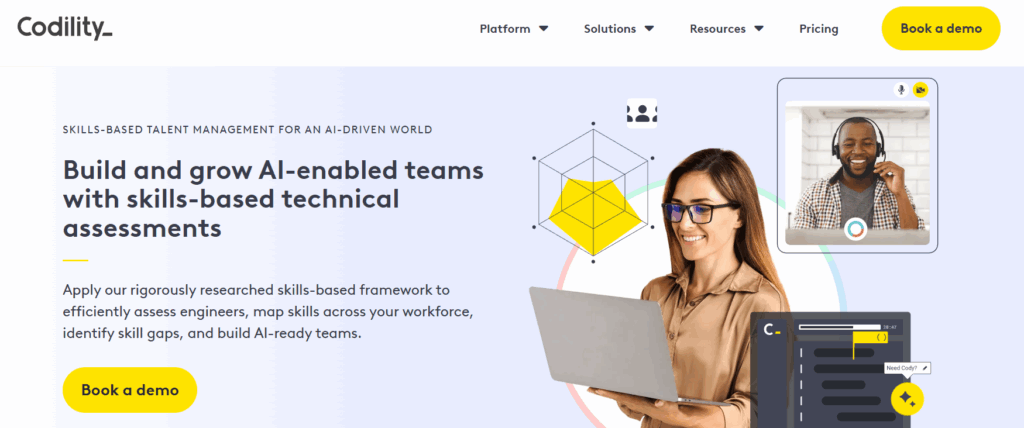
Codility uses practical coding tasks that reflect real engineering work, with automated scoring of correctness and efficiency, plagiarism detection and a live coding interview module.
- Best for: engineering teams that want strong test integrity.
- Strengths: realistic tasks; saves engineers time on early reviews.
- Watch for: no non-technical tests; fewer beginner-level tasks. Compare: Testlify vs Codility.
11. Glider AI
Glider AI combines coding tests, live coding interviews, video Q and A and job simulations such as system design tasks, with AI-based fraud detection. Staffing firms and fast-scaling companies use it for remote technical hiring.
- Best for: staffing firms and remote tech hiring.
- Strengths: tests and interviews in one place; strong anti-cheating controls.
- Watch for: the experience can feel intense for less experienced candidates. Compare: Testlify vs Glider AI.
Which tools focus on cognitive ability and personality?
Cognitive and personality tools measure how candidates think, learn and behave at work rather than specific job skills. Most hiring teams pair one of them with a skills test, because none of the eight below tests hands-on job skills in depth.
12. Criteria Corp
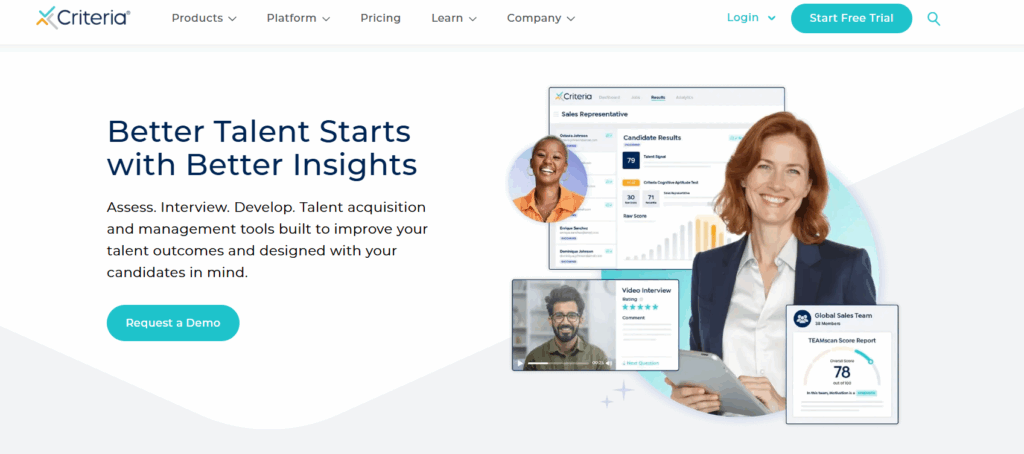
Criteria offers cognitive ability tests, personality assessments and skills tests, and is widely used by enterprise HR teams in consulting, finance and healthcare that want more structure in hiring.
- Best for: structured hiring with cognitive and personality data.
- Strengths: a strong reputation; detailed benchmarks.
- Watch for: limited customization; the interface feels dated to some users. Compare: Testlify vs Criteria Corp.
13. SHL
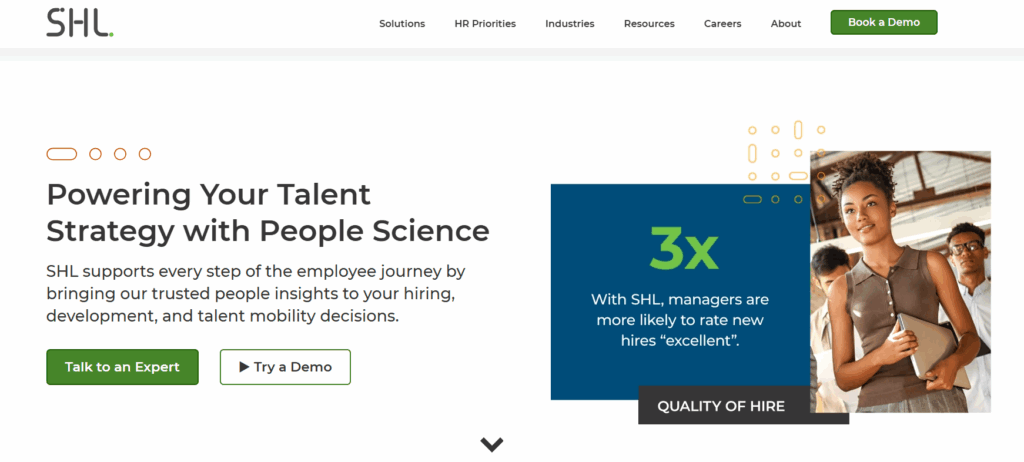
SHL is one of the longest-established assessment providers, with cognitive, personality (including the OPQ), leadership, technical and situational judgment tests, and benchmarks against role averages. Large global companies use it for senior and high-stakes hiring.
- Best for: large enterprises and leadership hiring.
- Strengths: a deep test catalog; strong benchmarking.
- Watch for: a traditional experience; costly for smaller companies. Compare: Testlify vs SHL.
14. Harver
Harver focuses on high-volume hiring with behavioral, situational and culture-fit assessments. It now includes pymetrics, known for game-based assessments of traits such as attention, memory and risk-taking, and OutMatch, known for situational judgment and fit assessments. Retail, hospitality, healthcare and contact center teams use it where temperament matters as much as skill.
- Best for: high-volume hiring in customer-facing roles.
- Strengths: engaging game-based tests; fit insights that help reduce early turnover.
- Watch for: not built to validate technical skills; setup can take time. Compare: Testlify vs Harver.
15. The Predictive Index
The Predictive Index offers behavioral and cognitive assessments that show how people think, work and collaborate. Companies use it for leadership hiring, team building and manager fit.
- Best for: behavioral fit and team design.
- Strengths: useful team and manager insights.
- Watch for: does not test job-specific skills; results need training to read well. Compare: The Predictive Index vs Testlify.
16. Wonderlic
Wonderlic is known for its cognitive ability test of problem-solving, learning speed and decision-making, and now adds personality and motivation insights. Operations, logistics, sales and corporate roles use it.
- Best for: fast cognitive screening.
- Strengths: simple, quick results that work across many job types.
- Watch for: no job-specific skills tests; timed tests can stress candidates. Compare: Testlify vs Wonderlic.
17. Bryq
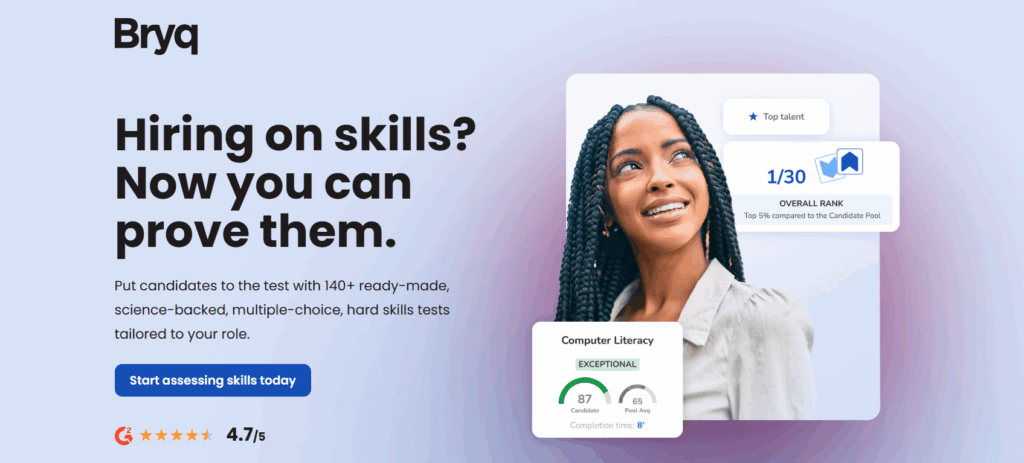
Bryq combines cognitive and personality assessments to score job fit and culture fit, with a strong focus on reducing unconscious bias and hiring for potential rather than past experience.
- Best for: potential-based and diversity-focused hiring.
- Strengths: easy-to-read results for recruiters.
- Watch for: no hard or technical skills tests. Compare: Testlify vs Bryq.
18. Plum
Plum uses psychometric assessments to measure personality, decision-making and workplace strengths, then matches people to roles. Teams use it for campus hiring, leadership pipelines and internal mobility.
- Best for: hiring on potential and moving people internally.
- Strengths: visual, easy reports; supports development as well as hiring.
- Watch for: no technical or role-specific skills tests. Compare: Testlify vs Plum.
19. HireSuccess
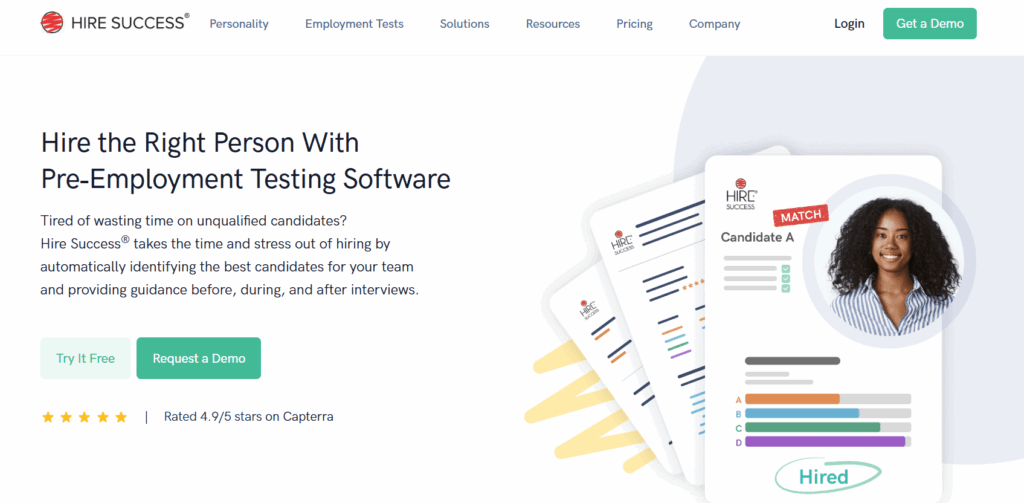
HireSuccess offers personality, cognitive and behavioral assessments with role-fit and team compatibility scoring. Mid-sized businesses use it to build cohesive teams.
- Best for: culture and team fit in small and mid-sized businesses.
- Strengths: easy reporting.
- Watch for: no hands-on skills tests; less suited to volume hiring. Compare: Testlify vs HireSuccess.
Which tools combine assessments with video interviews?
Video-first tools replace scheduled phone screens with recorded or AI-led interviews, so recruiters review answers on their own time. Pair them with a skills test when the role needs proof of hands-on ability.
20. HireVue
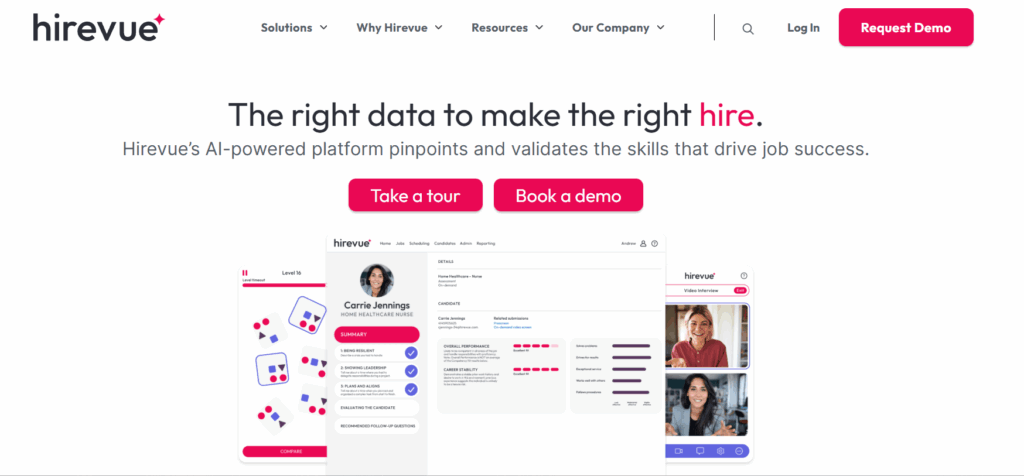
HireVue is best known for on-demand video interviews with AI-based evaluation, plus coding challenges and scheduling automation. Large organizations use it to cut scheduling time in high-volume hiring.
- Best for: enterprise volume hiring with video screens.
- Strengths: big time savings on first-round interviews; scales to large applicant pools.
- Watch for: some candidates find AI-scored video impersonal. Compare: Testlify vs HireVue.
21. Talview
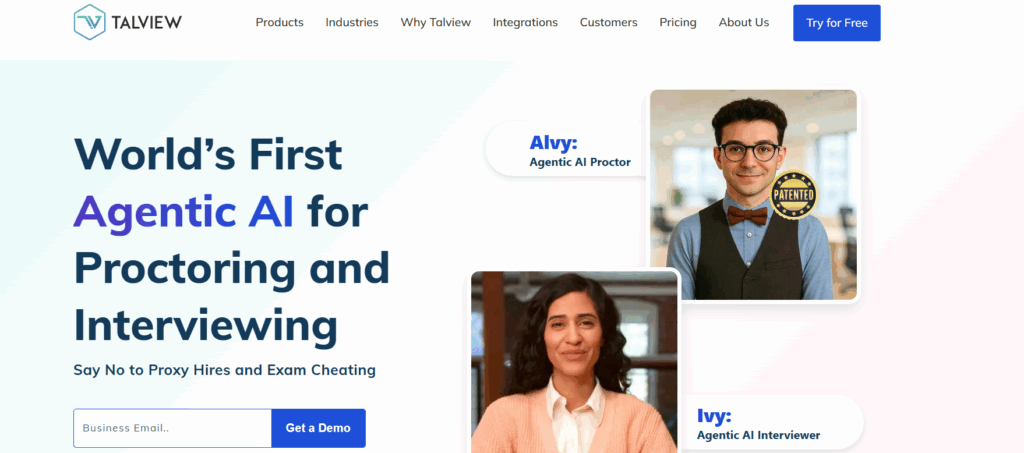
Talview combines skills tests, AI-enabled video interviews, remote proctoring and workflow automation for distributed hiring teams.
- Best for: remote and multi-location hiring.
- Strengths: strong proctoring; saves recruiter time on early screens.
- Watch for: the interface can feel complex at first. Compare: Testlify vs Talview.
22. Spark Hire
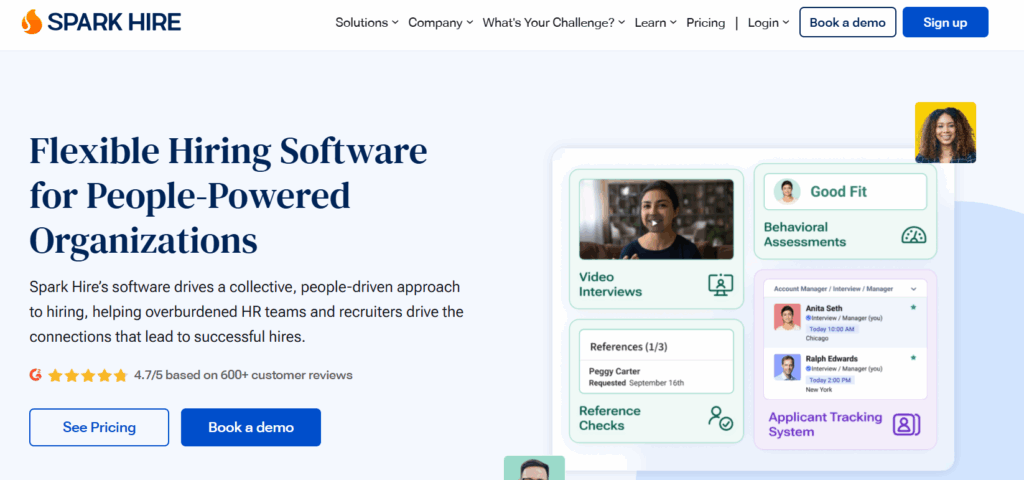
Spark Hire is a video interviewing tool for one-way recorded and live interviews with collaborative review. Mid-sized companies and staffing firms use it to remove scheduling delays.
- Best for: one-way video screens.
- Strengths: consistent questions for every candidate; easy for candidates.
- Watch for: not a skills-testing tool on its own. Compare: Testlify vs Spark Hire.
Which talent assessment tools work in Spanish and other languages?
Talent assessment tools that work in Spanish let candidates read instructions, answer questions and finish the test in the language they work in, so language does not hide the skills you are trying to measure. That matters at scale: the US Census Bureau reported in 2025 that 22% of people age 5 and older in the US speak a language other than English at home, and about 61% of them speak Spanish.
Two different needs hide behind "Spanish assessments": testing skills in Spanish, and testing how well someone speaks Spanish. Check which one a vendor means.
- Testlify runs assessments in 15+ languages, including Spanish, and can translate questions on the candidate side. Spanish proficiency tests run from basic to proficient, mapped to CEFR levels A1 to C2, for example the Spanish CEFR test. Teams hiring bilingual support or sales staff can test job skills and Spanish level in one link.
- McQuaig (23 in the list) offers personality and mental agility tests that take about 10 to 20 minutes and are available in several languages, including Spanish. It does not offer a test of Spanish fluency, and it has fewer anti-cheating features. Compare: Testlify vs McQuaig.
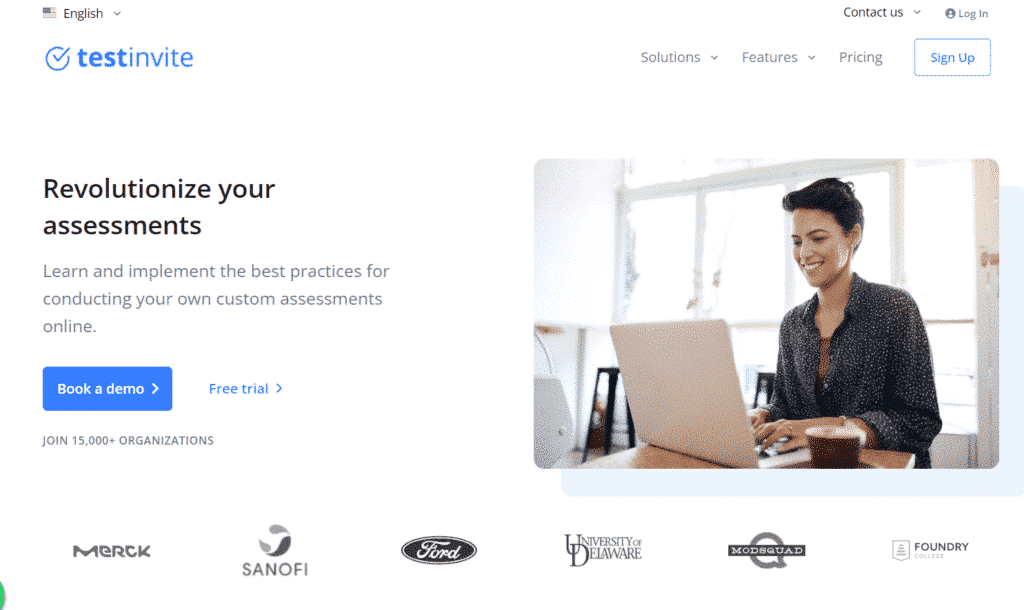
- TestInvite (24 in the list) lets managers build custom tests or use ready questions, includes language tests and a Spanish test catalog, and is GDPR compliant. Its credit-based pricing can be hard to compare. Compare: Testlify vs TestInvite.
Pro tip: Ask each vendor whether the whole candidate journey, including invite emails, instructions and results pages, is in Spanish, not just the questions.
How do you choose a talent assessment tool?
Choosing a talent assessment tool comes down to seven checks: role fit, library and custom tests, ATS integration, integrity, candidate experience, reporting, and security and compliance. Skills sit at the center: LinkedIn's Future of Recruiting 2025 found that over nine in ten talent acquisition pros say accurately assessing skills is crucial for quality of hire, yet only 25% feel highly confident measuring quality of hire today.
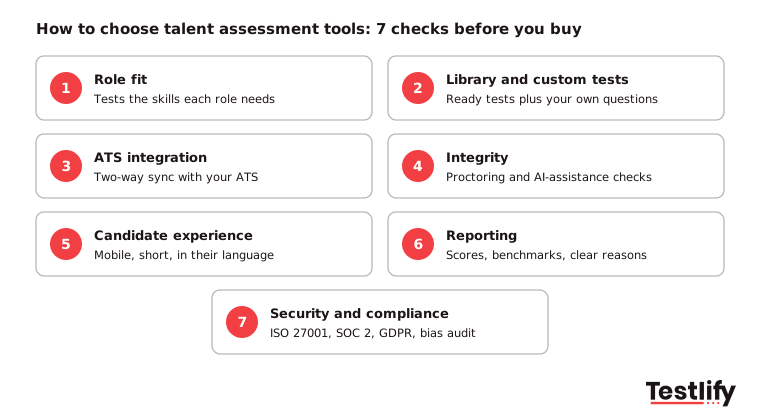
- Role fit: Map each open role family to the test types it needs. A tool that covers five of your seven needs may serve most requisitions; count the cost of filling the gaps.
- Library and custom tests: Ready tests save time, but you also need your own questions for niche roles and a way to build a test from a job description.
- ATS and HRIS integration: Prefer native, two-way integrations over API documentation. Scores should land in your ATS as structured fields, not pasted notes. See Testlify integrations.
- Integrity: Look for proctoring, copy-paste and tab tracking, and checks for AI assistance, plus a clear policy on flagging rather than auto-rejecting. See anti-cheating and proctoring.
- Candidate experience: Take the test yourself on a phone. Keep it short for the role level, with clear instructions, in the candidate's language.
- Reporting: Score breakdowns by skill, benchmarks, question analytics and a clear reason behind every score, without exporting data.
- Security and compliance: Ask for ISO 27001 or SOC 2 reports, GDPR terms, data residency options and any bias audit.
How do you run a pilot before you buy?
A pilot on a real open role shows more than any demo. Use four steps and set success metrics before you start, so the result is a clear yes or no.
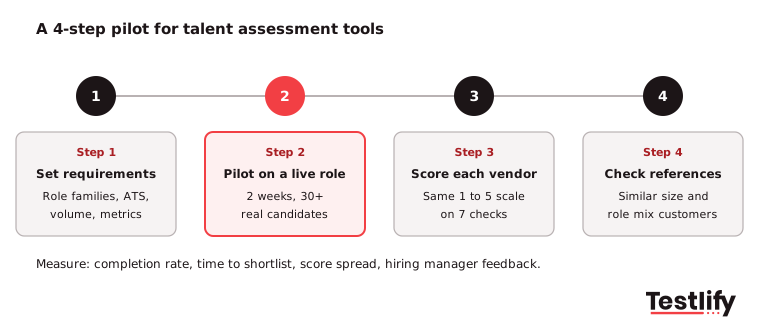
- Set requirements first: List the role families, the ATS and HR tools the platform must connect to, monthly candidate volume, and success targets such as completion rate and time to shortlist.
- Pilot on a live role: Run two weeks on an active requisition with at least 30 real candidates. Track completion time, drop-off, how spread out the scores are, and how fast your team adopts the tool.
- Score each vendor on the same checks: Rate every shortlisted tool from 1 to 5 on the seven checks above, weighted by what matters most to you.
- Check references: Ask for two or three customers with a similar hiring volume and role mix. Ask about setup time, support in the first 90 days and how accurately data flows into the ATS.
Five mistakes to avoid:
- Buying on demo quality instead of evidence from your own candidates.
- Ignoring integration depth until after the contract is signed.
- Trusting library size without checking that tests match three of your real roles.
- Skipping the mobile candidate test.
- Starting a pilot with no success metrics.
How much do talent assessment tools cost?
Talent assessment tools cost anywhere from a low monthly fee for a few candidates to an annual enterprise contract, depending on the pricing model, candidate volume and add-ons. Vendors change prices often, so compare models first, then ask for a quote at your real volume.
Pricing model | How it works | Suits | Watch for |
|---|---|---|---|
Per candidate (credits) | Pay for each candidate who starts a test | Uneven or seasonal hiring | Credits that expire unused |
Subscription | Monthly or annual plan with set limits | Steady hiring volume | Seat limits and plan caps |
Enterprise contract | Annual quote for volume, SSO, SLAs | Large or regulated teams | Long setup, renewal increases |
Add-ons | Extra for integrations, white label, proctoring | Any model | Total cost above the headline price |
Testlify uses a credit model: one credit per candidate who starts an assessment, with unlimited assessments, a 7-day free trial and no credit card needed. See Testlify pricing for current plans.
How do talent assessment tools reduce bias and stay compliant?
Talent assessment tools reduce bias by testing every candidate on the same job-related tasks, scoring answers against the same criteria, and hiding names and other personal details from reviewers. Good tools also report adverse impact, so you can spot a test that affects one group more than others before it becomes a legal problem.
Rules are tightening around AI in hiring. Under New York City Local Law 144, an employer may use an automated employment decision tool only if it had a bias audit within one year of use, the audit results are public, and candidates get notice. Ask every vendor for its latest audit. Testlify's matching model completed a third-party NYC bias audit on June 16, 2023.
For the human side of fair hiring, see how to overcome unconscious bias in hiring.
How do you add a talent assessment tool to your hiring process?
Adding a talent assessment tool works best in six steps, starting with the skills each role needs and ending with regular reviews of the results.
- Identify key roles and skills: Map the skills and traits that drive success in each role.
- Choose the right tool: Use the seven checks and the pilot above.
- Customize each assessment: Avoid one test for every role; match skills, difficulty and length to the job.
- Tell candidates what to expect: Share the format, time needed and next steps. Clear communication lowers drop-off.
- Read results with interviews: Use scores to pick who to interview and what to probe, not as the only input.
- Review and refine: Check completion rates, candidate feedback and hiring outcomes each quarter, then adjust questions, difficulty or time limits.
Which talent assessment tool should you shortlist first?
The tool to shortlist first is the one built for your biggest hiring bottleneck. If you hire across many role types, at volume or in several languages, start with an all-role platform; add a specialist only where it fills a clear gap, such as deep coding interviews.
To see how Testlify's talent assessment tools handle AI-built tests, AI interviews, proctoring and ATS sync, start a 7-day free trial with no credit card, or book a demo to walk through your own roles.
Frequently asked questions (FAQs)

Founder and CEO, Testlify
Abhishek Shah is the Founder and CEO of Testlify, a pre-employment assessment platform used by 1,500+ companies globally to hire fairly and at scale. He focuses on skills-based, bias-free hiring technology. Testlify is part of the SHRM Labs 2026 WorkplaceTech Accelerator.
LinkedInRelated resources
View all
Talent assessment
What Is Talent Benchmarking? A 2026 Guide for Hiring Teams

Talent assessment
Soft skills interview question bank (100+ behavioral indicators)

Talent assessment
Top qualities every talent leader should have in 2026

Talent assessment
What Is a Job Simulation? Types, Benefits & How to Create One (2026 Guide)

Talent assessment
How to build a hiring process with talent assessment tools

Talent assessment
Top coding assessment software for recruiters
Get started.
Hire on proof, not resumes.
Run your first skills-based assessment free — no credit card required.