
Design thinking for HR: mobile apps that engage
Design thinking helps HR create mobile apps that engage, empower, and connect employees effectively.
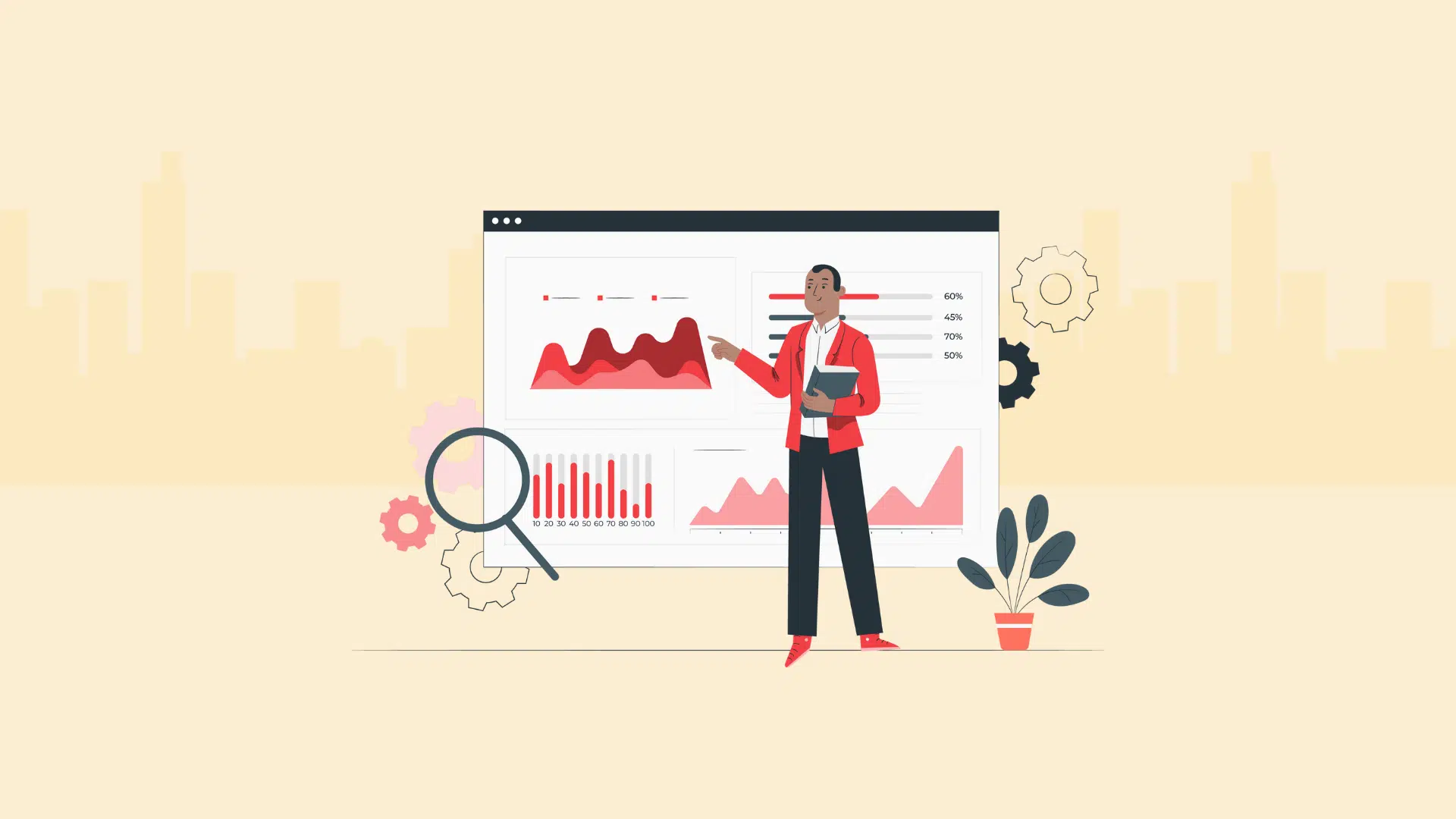
In today’s hybrid workplace, mobile experiences have become the cornerstone of employee engagement.
From onboarding to learning, HR leaders are investing in mobile app design for HR that connects, empowers, and retains their people.
To support the combination of usability, accessibility, and meaningful intent, the design of HR mobile apps must be a deliberate and intentional process.
This article highlights the best practices of HR and CXO leaders building employee experience through the design of mobile apps.
 ChatGPT
 Gemini
 Claude
 Grok
Grok Perplexity
1. Make usability effortless for employees
Employees expect smooth digital experiences, such as customers do.
The HR app should give employees an easy process to submit a leave request, check their benefits status, or complete a performance review.
UX designers can help HR teams lessen cognitive load.
They can split information over a few screens.
They can use helpful instructional text.
They can use visual cues.
For instance, using multiple screens to walk employees through a complicated annual goal-setting process can reduce anxiety.
Large navigation buttons navigate, space suffices, clear type appears, and distractions are minimized for the user to view the application and get to the task.

2. Craft intuitive navigation for workforce tools
Consistency breeds trust. HR apps are no exception.
This consistency helps users to learn the screen and find various buttons, for example, having a certain button like a “Submit” button always be in the exact same place on the screen or a “Profile” tab to look the same on each page.
HR leaders can work with product teams to establish design standards for employee-facing tools, creating instinctual navigation for employees.
High-value workflows such as viewing a payslip, managing tasks, or accessing learning modules should be featured as clear actions and described in workplace terminology.
3. Emphasize clean and consistent layouts
Cluttered designs frustrate users, reducing engagement.
Grid structures and balanced designs in HR apps ensure readability and fit various screen sizes.
Even spacing between text, icons, and forms prevents unwanted clicks, elevating employee experience.
A hierarchy of information, where the most important information (such as deadlines or action buttons) is larger or higher in contrast than the rest, helps employees navigate screens.
Transparency across all HR tools, from onboarding tools to performance dashboards, helps build trust and creates a stronger organizational brand.
4. Prioritize accessibility and inclusivity
A truly people-first organization champions accessibility.
HR leaders must make their digital ecosystem accessible for employees who have visual, auditory, or motor disabilities.
Also Read: Discover innovative designers with design thinking assessments
This includes support via screen readers, high-contrast modes, resizing text, and voice commands.
Accessibility deserves more attention than simple rule following. It’s about valuing every employee.
Don’t assume that users can perceive color, provide informative error messages for users, and avoid small touch targets that are difficult for users to tap.
Furthermore, inclusive design increases user engagement, and also company reputation as an employer brand.
5. Minimize barriers and input friction
Tools that save time help employees and lower manual input.
HR apps need user input.
They help users avoid repeatedly logging in and entering personal information by auto-filling fields through existing information from user profiles or systems outside the app, like single sign-on (SSO).
A lightweight onboarding flow establishes the app’s value proposition before it asks for sign-ups.
This training aids trust and ensures long-term retention.
HR leaders avoid unnecessary steps, focusing on the result over the process itself.
6. Design for performance and real-time feedback
Slow or unresponsive apps erode confidence in HR technology.
Ensure your UI responds, show visual cues for your users like progress bars or check marks to communicate their input processes, and transition with motion.
For example, micro-animations, haptics, or confirmation messages can give feedback immediately.
They confirm the user’s action has registered.
Its responsive design reflects the organization’s efforts toward prioritizing digital excellence and employee experience.
7. Explore multi-modal interactions for modern workflows
In the future, HR tech will increasingly enable multi-modal interactions, including voice, touch, and gesture-based forms of control.
For HR, a voice-enabled assistant can check PTO balances, update company records, and deliver information to field teams who are on the move.
Through the use of voice-activated AI and gesture controls, intuitive and easily accessible interfaces can be created that lend themselves to the easy completion of routine HR tasks.
8. A singular source of inspiration: Mobbin
Resources like Mobbin (external link) offer curated examples of mobile app interfaces that can inspire HR and product leaders alike.
By studying best-in-class layouts and flows, HR professionals can better understand how modern UI/UX principles translate into employee-facing apps that are intuitive, engaging, and aligned with business goals.
For HR leaders aiming to reimagine their digital ecosystem, such insights provide a blueprint for building purpose-driven, user-first platforms.
Conclusion
HR leaders no longer simply make policies or procedures — they create digital experiences that inspire people to do their best work. By applying mobile design principles, organizations can build HR systems that are easy to use, accessible, and engaging for all employees. When mobile HR tools are combined with human-centered leadership, they become a powerful vehicle for fostering culture, trust, and connection, supporting employees throughout their professional journey.

Wordpress Developer
Yash Patel is a Wordpress and SEO Specialist at Testlify with 3+ years of experience in technical SEO, on-page optimization, and content strategy. He works on improving Testlify's organic presence and produces content focused on hiring, talent assessment, and HR technology.
LinkedInRelated resources
View all
Skill assessment
What skills-based hiring data shows beyond the US and UK
HR & recruitment
AI across all stages of the hiring process in 2026

AI in recruitment
Best practices for hiring data analysts using assessments?
Candidate assessment
What tools support voice responses for language proficiency testing?
Candidate assessment
How do ATS-integrated assessments streamline hiring workflows?
Candidate assessment
How to assess financial modeling and accounting skills pre-hire?
Get started.
Hire on proof, not resumes.
Run your first skills-based assessment free — no credit card required.