
Top 10 Employee Monitoring Tools in 2026 (Ranked and Compared)
Employee monitoring tools provide insights into productivity, time management, and compliance, fostering accountability in the workplace.

 ChatGPT
 Gemini
 Claude
 Grok
Grok Perplexity
TL;DR
- 78% of large employers now track some form of digital employee activity, up from 60% in 2020 (Gartner, 2024)
- Remote and hybrid work drove a 60% rise in monitoring tool adoption since 2020 (Microsoft Work Trend Index, 2025)
- Structured monitoring programs correlate with 22% higher productivity when paired with transparency policies (Stanford Social Science Research, 2023)
- The average employee monitoring tool costs between $4 and $15 per user per month, with enterprise plans reaching $30+
- 43% of employees say they accept workplace monitoring when given advance notice and clarity on what is tracked (SHRM, 2024)
- Today’s top platforms combine time tracking, screen capture, compliance documentation, and behavioral analytics in one dashboard

What are employee monitoring tools?
Employee monitoring tools are software platforms that track employee activity, time, and productivity across digital workspaces. They capture data on app usage, websites visited, keystrokes, screenshots, and work hours — giving managers visibility into how time is spent while helping teams stay compliant and accountable.
For enterprise HR and people operations teams, monitoring tools serve three purposes: operational visibility (who is working, on what, and for how long), compliance documentation (audit trails for regulated industries), and productivity intelligence (surfacing patterns that inform coaching, workload balancing, and burnout prevention).
The critical distinction in 2026 is between surveillance tools and productivity intelligence platforms. The former capture raw behavioral data; the latter convert that data into insights managers can act on without violating employee trust. The Testlify Trust-Track Matrix — covered in the next section — helps teams choose the right tier for their use case.
What should you look for in an employee monitoring tool?
Look for three core dimensions: Visibility (what data is captured and how granularly), Compliance (GDPR/CCPA alignment and consent management), and Productivity (whether data translates into actionable insights rather than raw surveillance logs). The Testlify Trust-Track Matrix below scores any tool across all three.
Not all monitoring tools serve the same purpose. Choosing the wrong one creates legal exposure, erodes culture, or produces data no one acts on. In my work with HR teams across mid-market and enterprise organizations, I consistently see three dimensions that separate effective monitoring programs from ones that collapse within a quarter.
The Testlify Trust-Track Matrix
Dimension | What to Evaluate | Why It Matters |
|---|---|---|
Visibility | Granularity of data captured; stealth vs transparent mode | Determines employee trust and legal standing |
Compliance | GDPR/CCPA support, consent management, data retention | Non-compliance carries fines up to 4% of global revenue |
Productivity | Whether data translates to actionable insights, not just raw logs | Raw surveillance data without insight is noise |
Use this matrix before shortlisting: any tool that scores low on Compliance is a liability regardless of its feature set.
Comparison: Top 10 Tools at a Glance
Tool | Time Tracking | Screen Capture | Compliance Tools | Remote-First | Starting Price |
|---|---|---|---|---|---|
DeskTime | Yes | Yes | Basic | Yes | Free / $7/user/mo |
Time Doctor | Yes | Yes | Moderate | Yes | $8.40/user/mo |
Insightful | Yes | Yes | Strong | Yes | $6/user/mo |
Teramind | Yes | Yes | Enterprise | Yes | $15/user/mo |
ActivTrak | Yes | Limited | Moderate | Yes | Free / $10/user/mo |
WebWork | Yes | Yes | Basic | Yes | Free / $4.99/user/mo |
Hubstaff | Yes | Yes | Moderate | Yes | $7/user/mo |
Monitask | Yes | Yes | Basic | Yes | $5.99/user/mo |
Veriato | Yes | Full video | Enterprise | Yes | Custom |
Microsoft Viva | Yes | No | Strong | Yes | Included in M365 E3 |
What are the top 10 employee monitoring tools in 2026?
The 10 best employee monitoring tools in 2026 are DeskTime, Time Doctor, Insightful, Teramind, ActivTrak, WebWork, Hubstaff, Monitask, Veriato, and Microsoft Viva Insights. Each serves a distinct use case — from budget-friendly time tracking to enterprise-grade insider threat detection.
1. DeskTime
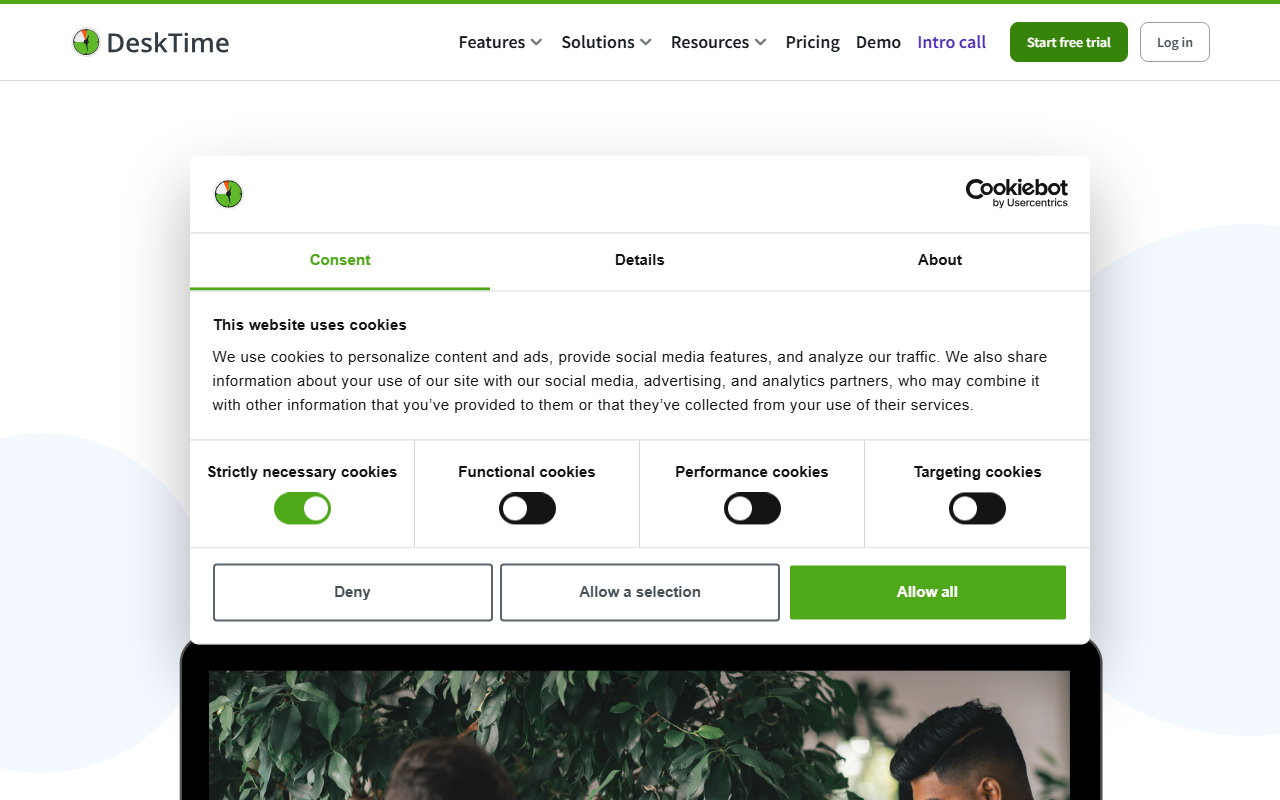
DeskTime is an automatic time tracking and productivity monitoring tool built for teams that want clear visibility without constant manual input. It runs in the background, logging time spent across apps and websites and categorizing each as productive, unproductive, or neutral based on custom rules set by managers. Designed for hybrid and remote teams, DeskTime also tracks project time and generates detailed reports useful for billing or performance reviews. Its automatic absence calendar helps HR teams spot attendance patterns without micromanaging. Over 184,000 teams across logistics, software, and professional services use DeskTime.
Features
- Automatic time tracking, zero manual input
- App and URL categorization rules
- Project time tracking with billing
- Screenshots at custom intervals
- Absence and shift scheduling calendar
Pros
- Simple setup, minimal training
- Offline time tracking included
- Detailed productivity trend reports
Cons
- Limited integrations outside core tools
- No payroll processing built in
- Basic compliance documentation
Pricing: Free (1 user). Pro: $7/user/month. Premium: $10/user/month. Enterprise: custom.
2. Time Doctor
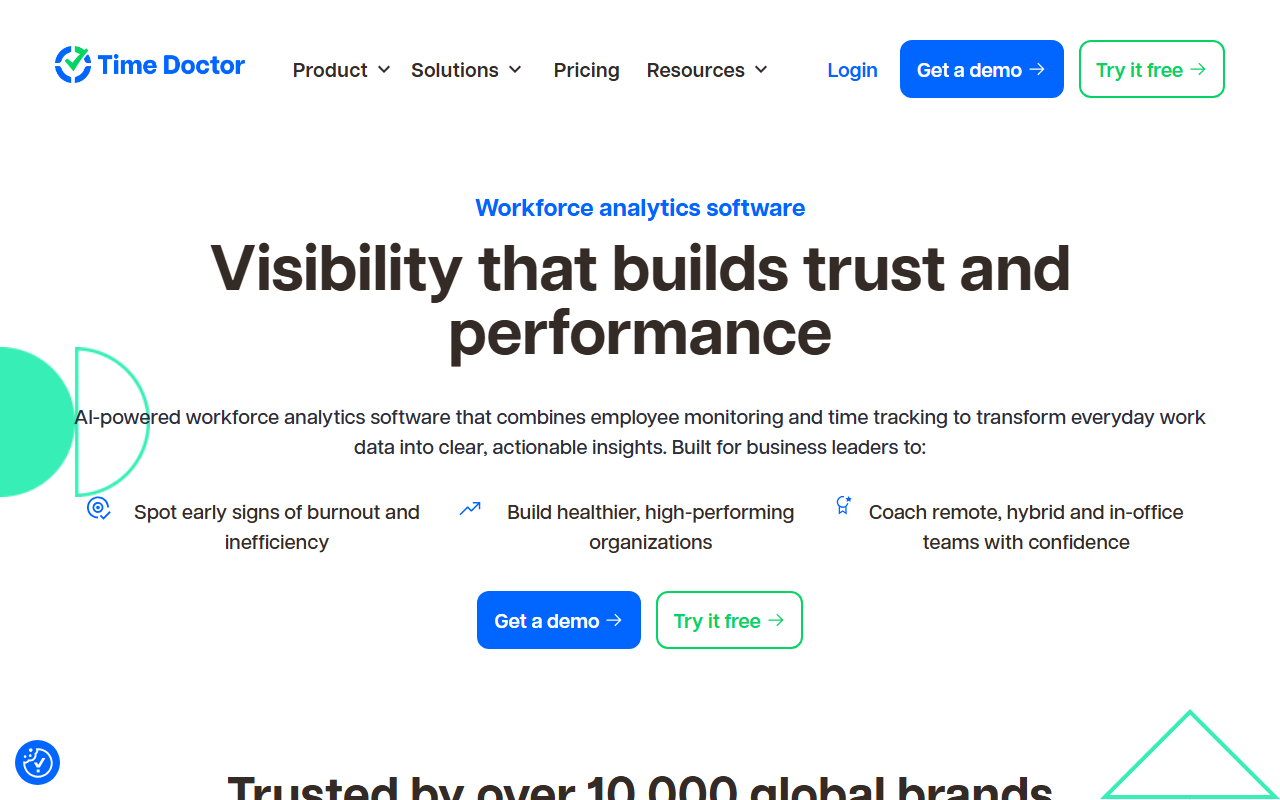
Time Doctor is a detailed workforce analytics platform targeting remote-first teams and BPO operations that need verifiable proof-of-work data. It captures screenshots, records web and app usage, and flags non-work activity in real time — giving managers granular insight into how each work hour is actually spent. Time Doctor integrates directly with 60+ project management and payroll tools, making it a strong fit for distributed teams with complex billing needs. Its distraction alerts nudge employees back on task when off-topic browsing is detected. Enterprise plans include white-labeling and advanced compliance features for regulated industries.
Features
- Real-time distraction alerts and nudges
- Payroll and billing via integrations
- Web, app, and video call tracking
- Client access for project transparency
- Silent or visible monitoring modes
Pros
- Strong payroll integration options
- Granular per-task time data
- White-label option for agencies
Cons
- Screenshots feel invasive to employees
- Steep learning curve for setup
- Expensive at scale
Pricing: Basic: $8.40/user/month. Standard: $14.40/user/month. Premium: $20.04/user/month.
3. Insightful
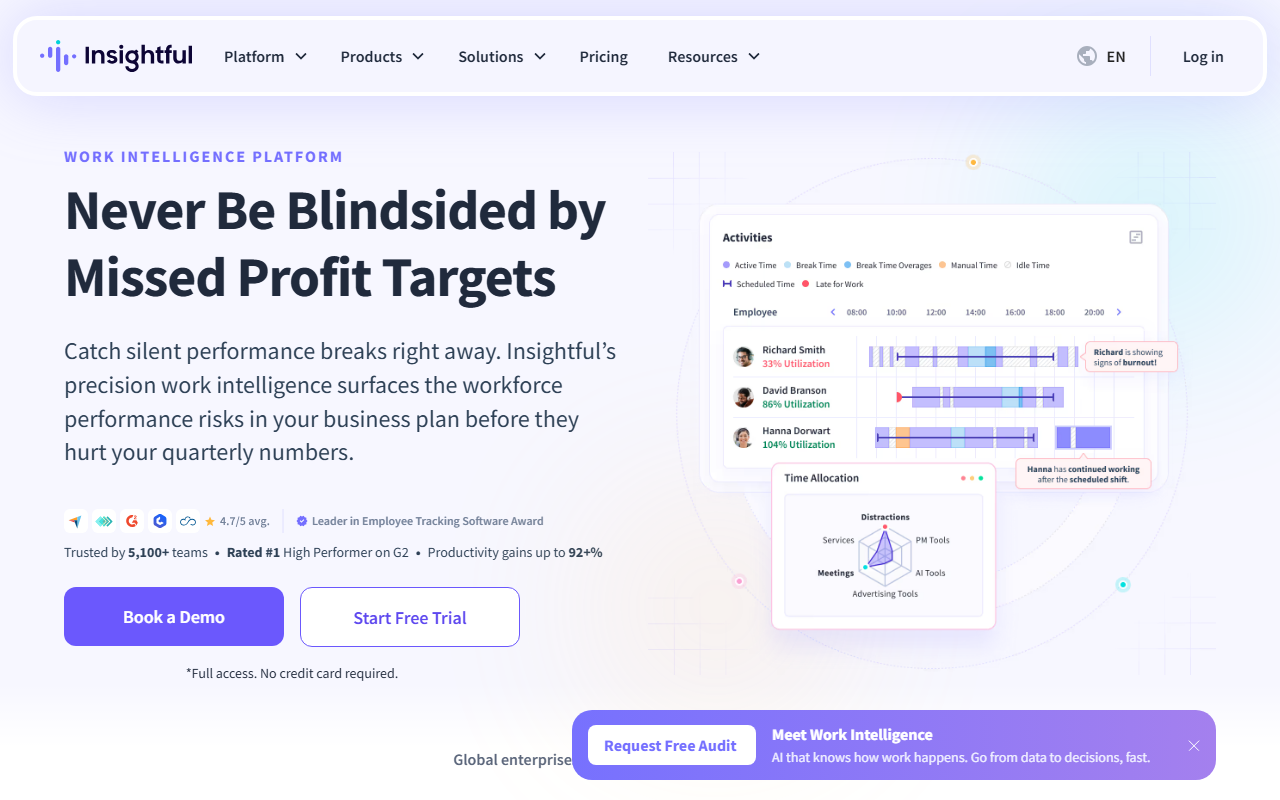
Insightful (formerly Workpuls) is a workforce analytics platform that goes beyond simple time tracking to deliver productivity intelligence — showing not just what employees do, but how efficiently they do it relative to team benchmarks. It automatically categorizes work activity and surfaces burnout risk and performance outliers without requiring manual review by managers. Insightful’s real-time attendance tracking and automated shift management make it useful for large operations teams handling complex schedules across time zones. The platform offers both stealth and transparent monitoring modes, giving HR teams flexibility to match organizational culture. Insightful is used by enterprise clients across healthcare, IT services, and financial services globally.
Features
- Automated productivity benchmarking vs team
- Real-time attendance and shift management
- Burnout and overwork risk alerts
- Stealth and transparent monitoring modes
- Process mapping for workflow optimization
Pros
- Strong enterprise-grade reporting
- Identifies burnout risk proactively
- Flexible monitoring mode options
Cons
- Higher price point for SMBs
- Stealth mode raises ethical questions
- Limited mobile device tracking
Pricing: Employee Monitoring: $8/user/month. Time Tracking: $6/user/month. Enterprise: custom.
4. Teramind
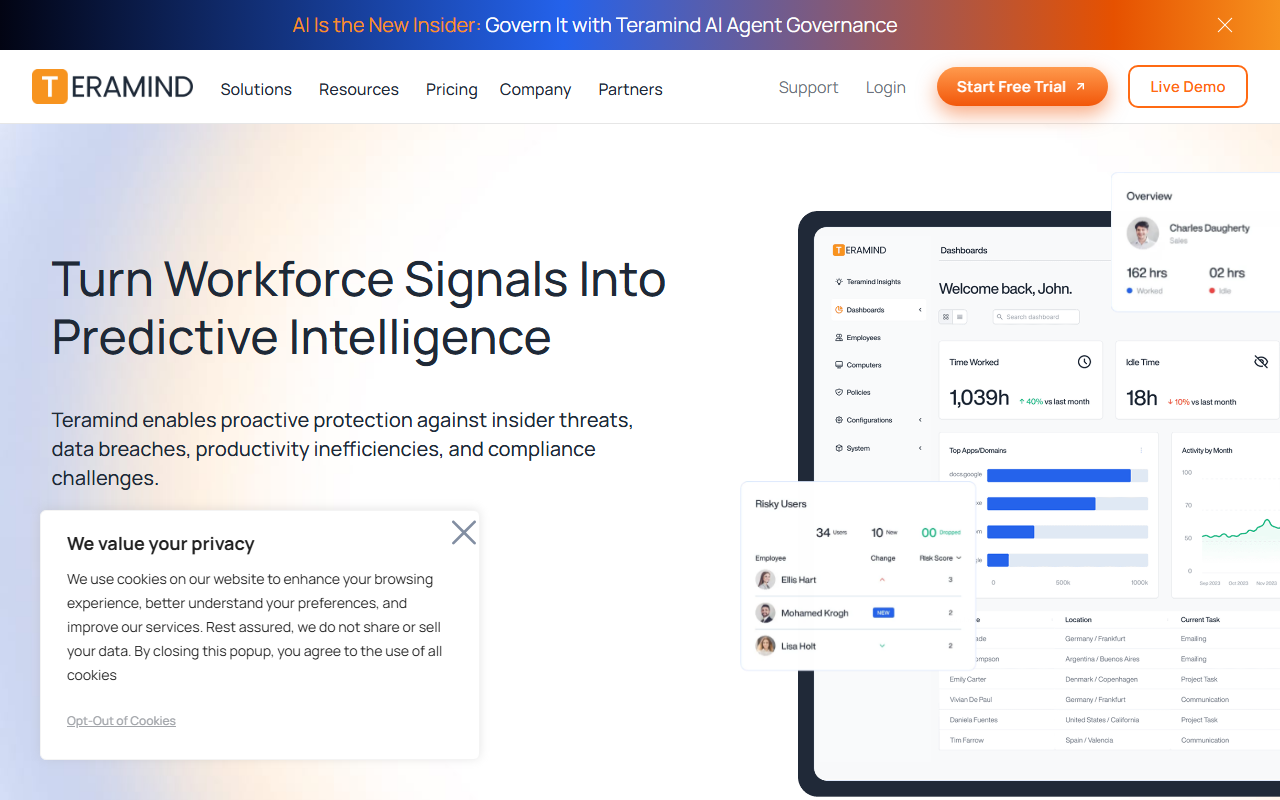
Teramind is one of the most comprehensive employee monitoring platforms available, built specifically for organizations where insider threat detection and regulatory compliance are non-negotiable priorities. It combines user behavior analytics (UBA) with content-aware monitoring — flagging anomalous behavior such as data exfiltration attempts, unauthorized access, and policy violations before incidents escalate. Teramind’s rules engine allows security and HR teams to set precise automated responses without constant manual oversight. It supports on-premise, cloud, and hybrid deployments, which is critical for regulated industries including banking, healthcare, and government contracting. Beyond security, Teramind provides detailed productivity analytics and project time tracking for day-to-day operational visibility.
Features
- User behavior analytics with anomaly detection
- Content-aware monitoring for data loss prevention
- Automated policy rules and responses
- On-prem, cloud, and hybrid deployment
- Keystroke logging and session video recording
Pros
- Industry-leading insider threat detection
- On-premise deployment for strict compliance
- Granular audit trails for regulators
Cons
- Complex setup requires IT resources
- Expensive for sub-100 seat teams
- Heavy storage requirements for recordings
Pricing: Starter: $15/user/month. UAM: $25/user/month. DLP: $30/user/month. Enterprise: custom.
5. ActivTrak
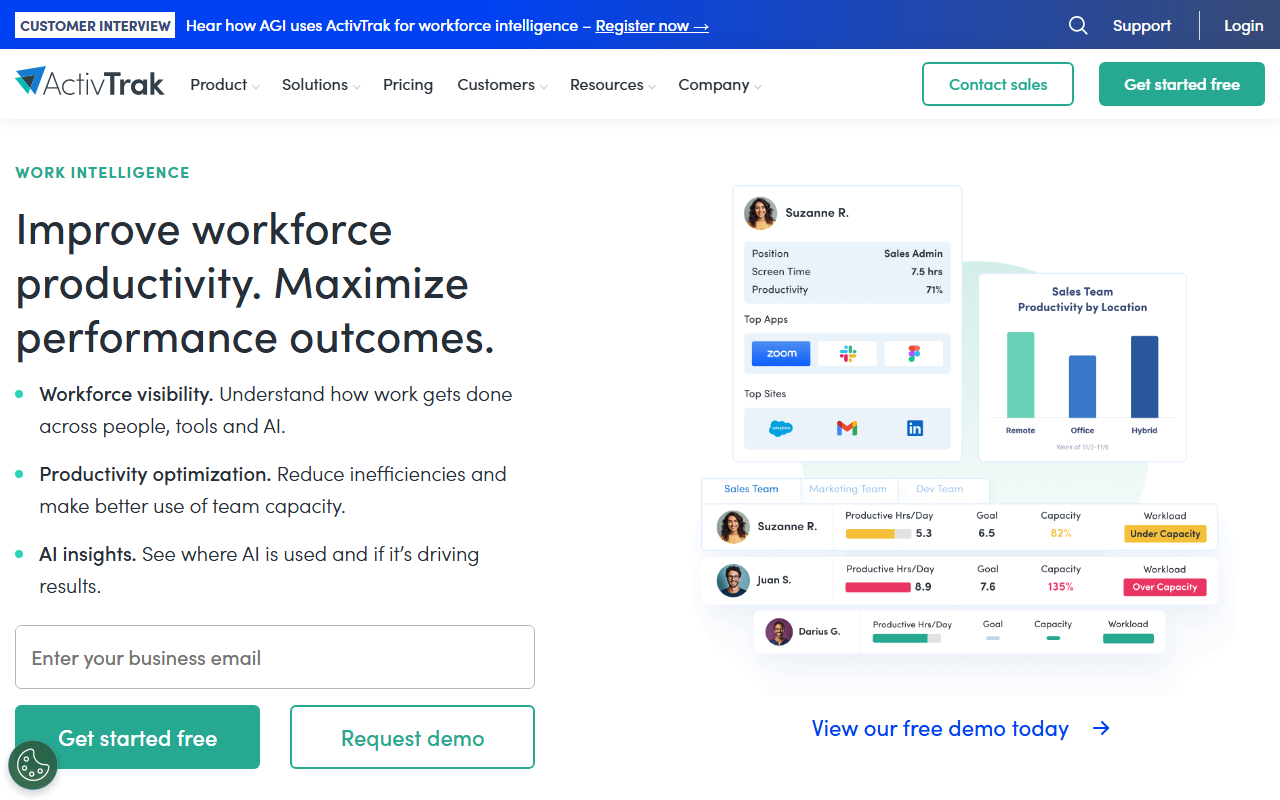
ActivTrak is a behavioral analytics platform that positions itself as a productivity intelligence tool rather than a surveillance system — a distinction that resonates with HR teams navigating post-pandemic workplace trust. It collects activity data and converts it into team-level insights: workload distribution, focus time, collaboration patterns, and early burnout indicators. ActivTrak’s Workload Balance feature flags overloaded employees before attrition risk increases, a pattern I see HR teams consistently miss without data. Its benchmarking dashboard compares individual patterns against healthy team baselines, enabling coaching conversations grounded in evidence rather than gut feel. ActivTrak is SOC 2 Type II certified and integrates with major HR and project management stacks.
Features
- Workload balance and redistribution alerts
- Team-level productivity benchmarking dashboard
- Focus time and collaboration pattern tracking
- Coaching-ready individual performance reports
- SOC 2 Type II certified data security
Pros
- Framed as productivity, not surveillance
- Strong workload and burnout detection
- Clean, manager-friendly dashboard
Cons
- Limited video and screen recording depth
- Advanced features locked to premium tiers
- No payroll processing integration
Pricing: Free (3 users). Essentials: $10/user/month. Professional: $17/user/month. Enterprise: custom.
6. WebWork Time Tracker
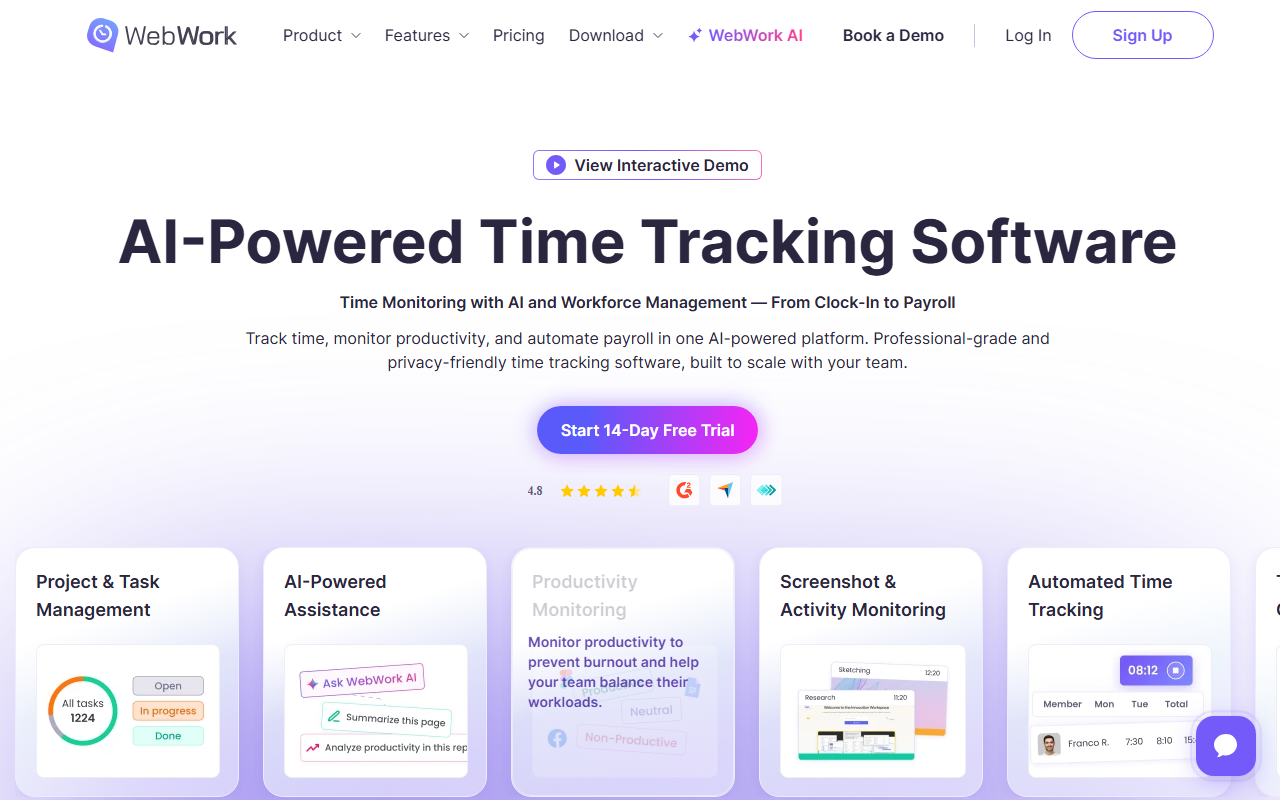
WebWork is a budget-friendly time tracking and monitoring tool that delivers solid core features in a clean interface, making it a strong fit for small to mid-sized teams that need monitoring basics without enterprise pricing or complexity. It captures screenshots at set intervals, tracks app and URL usage, and generates attendance reports that managers can export directly for payroll processing. WebWork’s activity level monitoring — based on keyboard and mouse input signals — provides a lightweight productivity proxy without the intrusiveness of full screen recording. Its Chrome extension and desktop app work across Windows, Mac, and Linux, and it integrates with Trello, Asana, and Jira.
Features
- Screenshots at customizable time intervals
- App and URL usage tracking
- Activity level via keyboard and mouse
- Chrome extension plus desktop app
- Export-ready attendance and payroll reports
Pros
- Affordable for small teams
- Works across all major operating systems
- Simple, low-friction setup
Cons
- Limited advanced analytics depth
- No insider threat detection
- Basic reporting vs enterprise tools
Pricing: Free (unlimited users, basic). Premium: $4.99/user/month.
7. Hubstaff
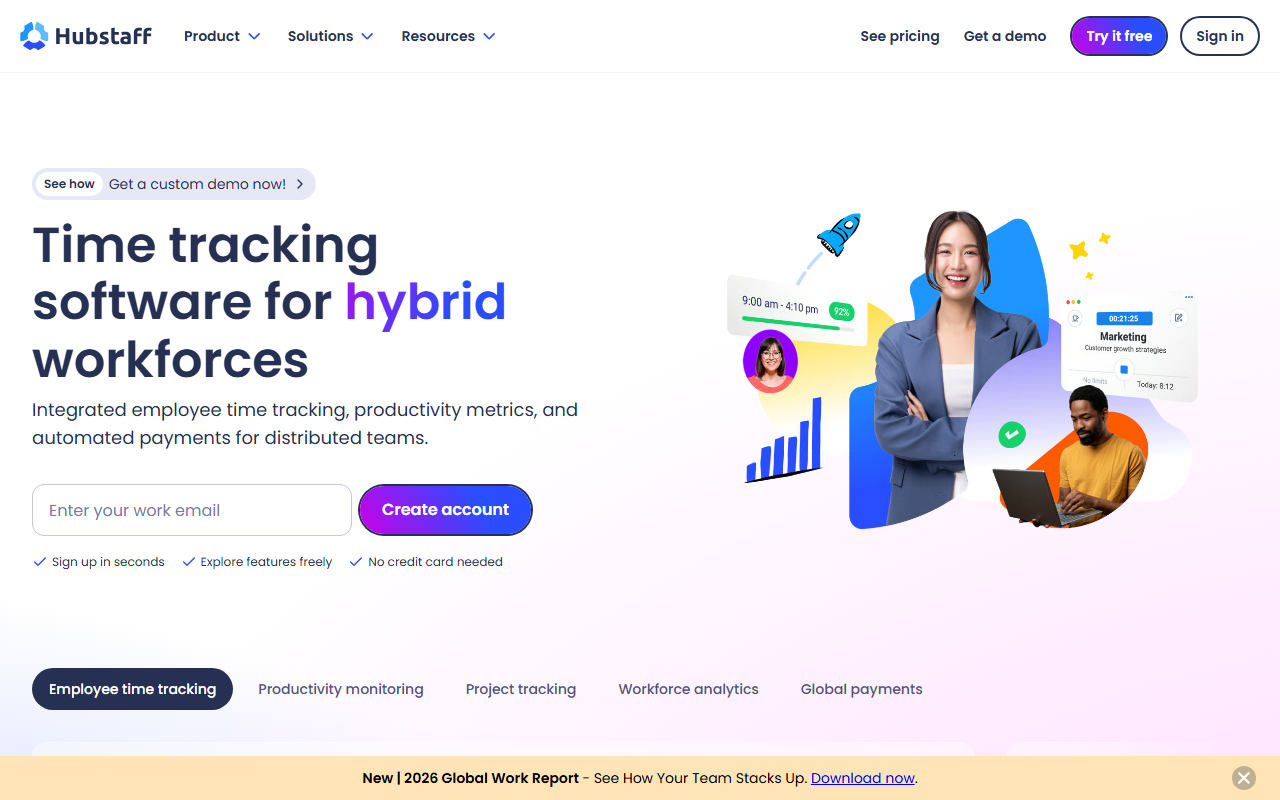
Hubstaff is a time tracking and workforce management platform built around accountability with transparency — two values that make it the most employee-friendly monitoring tool on this list. Unlike pure surveillance platforms, Hubstaff gives employees visibility into their own tracked data, which research shows reduces resistance and builds trust among distributed teams. It captures time, GPS location, screenshots, and app and URL activity, making it particularly strong for field service, construction, and distributed operations teams. Hubstaff’s payroll engine automates payment based on tracked hours, eliminating disputes and administrative overhead. Over 140,000 businesses use Hubstaff, and it holds a 4.3/5 rating across 2,800+ combined G2 and Capterra reviews.
Features
- GPS and geofencing for field teams
- Employee-visible personal tracking dashboard
- Automated payroll from tracked hours
- Idle time detection and alerts
- Project budget tracking and alerts
Pros
- Transparent — employees see own data
- Strong GPS for field workforces
- Automates payroll processing end-to-end
Cons
- Screenshots still create friction for some
- GPS tracking drains mobile battery
- Limited insider threat capabilities
Pricing: Starter: $7/user/month. Grow: $9/user/month. Team: $12/user/month. Enterprise: custom.
8. Monitask
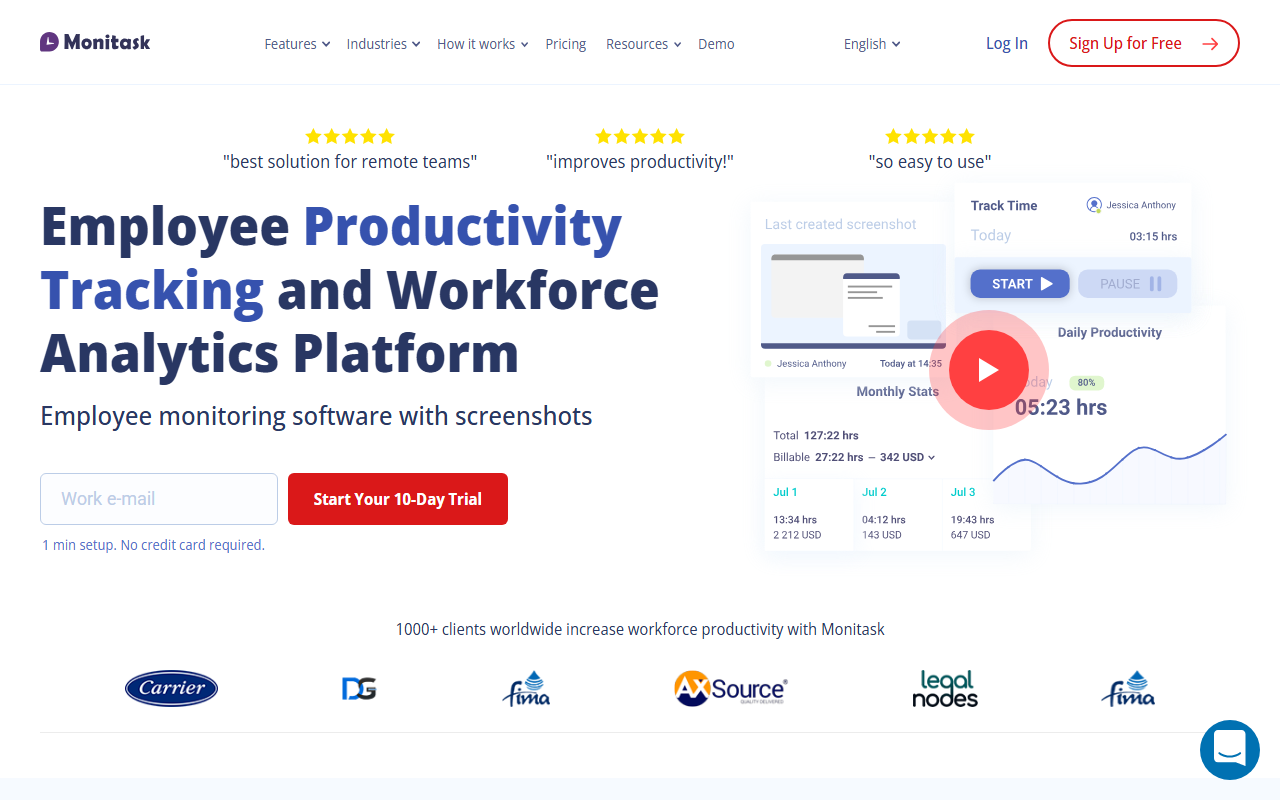
Monitask is a straightforward employee monitoring platform designed for small businesses and agencies that need reliable oversight without a steep setup curve or enterprise-level budget. It captures screenshots, records active work time, and tracks which apps and websites employees use — all visible through a clean web dashboard accessible from any device. Monitask’s lightweight client runs silently in the background with minimal performance impact, reducing friction during initial rollout across distributed teams. Its project and task management layer lets managers assign work and link tracked time directly to deliverables, creating a clear connection between effort and output. Monitask suits agencies, legal firms, and distributed teams managing client-billable hours.
Features
- Silent background monitoring, low system overhead
- Project and task time assignment
- Web dashboard accessible from any device
- Screenshot frequency fully customizable
- Client-billable time reporting and export
Pros
- Fast setup, minimal IT required
- Low cost for small teams
- Clean interface, easy to learn
Cons
- Limited enterprise compliance features
- No behavioral analytics or UBA
- Fewer integrations than larger competitors
Pricing: Pro: $5.99/user/month. Business: $8.99/user/month. Enterprise: custom.
9. Veriato
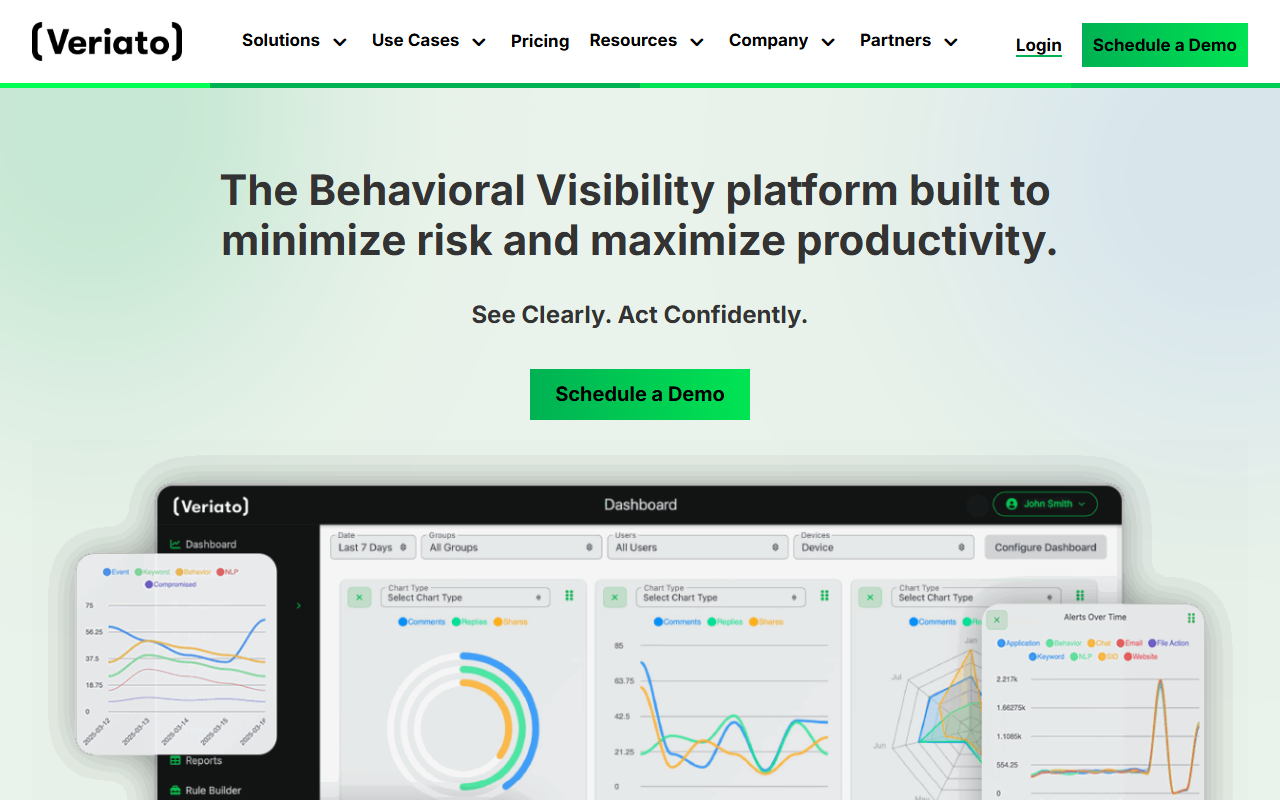
Veriato is an enterprise-grade user activity monitoring and insider threat detection platform used primarily by security and compliance teams in regulated industries. It goes deeper than most monitoring tools — capturing full session video recordings, complete email and chat logs, and behavioral baselines that identify anomalous activity before incidents occur. Veriato’s AI-powered risk scoring engine continuously analyzes behavior across endpoints and surfaces the highest-risk users, enabling security teams to prioritize investigation efficiently. It supports cloud and on-premise deployments and integrates with SIEM platforms for organizations with mature security operations. Veriato is widely deployed in government agencies, financial services firms, and healthcare systems facing strict data governance obligations.
Features
- Full session video recording capability
- AI-powered insider threat risk scoring
- Email, chat, and file transfer monitoring
- SIEM integration for security operations
- Cloud and on-premise deployment options
Pros
- Best-in-class insider threat detection
- Detailed behavioral baseline and deviation analysis
- SIEM integration for SOC teams
Cons
- High cost, enterprise-only pricing model
- Heavy storage requirements for video data
- Not suited for SMB or startup teams
Pricing: Custom enterprise pricing. Contact Veriato for a quote.
10. Microsoft Viva Insights
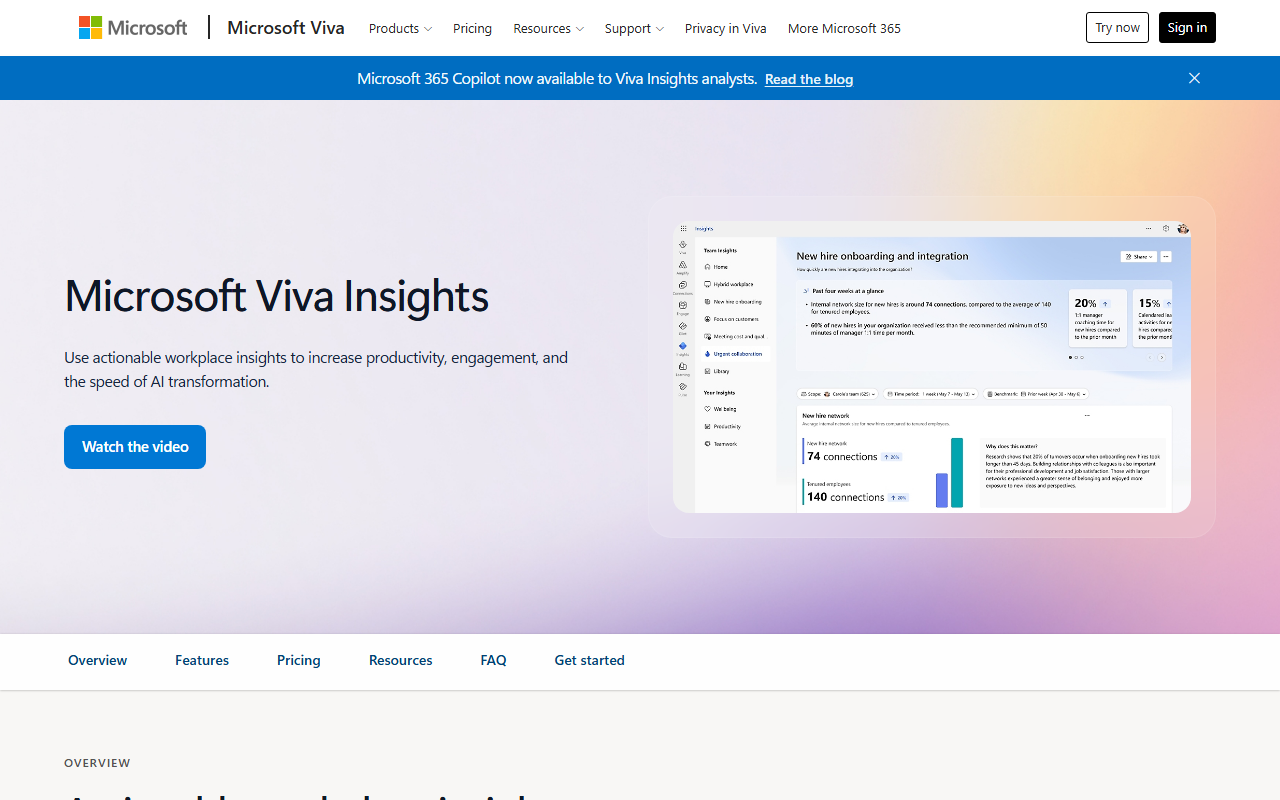
Microsoft Viva Insights is a workforce analytics tool built directly into Microsoft 365 and Teams — making it the natural default for enterprises already operating within the Microsoft ecosystem. Unlike standalone monitoring tools, Viva Insights focuses on aggregate, privacy-protected patterns rather than individual surveillance: it surfaces where collaboration overload exists, where focus time is being eroded by meeting load, and which teams show early burnout signals at the group level. Individual employee data remains private by design, visible only to the employee, while leaders see anonymized group-level trends only. For organizations with 1,000+ employees, Viva Insights integrates with Glint engagement survey data and Microsoft Copilot usage analytics for a full employee experience picture. It is included in Microsoft 365 E3 and E5 plans, making it effectively zero marginal cost for enterprises already on that stack.
Features
- Aggregate team-level collaboration analytics
- Individual wellbeing and focus time tracking
- Burnout and meeting overload early warnings
- Native Microsoft 365 and Teams integration
- Glint engagement data integration (E5 plan)
Pros
- Included in M365 E3/E5, no added cost
- Privacy-first with no individual surveillance
- Deep Teams and Outlook native integration
Cons
- Limited value outside Microsoft 365 ecosystem
- Aggregate data misses individual-level issues
- Full capabilities require E5 license tier
Pricing: Included with Microsoft 365 E3 ($36/user/month) and E5 ($57/user/month). Standalone Viva suite available separately.
How do employee monitoring tools affect productivity?
The evidence on monitoring and productivity is more nuanced than most vendors admit. A 2023 Stanford Social Science Research study found that employees who were aware of being monitored and understood the purpose showed 22% higher output — but those monitored without explanation showed higher anxiety and increased turnover intent. The mechanism matters as much as the monitoring itself.
A pattern I keep observing across HR teams I have worked with: monitoring tools deployed as accountability mechanisms fail within 6–12 months. Tools deployed as performance coaching inputs — where managers use data to start conversations, not make decisions — sustain engagement. The data tells you what; managers still need to understand why.
Microsoft’s Work Trend Index 2025 reports that 73% of managers say they lack confidence in their employees’ productivity without direct digital visibility. At the same time, 55% of employees say they would perform better with clearer goals rather than closer monitoring. The resolution is not surveillance — it is structured expectation-setting backed by data.
Key Takeaway: Deploy monitoring as a coaching tool, not a control mechanism. Teams that receive data-driven feedback rather than data-based surveillance show 3x higher sustained performance improvement (Gallup, 2024).
Is it legal to monitor employees?
Legality depends on jurisdiction, employment type, and disclosure practices. In the United States, employers have broad rights to monitor activity on company-owned devices and networks — but 11 states including Connecticut, Delaware, and New York require explicit written notice to employees before monitoring begins. The EU General Data Protection Regulation (GDPR) requires a documented lawful basis for processing employee data, limits what can be collected to what is strictly necessary, and mandates transparency with workers.
In practice, the safest approach for enterprise HR teams is to treat legal minimums as a floor, not a target. SHRM’s 2024 Workplace Monitoring Policy Guidelines recommend written consent, clear data retention limits, and explicit documentation of what is monitored and why — regardless of whether local law requires it.
Pro Tip: Before deploying any monitoring tool, have legal review your acceptable use policy and confirm GDPR/CCPA alignment. Publish the policy to employees in writing, get signed acknowledgment, and document data retention schedules. This alone eliminates most legal exposure and significantly reduces employee resistance.
How should enterprise teams evaluate monitoring tools?
Selecting the right tool requires matching features to your compliance environment, workforce structure, and cultural values. Organizations that skip this step end up with data they cannot legally use or insights no one acts on. Use the five-step checklist below to avoid both failure modes.
- Define the use case first. Productivity visibility, compliance documentation, and insider threat detection require different tools. Buying a compliance tool for productivity goals wastes budget.
- Audit your regulatory environment. GDPR, CCPA, HIPAA, SOX — each imposes different obligations on what you can collect and retain. Match your tool to your compliance stack, not the other way around.
- Choose transparency over stealth. Disclosed monitoring programs outperform undisclosed ones on retention, legal standing, and actual behavior change.
- Pilot with one team before rolling out. A 30-day pilot surfaces integration gaps, employee friction points, and data quality issues before you commit at scale.
- Tie data to action. If managers do not know what to do with the data, the tool fails regardless of features. Build a usage protocol before launch.
For organizations evaluating pre-hire and post-hire talent signals together, Testlify’s talent assessment platform provides a complementary layer: structured hiring data that sets a baseline for what high performance looks like in your specific roles, which makes post-hire monitoring data more interpretable.
Explore related resources: employee assessment tools and our guide to building your HR technology stack.
Frequently asked questions (FAQs)

Content Writer
Yashika Khandelwal is a Content Writer with 3+ years of experience creating research-backed content on hiring, talent assessment, and HR technology. She is a registered Organizational Psychologist and subject matter expert who combines behavioral science with practical recruitment insights to produce accurate, evidence-based content.
LinkedInRelated resources
View all
HR & recruitment
Top 10 staffing tools for enterprise hiring teams (2026)

HR & recruitment
11 best time tracking tools for HR managers in 2026
HR & recruitment
Top 10 Workforce Management Tools for 2026 (Compared and Ranked)

HR & recruitment
Top 5 Core HR tools

HR & recruitment
10 Best Benefits Administration Tools for HR Teams in 2026

HR & recruitment
Top 7 Human Resource Management Systems
Get started.
Hire on proof, not resumes.
Run your first skills-based assessment free — no credit card required.