
Skip to content
Demo Demo Call Support +1 (844) 755 8378 Contact Contact Login
Testlify
  • ProductExpand
    • Testlify AI
    • AI resume screener
    • Features
    • Video interviewing
    • Science behind tests
    • Live product demo
    • Roadmap
    • ATS integrations
  • Test library
  • Interviews
  • Pricing
  • SolutionsExpand
    • By industry typeExpand
      • Information & technology
      • Logistics & supply chain
      • Retail
      • Recruitment
      • Financial
      • SaaS
      • Energy
      • Hospitality
      • Health care
      • BPO
      • Edtech
      • Real estate
      • Media
    • By use caseExpand
      • Lateral hiring
      • Diversity and inclusion
      • Volume hiring
      • Remote hiring
      • Blue collar hiring
      • Freelance hiring
      • Campus hiring
      • Technical hiring
      • Sales hiring
      • Skills validation
    • By test typeExpand
      • Role specific
      • Language
      • Programming
      • Software skills
      • Personality & culture
      • Cognitive ability
      • Situational judgment
      • CEFR
      • Typing
      • Coding
      • Engineering
    • By company typeExpand
      • For startups 
      • SMB’s
      • Enterprises
      • Non-profits
      • Public sector
  • ResourcesExpand
    • Blogs
    • HR toolsExpand
      • AI Interview question generator
      • AI Job description generator
      • Cost per hire calculator
      • Attrition rate calculator
      • Employee NPS calculator
      • Applicant funnel calculator
      • Average Time to Hire
      • Employee turnover
      • Sourcing channel efficiency
      • Remote work cost savings
      • Quality of hire calculator
      • Interview-to-hire offer
      • Recruiting conversion rate
      • Job offer acceptance rate
      • Hiring manager satisfaction
    • Hiring guides
    • HR glossary
    • Customer success stories
    • Job description templates
    • Ebooks
    • Podcasts
    • Referral program
    • Partnership program
    • Integration program
    • Competitors
    • Sitemap
  • AboutExpand
    • Our story
    • Contact us
    • Our leadership
    • Trust center
    • Clients
    • Partners
    • Job openings
    • Write for us
Try for Free
Book demo Login
Testlify

Blind Engagement

Back to HR Glossary
Table of Contents
  • Anonymous vs confidential vs identified: the most-confused distinction
  • The small-group reporting problem
  • When to use blind (anonymous) vs confidential
  • The psychological safety counter-argument
  • The Blind app: a different beast
  • Designing a blind engagement program: 7-step framework
  • Frequently asked questions

‘The Blind app’ (TeamBlind.com) is an external anonymous employee community where verified employees of specific companies discuss compensation, internal politics, layoff rumours, and culture.

Summarise this post with:

chatgptChatgpt geminiGemini claudeClaude grokGrok perplexityPerplexity

Blind Engagement is the practice of collecting employee feedback through anonymous channels – typically engagement surveys, pulse surveys, or feedback tools – where individual responses cannot be traced back to the employee who submitted them. Designed to surface honest feedback on sensitive topics that employees would not share through identified channels. Also called: anonymous engagement, anonymous employee surveys, blind feedback.
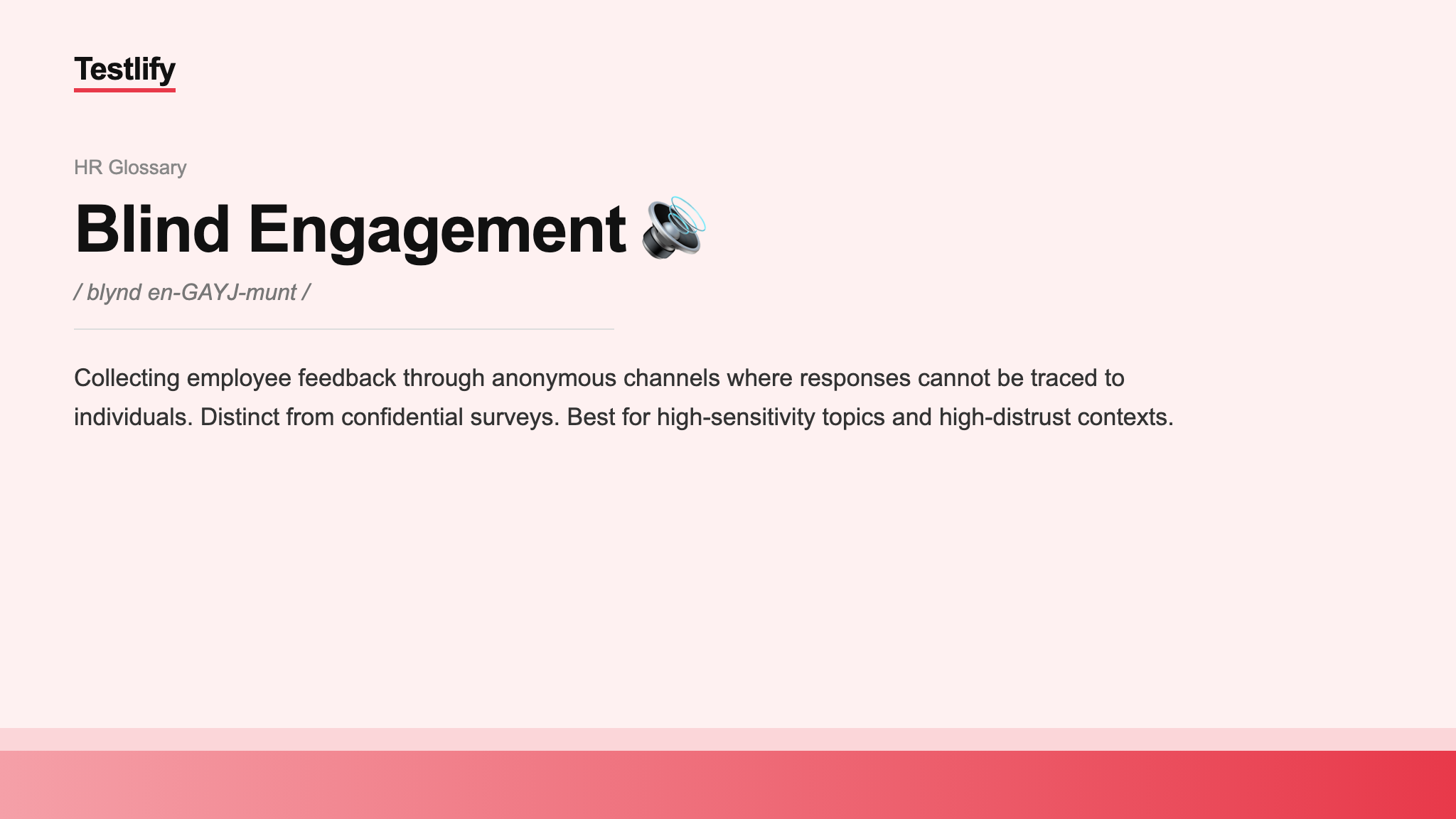
Image showing the meaning of Blind Engagement

Anonymous vs confidential vs identified: the most-confused distinction

These three terms are routinely used interchangeably by HR teams, vendors, and employees – but they describe materially different privacy guarantees:

TypeWhat is collectedCan responses be linked to individual?Best forTrade-off
Anonymous (truly blind)Response only – no identifierNo – technically impossibleHighest-sensitivity topics: ethics, harassment, retaliation, leadershipCannot follow up; segmentation only via self-reported demographics
ConfidentialResponse + demographic + team identifier (stored separately, vendor-mediated)Theoretically yes, but vendor policy preventsMost engagement surveys; team-level diagnosticsTrust depends on vendor and policy adherence
Identified (with consent)Response + employee identifierYes – explicitlyManager 1:1 feedback, development, performanceSeverely limits honesty on sensitive topics

The single most common employee misperception: assuming ‘anonymous’ when the survey is actually ‘confidential.’ Vendors and HR teams often use the words interchangeably. Employees discover the distinction when small-group reports surface comments that identify them indirectly – a major breakdown in trust.

The small-group reporting problem

Even in genuinely anonymous surveys, reporting at small group sizes can functionally de-anonymise individuals. Best practice industry threshold:

  • Minimum reporting threshold of 5-10 respondents per segment. Below this, segment-level reporting is suppressed. Common practice in mature engagement programs is to use 7 as the threshold for quantitative scores and 10 for free-text quotes.
  • Suppress intersectional cuts that drop below threshold. If ‘women in engineering’ has only 4 respondents, do not report that segment. Standard practice in modern engagement platforms (Glint, Culture Amp, Peakon, Perceptyx).
  • Sanitise free-text comments. Remove identifying details (project names, dates, individual names) before sharing comments with managers.
  • Be explicit with employees about the threshold. Communicate that ‘small teams will not see their team-level results’ before the survey.

When to use blind (anonymous) vs confidential

Use anonymous (no identifier at all) when:

Use confidential (vendor-mediated identification) when:

The psychological safety counter-argument

Harvard Business School professor Amy Edmondson, whose research established the modern psychological-safety framework, has argued that excessive reliance on anonymous feedback can be a symptom rather than a solution. Her position: psychological safety is built through trust developed in identified relationships, not protected through anonymity. Organisations that rely solely on anonymous channels may be using anonymity as a substitute for the harder work of building actual trust.

Anonymous channels are appropriate when trust is broken, distrust is justified, or topics are inherently high-stakes. They are problematic when they substitute for the day-to-day relationship-building, manager training, and culture work that creates the conditions for honest identified feedback.

The Blind app: a different beast

‘The Blind app’ (TeamBlind.com) is an external anonymous employee community where verified employees of specific companies discuss compensation, internal politics, layoff rumours, and culture. The Blind app is not under HR’s control; it is a separate ecosystem with significant influence in tech industries. Industry surveys suggest 70% of US tech employees at major firms have read or posted on Blind.

Implications for HR:

  • Blind is a real-time signal for what employees are really thinking. HR teams that ignore it are blind to material risks – surfacing layoff rumours, compensation concerns, and culture issues 30-90 days before they appear in formal channels.
  • Posts are public to verified employees of any company. What an employee posts about your firm is read by competitors’ employees.
  • Don’t try to control the conversation. Attempts to suppress Blind discussion reliably backfire.

For related analytics, see big data in HR for the broader analytics context. For the underlying engagement concept, see the best practice policy section on employee voice.

Designing a blind engagement program: 7-step framework

1. Define the purpose precisely. What decisions will this feedback inform? Surveys without downstream decision purpose produce dashboards no one acts on.

  1. Choose the privacy level deliberately. Anonymous, confidential, or identified – based on topic sensitivity and trust state. Communicate the choice clearly to employees.
  2. Set the reporting threshold. 5-10 respondents minimum for quantitative reporting; 10+ for free-text quotes. Suppress intersectional cuts that drop below threshold.
  3. Limit identifiers collected. Collect only the demographic dimensions needed for action.
  4. Use a third-party vendor. Vendor-hosted surveys with clear data-handling policies provide structural anonymity that internal systems cannot match.
  5. Close the loop publicly. Share results – not just to executives, to employees. Demonstrated responsiveness is the engagement program; the survey is just the instrument.
  6. Measure response rate as a leading indicator. Falling response rates indicate trust erosion in the program, often before they show in engagement scores.

Frequently asked questions

Blind engagement is the practice of collecting employee feedback through anonymous channels – typically engagement surveys or pulse surveys – where individual responses cannot be traced back to the employee. The approach is designed to surface honest feedback on sensitive topics that employees would not share through identified channels.

Anonymous surveys collect no individual identifier – responses cannot be linked to the employee. Confidential surveys collect identifiers but vendor-mediated policy prevents direct identification; team-level segmentation is possible. Employees often assume “anonymous” when surveys are actually “confidential” – a major source of trust breakdown when small-group reports surface identifying detail.

Industry standard minimum reporting thresholds: 5-10 respondents per segment for quantitative scores, 10+ for free-text quotes. Below the threshold, segment-level reporting is suppressed to protect respondent identity. Suppress intersectional cuts that drop below threshold. Communicate the threshold to employees before launching the survey.

No, they are different. “Blind engagement” is the HR practice of anonymous internal surveys. “The Blind app” (TeamBlind.com) is an external anonymous employee community where verified employees discuss companies. The Blind app is outside HR’s control and is read by competitors’ employees.

Not always. Anonymous channels work best for genuinely sensitive topics (psychological safety, ethics, harassment) or in high-distrust contexts. For most engagement surveys, confidential format with team-level segmentation produces more actionable insight. Amy Edmondson has argued that excessive reliance on anonymity can substitute for the harder work of building actual trust in identified relationships.

Use a third-party vendor with documented data-handling policies, do not collect demographic identifiers beyond what is needed for action, set minimum reporting thresholds (5-10 respondents per segment), suppress intersectional cuts below threshold, sanitise free-text comments to remove identifying details, and communicate the privacy guarantees clearly to employees before the survey launches.

A pulse survey is a short, high-frequency engagement survey – typically 5-15 questions, run weekly, bi-weekly, or monthly – designed to track employee sentiment in near-real-time rather than waiting for the annual engagement cycle. Pulse surveys are typically anonymous or confidential. They provide faster feedback loops on engagement trends, issues surfacing from specific events (restructurings, leadership changes, return-to-office mandates), and responses to interventions.

Industry benchmarks for engagement survey response rates vary, but a healthy range is typically 70-85% for annual engagement surveys in engaged organisations. Rates below 60% suggest significant trust issues or survey fatigue. Pulse survey response rates are typically lower (40-60%) due to frequency. Response rate trends matter as much as the absolute rate – a declining rate is a leading indicator of trust erosion.

Table of Contents
  • Anonymous vs confidential vs identified: the most-confused distinction
  • The small-group reporting problem
  • When to use blind (anonymous) vs confidential
  • The psychological safety counter-argument
  • The Blind app: a different beast
  • Designing a blind engagement program: 7-step framework
  • Frequently asked questions
trusted by 1,500 team worldwide

Ready to Replace Gut Instinct with Verified Skills?

Your next great hire is in your candidate pool right now. Testlify’s assessments surface them in 30 minutes – no resume bias, no interview gut checks, no bad hire regret.

Try for Free ➔ Book a Demo

7-Day free trial

Unlimited assessments

Cancel anytime

Product

Testlify AI

Test library

ATS integrations

Science

Analytics

API

Reseller plan

Features

What’s new

White label

Video interviewing

Product roadmap

Test type

Role specific tests

Language tests

Programming tests

Software skills tests

Cognitive ability tests

Situational judgment tests

CEFR test

Typing test

Coding tests

Psychometric tests

Engineering tests

Process knowledge tests New

Resources

Blog

Join Testlify SME

Integration program

Sitemap

Knowledge base

Podcast

Referral program

Partnership program

Success stories

Competitors

Hiring guides

HR glossary

HR tools

Terms

Privacy policy

Terms & conditions

Refund policy

GDPR compliance

Cookie policy

Security practices

Security

Data processing agreement

Data privacy framework

CCPA

Trust center

Company

About us

Careers We are hiring

For subject matter experts

Clients

Our partners

Press room

Investors

Write for us

Contact us

Support

Help center

Backed by

SHRm labs
Google for startup
Microsoft for startup
NVIDIA
SOC 2 Type 2
ISO
EEOC
CCPA
GDPR
Testlify logo

sales@testlify.com

support@testlify.com

+1 (844) 755 8378

  • LinkedIn
  • Facebook
  • testlify youtube channel
  • Instagram
  • X

©2026 Testlify All Rights Reserved

Testlify logo
  • LinkedIn
  • Facebook
  • testlify youtube channel
  • Instagram
  • X

Testlify AI

Test library

ATS integrations

Science

Analytics

API

Reseller plan

Features

What’s new

White label

Video interviewing

Product roadmap

Role specific tests

Language tests

Programming tests

Software skills tests

Cognitive ability tests

Situational judgment tests

CEFR test

Typing test

Coding tests

Psychometric tests

Engineering tests

Process knowledge tests New

Blog

Join Testlify SME

Integration program

Sitemap

Knowledge base

Podcast

Referral program

Partnership program

Success stories

Competitors

Hiring guides

HR glossary

HR tools

Help center

About us

Careers We are hiring

For subject matter experts

Clients

Our partners

Press room

Investors

Write for us

Contact us

Privacy policy

Terms & conditions

Refund policy

GDPR compliance

Cookie policy

Security practices

Security

Data processing agreement

Data privacy framework

CCPA

Trust center

Backed by

SHRm labs
Google for startup
Microsoft for startup
NVIDIA
SOC 2 Type 2
ISO
EEOC
CCPA
GDPR

©2026 Testlify All Rights Reserved

Try for free
Book a demo
100 off coupon
SHRM
Use now

Email is sent, thanks

Before you go. Want to see how top teams assess talent?

Get a quick walkthrough to improve shortlist quality and speed.

Please enable JavaScript in your browser to complete this form.
Loading

No credit card required. 7-day free trial. Used by 1,500+ teams.

G2 review

This website uses cookies to enhance your experience. By continuing, you consent to our use of cookies. Read our Privacy Policy

Got it
Scroll to top
  • Product
    • Testlify AI
    • AI resume screener
    • Features
    • Video interviewing
    • Science behind tests
    • Live product demo
    • Roadmap
    • ATS integrations
  • Test library
  • Interviews
  • Pricing
  • Solutions
    • By industry type
      • Information & technology
      • Logistics & supply chain
      • Retail
      • Recruitment
      • Financial
      • SaaS
      • Energy
      • Hospitality
      • Health care
      • BPO
      • Edtech
      • Real estate
      • Media
    • By use case
      • Lateral hiring
      • Diversity and inclusion
      • Volume hiring
      • Remote hiring
      • Blue collar hiring
      • Freelance hiring
      • Campus hiring
      • Technical hiring
      • Sales hiring
      • Skills validation
    • By test type
      • Role specific
      • Language
      • Programming
      • Software skills
      • Personality & culture
      • Cognitive ability
      • Situational judgment
      • CEFR
      • Typing
      • Coding
      • Engineering
    • By company type
      • For startups 
      • SMB’s
      • Enterprises
      • Non-profits
      • Public sector
  • Resources
    • Blogs
    • HR tools
      • AI Interview question generator
      • AI Job description generator
      • Cost per hire calculator
      • Attrition rate calculator
      • Employee NPS calculator
      • Applicant funnel calculator
      • Average Time to Hire
      • Employee turnover
      • Sourcing channel efficiency
      • Remote work cost savings
      • Quality of hire calculator
      • Interview-to-hire offer
      • Recruiting conversion rate
      • Job offer acceptance rate
      • Hiring manager satisfaction
    • Hiring guides
    • HR glossary
    • Customer success stories
    • Job description templates
    • Ebooks
    • Podcasts
    • Referral program
    • Partnership program
    • Integration program
    • Competitors
    • Sitemap
  • About
    • Our story
    • Contact us
    • Our leadership
    • Trust center
    • Clients
    • Partners
    • Job openings
    • Write for us
Book demo