
Testlify vs Remote Interview: A detailed comparison
Discover the perfect solution for evaluating your candidates’ skills with Testlify. Dive into our comprehensive Testlify vs Remote…
Remote Interview and CodeInterview are two products sold by one company, Remote Interview, Inc, and they are not the same thing. Remote Interview handles automated screening tests and take-home projects, priced per session. CodeInterview handles live collaborative coding interviews, priced per interview. Testlify covers coding plus cognitive, personality, language and role-specific assessment in one platform. Pick a code editor if engineering is all you screen. Pick Testlify once you hire past engineering, or once you need to see how a candidate works with AI rather than against a blank file.
 ChatGPT
 Gemini
 Claude
 Grok
Grok Perplexity
TL;DR
- One company, two products. Remote Interview, Inc runs remoteinterview.io (screening tests, take-home projects) and codeinterview.io (live coding interviews). They have separate feature sets and separate price lists, so quoting "Remote Interview pricing" without saying which product is meaningless.
- Remote Interview sells sessions: $19 a session, discounted to $14, or $155 a month for 20 sessions, with 3 user accounts on every self-serve tier.
- CodeInterview sells interview volume: a free tier at 2 interviews a month, Starter at 8, Pro at 40, extra interviews at $15 each, and unlimited users on every tier.
- Testlify sells assessment credits: $139 a month billed annually for 100 credits, which works out to $16.68 per candidate assessed, across 3,500+ tests and 45+ programming languages.
- The real split is not video and it is not live coding. All three do those. It is what happens either side of the code screen: multi-role assessment, item-level test analytics, AI-usage detection, and proctoring that works on more than a code editor.
- If engineering is the only team you screen and you interview in low volume, a focused editor is a reasonable buy. The moment a second department asks to screen candidates, it becomes a second vendor and a second invoice.

What is Remote Interview, and is it CodeInterview?
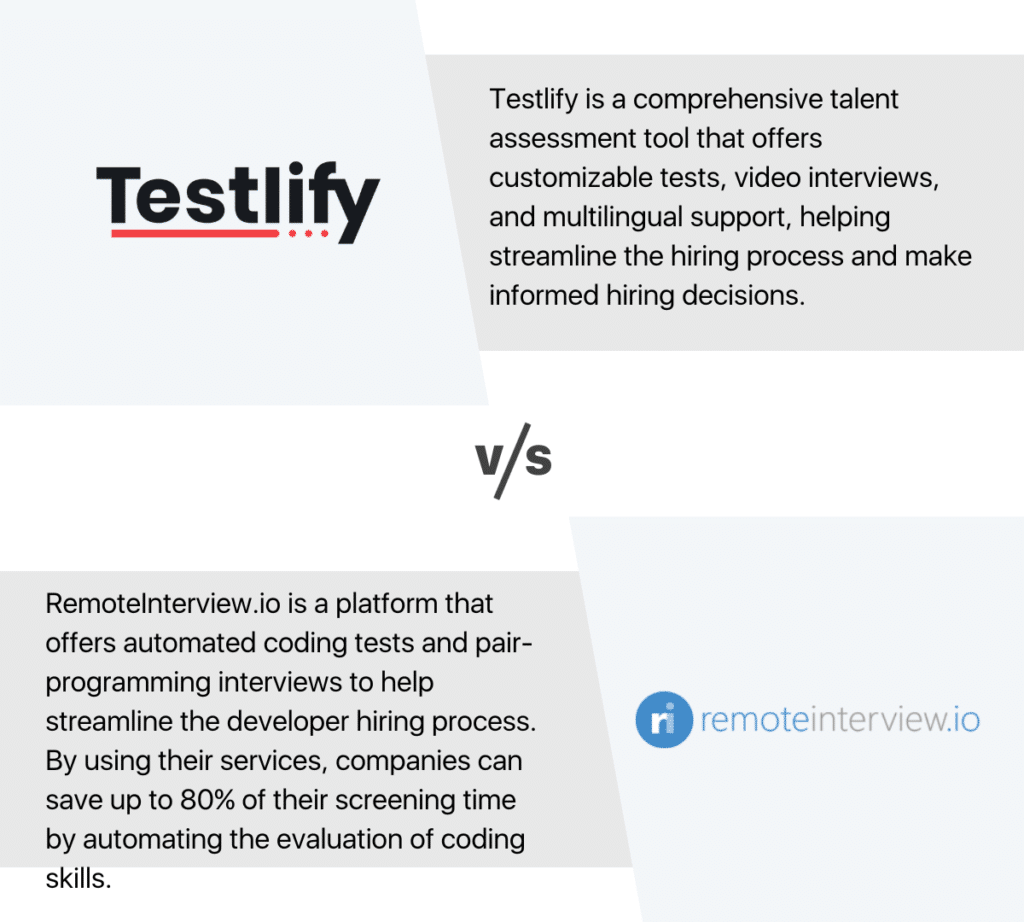
Remote Interview is a developer-screening product from Remote Interview, Inc. It filters candidates with automated programming tests and take-home projects, so a hiring team can screen on demonstrated code rather than a resume. CodeInterview is the same company's live interview product: a shared code editor with HD audio and video, run in real time with a candidate on the call.
They are related, and that is exactly what makes them easy to confuse. Both sit under Remote Interview, Inc, the Remote Interview site links straight across to codeinterview.io for its Interviews tab, and the two share a cookie notice. An earlier version of this page called that a rebrand and said the two names describe one product. That was wrong, and it is worth correcting plainly, because the two products are bought separately and priced on different units.
The practical test: if a buyer wants candidates to sit a test on their own time, that is Remote Interview. If a buyer wants an engineer and a candidate typing in the same window on a Tuesday afternoon, that is CodeInterview. Teams that want both pay for both.
Testlify vs Remote Interview: what is different?
The table reflects what each vendor publishes on its own product and pricing pages as of September 2026. Capability lists move, so treat it as a starting point and confirm anything that decides the purchase.
Capability | Testlify | Remote Interview / CodeInterview |
|---|---|---|
Live collaborative coding interview | Yes | Yes (CodeInterview) |
Automated screening tests and take-home projects | Yes | Yes (Remote Interview) |
Programming languages supported | 45+ | 30+ on the product page, 40+ on the pricing page |
In-browser IDE for multi-file projects | Embedded VS Code editor, single file or multi-file project | Collaborative editor with shell access and a built-in browser |
Coding test cases | Up to 20, visible or hidden, per-case scoring, SQLite database cases | Not published as a scored test-case model |
AI-assisted coding assessment | Vibe coding tasks: candidates direct AI tools to a working solution | AI Assist: shows how candidates use AI in coding workflows |
Cognitive, personality and language tests | Yes | Not offered |
Non-technical role tests (sales, support, finance) | Yes, 4,500+ roles | Not offered |
Test library size | 3,500+ tests, 180,000+ questions, 25+ question types | Not a test-library product |
Video and AI interviewing | One-way, two-way conversational AI video, voice, and AI phone interviews | Live audio and video inside the editor |
Item-level test analytics | Difficulty index, discrimination index, quality-risk flags per question | Not published |
Proctoring | 20+ measures including dual-device monitoring and AI-tool detection | Proctoring on screening tests |
Entry pricing | $139/month billed annually, 100 credits a year | $19 per session, or a free tier at 2 interviews a month |
Seats on the entry tier | 3, extra seats $15/month | 3 user accounts (Remote Interview), unlimited (CodeInterview) |
Remote Interview (CodeInterview)
Key features
A shared code editor across 30+ languages and frameworks with HD video beside it, whiteboard mode for sketching a problem, a built-in browser for front-end work, database support for data roles, shell access, and code playback so a hiring manager can replay how a candidate reached an answer. On the screening side: automated programming tests, take-home projects, and proctoring on those tests. Interview templates and a Chrome extension round it out, and Enterprise adds SAML single sign-on, API access and ATS integration.
Code playback is the underrated one. Watching someone debug tells you more than the finished function does, and very few screening formats capture it.
Pros
- Focused. A tool that does one job rarely gets in the way, and setup is close to zero.
- A genuinely free tier: 2 interviews a month, unlimited users, all languages.
- Unlimited users on every CodeInterview tier, which matters when a dozen engineers each run two interviews a quarter.
- AI Assist shows how a candidate used AI during the session rather than pretending the tools do not exist.
Cons
- Coding only. No cognitive, personality, language or non-technical role tests, so a second tool is needed the moment hiring widens.
- The two products are bought and billed separately, so screening tests plus live interviews means two subscriptions.
- The Starter and Pro dollar figures are not published in the CodeInterview pricing page markup, so budgeting needs a vendor conversation.
- Session and interview caps mean cost scales with volume in a way that punishes a busy quarter.
Best for
Engineering-only hiring at modest volume, where the team wants a shared editor with no configuration and is happy to run screening and live interviews as separate purchases.
Pricing
- Remote Interview, screening tests: Pay As You Go at $19 a session, discounted to $14, with 3 user accounts. Pro at $155 a month for 20 sessions a month, or $149 a month billed yearly for 240 sessions a year, with $14 per additional session.
- CodeInterview, live interviews: Free at 2 interviews a month, Starter at 8 a month, Pro at 40 a month, Enterprise uncapped. Additional interviews are $15 each and annual billing saves about 10%.
- Enterprise (both): custom pricing, unlimited users and sessions, SAML single sign-on, API access, priority support.
Testlify
Key features
Live and asynchronous coding in 45+ programming languages, written in an embedded VS Code editor that handles single files or multi-file projects, scored against up to 20 visible or hidden test cases with per-case scoring and SQLite database cases. Around that sits a library of 3,500+ tests and 180,000+ questions across 4,500+ roles, with 25+ question types that include Google Docs, Sheets, Slides and the Microsoft equivalents as real work samples.
Interviewing is in the same product: one-way video, two-way conversational AI video with selectable avatars and voices, voice questions, and outbound AI phone interviews billed at $0.18 a minute. Responses get automatic multilingual transcripts and AI scoring that a human reviewer can override, and the product ships the disclaimer to prove it: AI scores and insights are for guidance only. Proctoring runs 20+ measures, including dual-device monitoring, where the candidate's phone becomes a second camera and the session cannot start until it is active.
Pros
- One platform screens engineering and non-engineering candidates, so a second department does not mean a second vendor.
- Item-level psychometrics (difficulty index, discrimination index, quality-risk flags) show which questions are actually sorting candidates, which is test-publisher territory most hiring tools skip.
- An AI checker classifies an answer as human, AI generated, or mixed, and AI-tool use is a tracked proctoring signal.
- Vibe coding tasks assess how a candidate directs AI tools toward a working solution, not just whether they can write syntax from memory.
- 100+ ATS integrations keep an existing system of record in place; Testlify runs as the screening layer rather than asking anyone to move.
Cons
- Broader means slower to set up. Mapping competencies to tests across four departments is an afternoon, not ten minutes.
- Testlify does not schedule live human interview panels, so calendar coordination for a panel stays wherever it lives today.
- Assessments run on Chromium desktop browsers. The mobile app is a capture fallback for audio and video, not a way to sit a full assessment on a phone.
- ATS integrations, white labeling and SSO are $2,388 a year add-ons on the self-serve tiers, not bundled into the entry price.
Best for
Teams hiring across functions, screening at volume before the first call, or needing a defensible record of why one candidate advanced and another did not. Companies under about 200 people get the most out of it, because that is where one tool replacing three is worth more than deep configuration.
Pricing
- Starter: $139 a month billed annually ($1,668 a year) for 100 credits, 3 seats, $16.68 per candidate assessed.
- Basic: $279 a month billed annually for 300 credits, 5 seats, $11.16 per candidate.
- Business: $699 a month billed annually for 1,000 credits, 10 seats, $8.39 per candidate.
- Premium, Enterprise and Custom: contact sales, from 3,000 credits up.
- One credit is consumed when a qualified candidate starts an assessment. Extra seats are $15 a month. There is a 7-day free trial with no card, a 30-day money-back guarantee, and pricing locked for 24 months.
Which pricing model costs less for your funnel?
Session pricing and credit pricing answer different questions, so a per-month comparison is close to useless. Sessions are charged where a human is already in the room. Credits are charged at the top of the funnel, where nobody is.
Take a team running 15 engineering interviews a month and nothing else. On CodeInterview's Pro tier that fits inside the 40-interview allowance with room to spare, and no assessment platform is going to beat it. Now take a team screening 300 candidates a quarter across engineering, sales and support. That is 1,200 candidates a year, which lands on the Business tier: $8,388 for 1,000 credits plus $10 for each credit after that, so about $10,400 a year. The alternative is 1,200 live sessions nobody has the calendar for.
Pro Tip: Count the candidates you reject, not the ones you interview. Session pricing looks cheap because it is charged at the stage where the funnel is already narrow. The expensive stage is the top, and that is where an automated assessment replaces an hour of somebody's calendar.
How do you screen for AI-assisted coding?
Screen for it directly, by watching the candidate use the tools rather than banning them. In Stack Overflow's 2025 Developer Survey of more than 49,000 developers, 84% said they use or plan to use AI tools in their development process, up from 76% a year earlier. A test that assumes a blank editor is testing a workflow most candidates no longer have.
The same survey found 46% of developers do not trust the accuracy of AI output, and 45% called debugging AI-generated code time-consuming. That is the skill worth measuring. Not "can you produce code with help", but "can you tell when the help is wrong". Testlify's vibe coding tasks put the candidate in that position on purpose, and the AI checker classifies submitted work as human, AI generated, or mixed so a reviewer sees which it was.
CodeInterview's AI Assist points the same direction for live sessions, showing how a candidate used AI during the interview. Both are better answers than a proctoring rule that pretends 2026 looks like 2019.
How do you assess skills beyond coding?
Code quality is one signal. It predicts whether somebody can write a function, not whether they can read a vague ticket, push back on a bad spec, or explain a tradeoff to a product manager. Those decide whether a hire works out.
The research here is unusually clear. A 2022 reanalysis of selection-method validity in the Journal of Applied Psychology found structured evaluation consistently outpredicts unstructured judgment, a ranking that survives every reanalysis of the underlying data even as the exact coefficients stay contested. An earlier meta-analysis on combining assessment data mechanically found that adding up scores in a consistent way predicts outcomes at least as well as an expert re-weighing the same evidence by feel. Plainly: the scorecard beats the hunch, and letting a senior person override the scorecard usually makes the decision worse.
That thinking is what the Testlify Multi-Signal Talent Evaluation Model operationalizes. It combines several role-relevant signals (assessments, interviews, simulations, references and reviewer feedback) instead of resting a decision on one test score or one interviewer's read. One signal is fragile. Several pointing the same way give you something you can defend to a hiring manager, and to a regulator.
The skills worth measuring keep moving too. The World Economic Forum's Future of Jobs Report 2025 estimates that 39% of workers' existing skill sets will be transformed or out of date between 2025 and 2030. A test bank wired to what mattered in 2023 quietly stops measuring the right thing, which is where item-level analytics earn their keep: a question with a low discrimination index is no longer sorting anybody, and the report says so before a hiring manager notices.
Across the teams Testlify works with, the pattern repeats. The tool gets bought for engineering, then somebody asks whether it can screen the support team, and that answer decides whether it stays. Testlify's coding and programming tests sit beside cognitive, personality and language tests in one library, and the anti-cheating and proctoring controls apply across all of them rather than to code screens alone.
Which tool should you choose?
The decision rule is narrower than most comparison pages admit. Count the functions you screen. One function, low volume, and you want an editor open in ten seconds: take CodeInterview, and add Remote Interview only if you also want candidates sitting automated tests on their own time. Budget for both, because they bill separately. Two or more functions, or screening that happens before anyone books a call: take Testlify and accept the configuration time, which is the honest cost of breadth.
Demand for developers is not easing, which is why this decision keeps coming back. The U.S. Bureau of Labor Statistics projects employment of software developers, quality assurance analysts and testers to grow 15% from 2024 to 2034, with about 129,200 openings a year. Whatever you pick, you will run it a lot.
Still mapping the market? Comparing a shortlist beats comparing two names: the roundups of coding assessment software for recruiters and interviewing platforms cover the wider field, and the Remote Interview alternatives roundup ranks the closest substitutes side by side.
Ready to assess beyond code?
Testlify gives you 3,500+ tests across technical and non-technical roles, coding in 45+ languages inside a real VS Code editor, and proctoring that works the same way on every assessment. Start with the 7-day free trial (no card required), or book a demo and we will map your open roles to a test plan.
FAQs
Related resources
View all
Competitor Comparisons
Testlify vs Safety Quotient Assessment: A detailed comparison
Competitor Comparisons
Testlify vs SoftSkillLab: A detailed comparison
Competitor Comparisons
Testlify vs TalentChaser: A detailed comparison
Competitor Comparisons
Testlify vs Sales Candidate Assessment: A detailed comparison
Competitor Comparisons
Testlify vs Assess Candidates: A detailed comparison
Competitor Comparisons
Testlify vs Assessio: A detailed comparison
Get started.
Hire on proof, not resumes.
Run your first skills-based assessment free — no credit card required.